Neopress growth journal
The 10 best AI website builders to try in 2026

Building a website used to mean choosing a template, spending hours adjusting the design, and figuring out how to make everything work together. AI website builders are changing that process.
Today, you can describe the website you have in mind and let AI generate the first version for you. Some tools focus on simple business websites, while others can create interactive web apps, manage your content, or give you more control over the final design.
But which one should you choose?
We’ve selected 10 AI website builders worth considering in 2026. Whether you're launching a small business, building a portfolio, creating a landing page, or developing a more advanced online project, you'll find an option that fits your needs.
1. Lovable : Best for building websites and web apps with AI
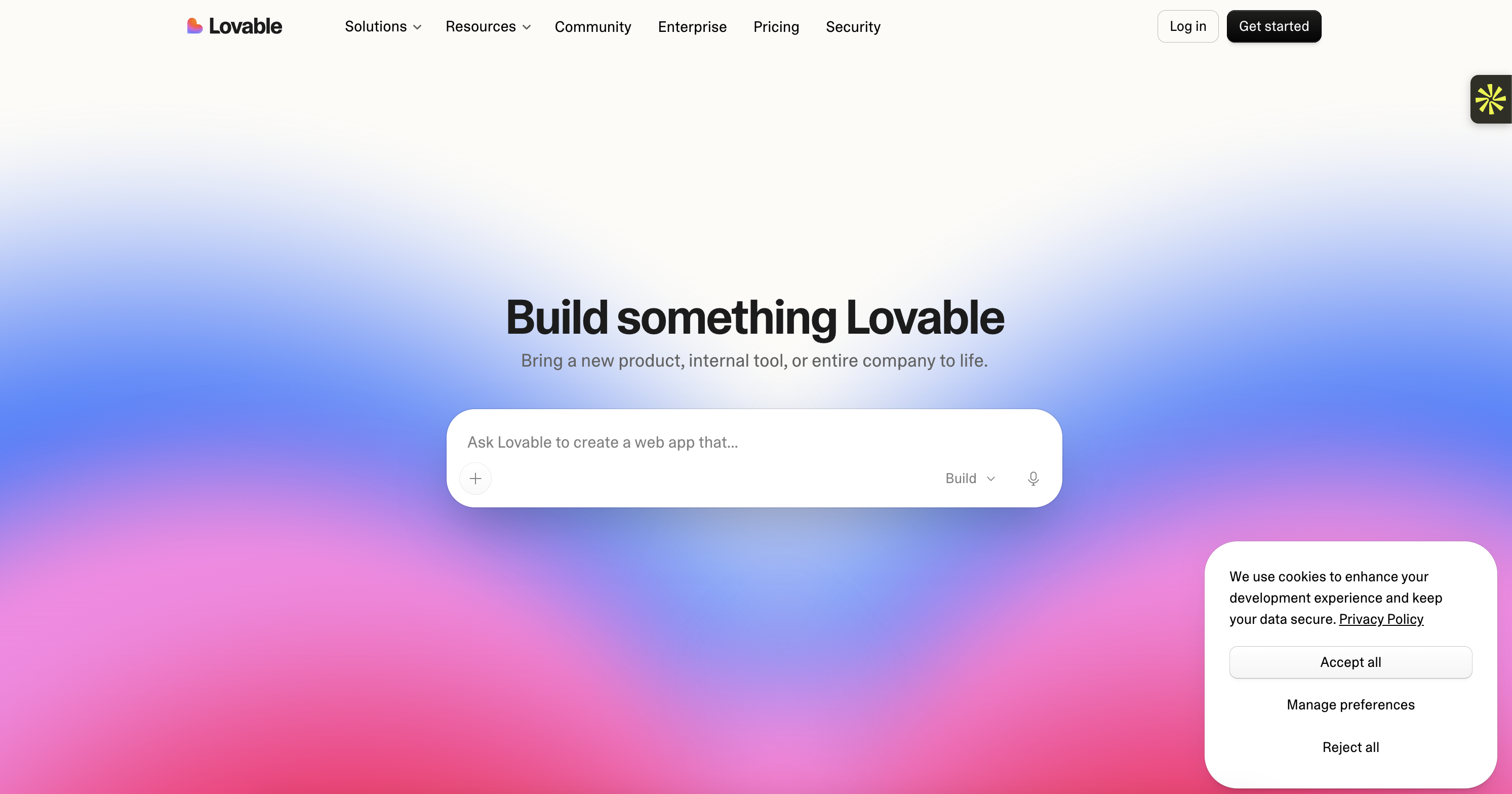
Best for: Entrepreneurs, startups, and creators who want to turn an idea into an interactive website or web application.
Lovable takes a slightly different approach from traditional website builders. Instead of choosing a template and adjusting every section yourself, you describe what you want to build through a conversation with AI.
For example, imagine you want to launch a platform where customers can create an account, browse products, and save their favorite items. You can explain how it should work, and Lovable can generate the interface and functionality behind it.
You can then keep improving the project by asking the AI to add features, change the layout, or fix something that isn't working as expected. You can also access the generated code for more control over your project.
Key features:
Build websites and web applications using natural-language prompts.
Generate pages, layouts, forms, and interactive features.
Refine your project through an AI chat.
Connect custom domains on paid plans.
Integrate tools and services into your project.
Access and work with the code generated for your projects.
Pricing:
Plan | Price | What's included |
Free | $0/month | Explore the platform with limited daily credits |
Pro | From $25/month | 100 monthly credits and additional features |
Business | From $50/month | More credits and additional team and security features |
Check the official Lovable pricing page for current plan details.
Why it's great:
Lovable is particularly useful when your idea involves more than a few static pages. You can build something interactive and keep developing it through conversation.
Why it might not be for you:
If you only need a simple company website with a homepage, an About page, and a contact form, Lovable may offer more technical flexibility than you actually need. It's closer to an AI-powered development tool than a traditional drag-and-drop website builder.
Bottom line:
Choose Lovable when you want to build an interactive website or turn a business idea into a working web application without starting from scratch.
2. Neopress : Best for creating and managing websites through AI chat
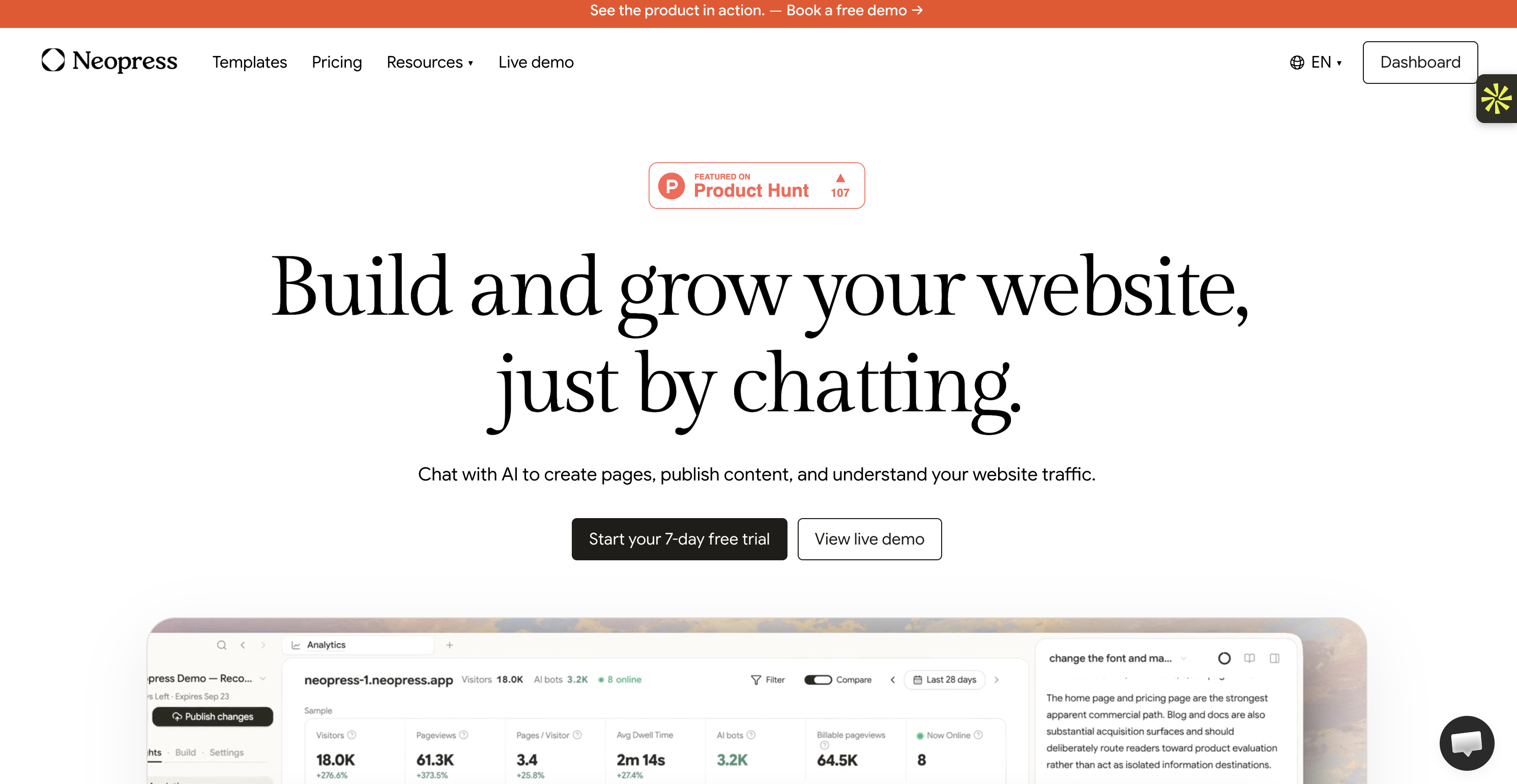
Best for: Businesses, marketers, and teams that want to create a professional website and continue improving it with AI.
Neopress is built around a simple idea: you shouldn't need to manage several complicated tools just to create and maintain your website.
Instead of manually editing every page, you can chat with AI to create new pages, update existing content, and publish changes. You can also use the platform to understand how your website is performing and identify opportunities to improve it.
For example, if you want to add a new service page, you can describe what the page should include and let AI help you build it. Once it's ready, you can review the result and publish it.
Neopress also puts a strong focus on search visibility. It includes SEO and AEO features such as structured data, sitemap controls, server-side rendering, and tools that help search engines and AI systems access your content.
Key features:
Create and edit website pages through AI chat.
Publish content and manage unlimited pages.
Manage CMS collections and contact forms.
Built-in SEO and AEO optimization.
Server-side rendering (SSR), structured data, and sitemap controls.
Google Analytics and Google Search Console integrations.
Website traffic and search query tracking.
Multilingual support on the Growth plan.
Pricing:
Plan | Price | What's included |
Launch | $25/month per website | 10,000 monthly page views, unlimited pages, CMS collections, forms, SEO/AEO features, and basic analytics |
Growth | $99/month per website | 50,000 monthly page views, more AI usage, 10 editor seats, advanced analytics, multilingual support, and team collaboration |
Neopress offers a 7-day free trial. Additional page views are charged separately. See the official Neopress website for details.
Why it's great:
Neopress doesn't stop at generating your first website. It brings website creation, content publishing, SEO, and analytics together, making it useful for businesses that need to keep their website active and up to date.
Why it might not be for you:
Neopress is designed for websites and content management rather than building complex software products. If you want to create a sophisticated application with custom user accounts and advanced interactive functionality, a tool like Lovable may be a better fit.
Bottom line:
If you want to build a professional website and manage its content and performance through AI, Neopress is worth considering.
3. 10Web : Best for AI-powered WordPress websites
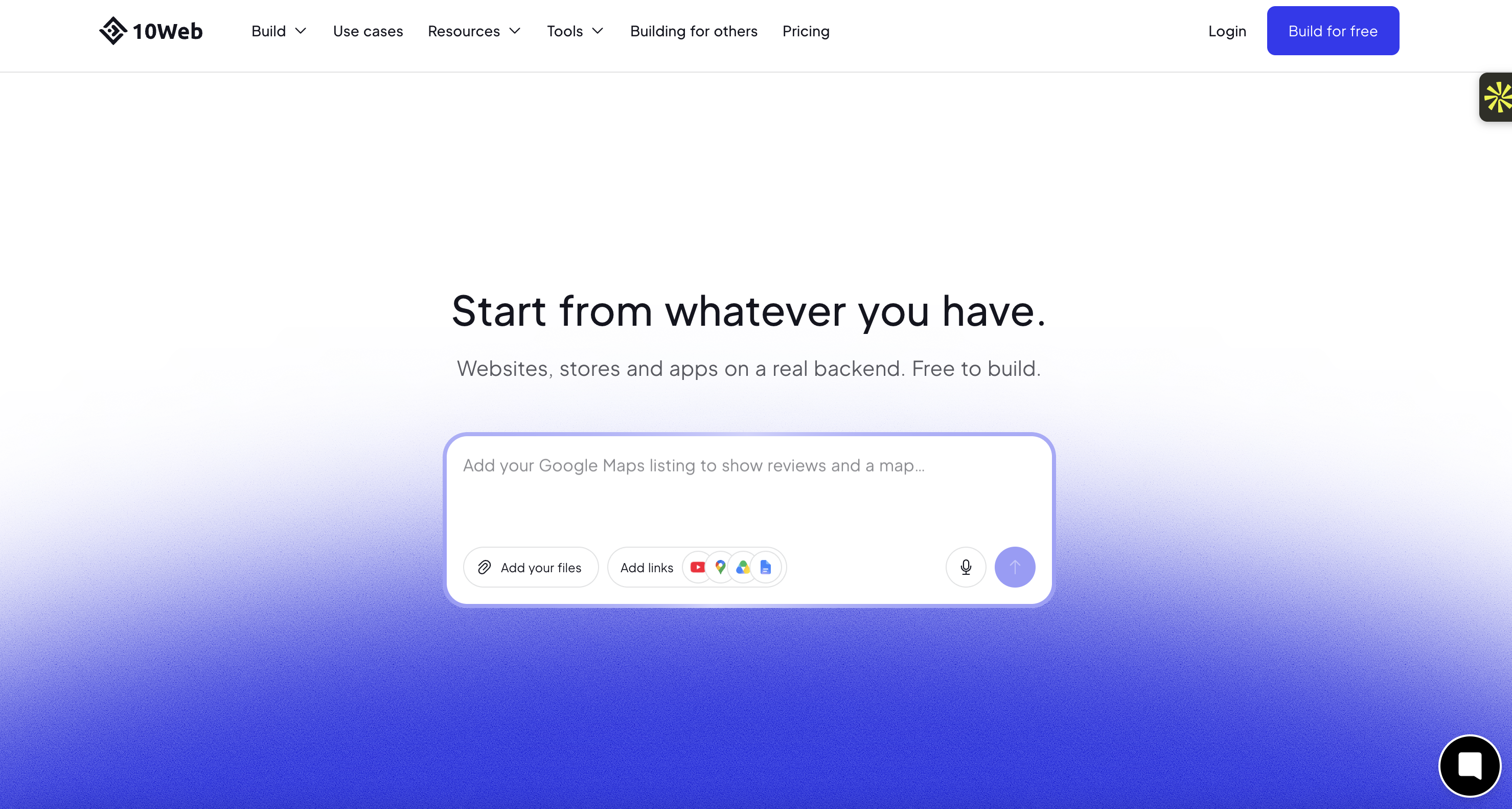
Best for: Businesses, bloggers, and website owners who want the flexibility of WordPress with AI assistance.
If you've already worked with WordPress, you know how much flexibility it offers. However, setting up a website, choosing a theme, adjusting layouts, and configuring plugins can take time.
10Web uses AI to make that process easier. You can generate a new website from a description or use its AI tools to recreate an existing website in WordPress.
Once the initial version is ready, you can edit the pages using its visual editor and continue making changes with AI. Since the platform is built around WordPress, you also get access to its wider ecosystem of themes, plugins, and integrations.
Key features:
Generate WordPress websites using AI.
Recreate existing websites with AI.
Edit layouts and content with a visual editor.
Managed WordPress hosting.
SSL certificates and automatic backups.
AI tools for generating and improving website content.
Access to the WordPress ecosystem.
Pricing:
Plan | Price (annual billing) | What's included |
AI Starter | $10/month | 1 website, AI website generation, and managed hosting |
AI Premium | $15/month | Up to 2 websites and additional resources |
AI Ultimate | $22.50/month | Up to 4 websites and higher resource limits |
10Web offers a 3-day free trial. Check the official 10Web pricing page for the latest plan details.
Why it's great:
You get AI-assisted website creation without giving up the flexibility of WordPress. It's also a practical option if you already use WordPress and want to simplify your workflow.
Why it might not be for you:
You'll still need to understand some WordPress basics, especially if you want to manage plugins, hosting settings, and more advanced website features.
Bottom line:
Choose 10Web if you want AI to speed up WordPress website creation while keeping access to the WordPress ecosystem.
4. Hostinger AI Website Builder : Best for affordable website creation
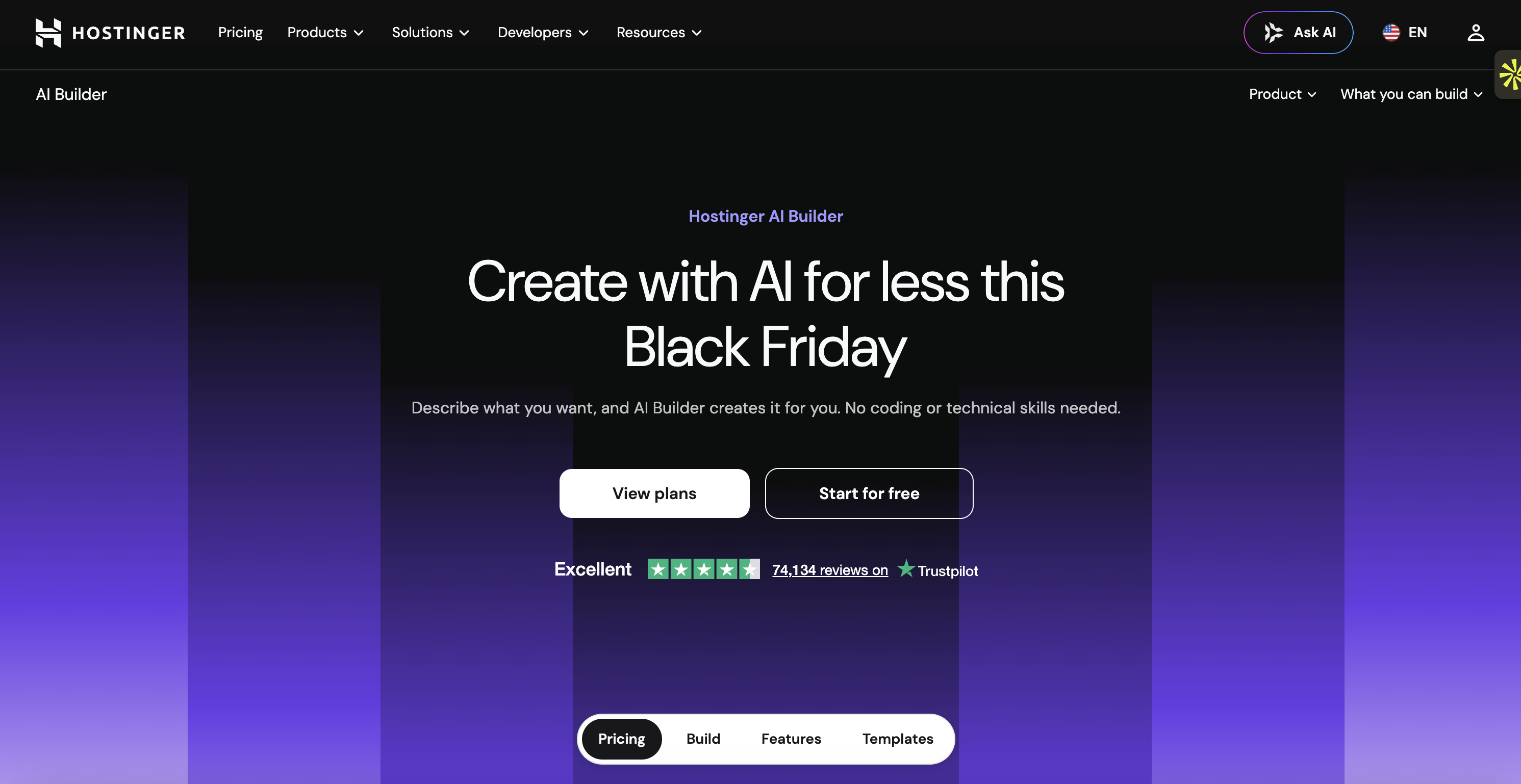
Best for: Beginners, freelancers, and small businesses looking for an affordable way to build a website.
Hostinger combines AI website generation with hosting and website management tools. This means you don't need to find a separate hosting provider before getting started.
You can describe your business and the type of website you want, and the AI will generate an initial design with pages, text, and images. From there, you can make changes using the visual editor or continue working with AI.
Hostinger also offers an Agentic mode for more conversational website and web app creation. Depending on your plan and project, you can use it to build more than a standard business website.
Key features:
Generate websites from a text description.
Edit pages using AI or a drag-and-drop editor.
Hosting and SSL included.
Free custom domain for the first year on eligible plans.
Built-in SEO tools.
Website templates for different industries.
AI-assisted website and web app creation.
Pricing:
Plan | Promotional price | Renewal price | What's included |
Premium | $2.99/month | $10.99/month | Website builder, hosting, and a free domain for the first year |
Business / Unlimited | $3.99/month | $16.99/month | More AI credits and additional website and business features |
Cloud Startup | $7.99/month | $25.99/month | Higher hosting resources and additional features |
These promotional prices require a 48-month subscription paid upfront. Check the official Hostinger pricing page for current offers and renewal terms.
Example: Imagine you're a freelancer who needs a portfolio website to showcase your work. You can describe your services, preferred design, and target audience, then let Hostinger generate the first version. After that, you can update your projects, images, and contact information yourself.
Why it's great:
Hosting, website creation, and basic business tools are available in one place. The introductory price also makes it accessible if you're working with a limited budget.
Why it might not be for you:
The lowest advertised price requires a long subscription paid upfront. Also, AI credits are limited, so check how much AI usage is included before choosing a plan.
Bottom line:
Hostinger is a good starting point if you want an affordable website builder with hosting included and don't need advanced customization.
5. Framer : Best for creative and design-focused websites
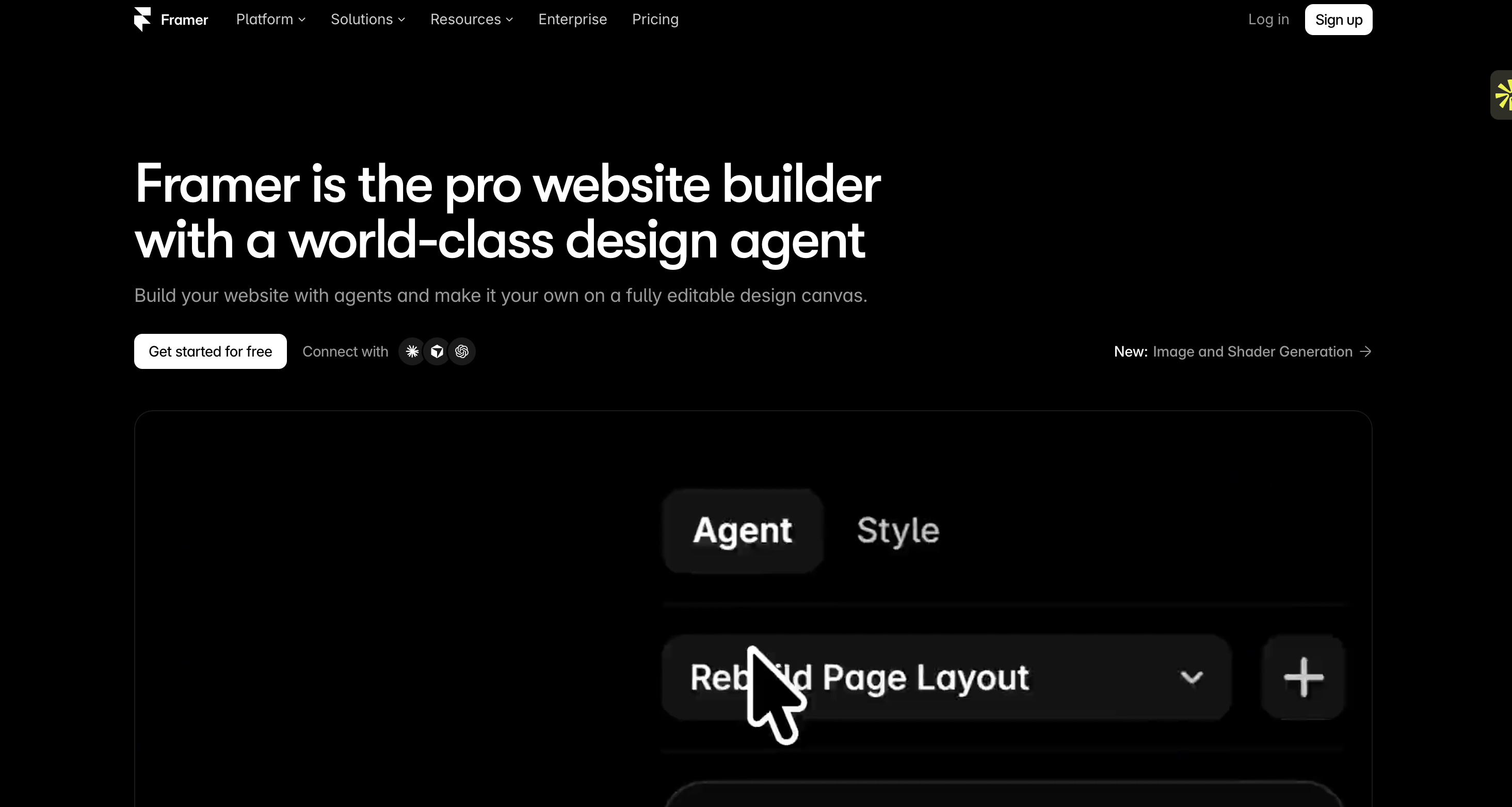
Best for: Designers, creatives, agencies, and startups that care about how their website looks and feels.
Framer is especially interesting if you want a website that looks carefully designed rather than something that feels like a standard template.
Its AI tools help you generate website layouts and content from prompts. You can then use the visual editor to adjust spacing, typography, animations, and individual sections.
The platform gives you plenty of control over the final appearance, which makes it popular with people who want to create polished landing pages, portfolios, and marketing websites.
Key features:
Generate website layouts with AI.
Visual editing with detailed design controls.
Responsive website layouts.
Custom animations and interactions.
Built-in SEO features.
CMS collections for managing content.
Hosting and custom domain support on paid plans.
Pricing:
Plan | Price (annual billing) | What's included |
Free | $0/month | Basic website creation and limited resources |
Basic | $10/month | Custom domain support and basic site features |
Pro | $30/month | More CMS collections, redirects, staging, and additional resources |
See Framer's official pricing for current limits and features.
Example: Let's say you're launching a creative agency and want a landing page that feels different from your competitors. You can use Framer to generate the initial layout, then refine the typography, animations, and spacing until the website matches your brand.
Why it's great:
Framer gives you more creative freedom than many beginner-focused AI builders. It's particularly useful when the visual identity of your website matters.
Why it might not be for you:
If you're completely new to website design, some of its customization options may take time to understand. It may also be more than you need for a simple informational website.
Bottom line:
Framer is a strong choice when design quality and visual control are your main priorities.
6. Squarespace : Best for elegant business and portfolio websites
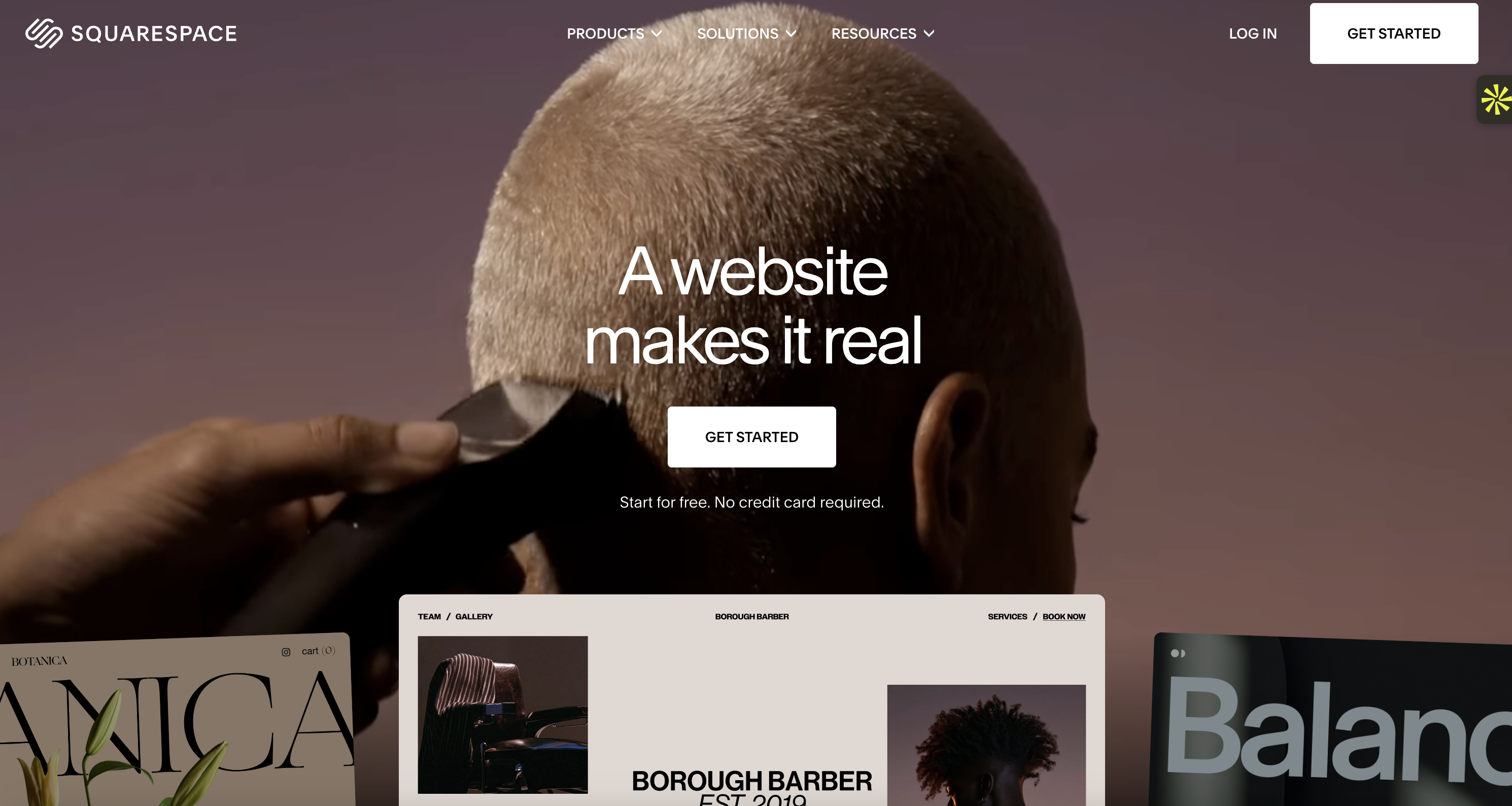
Best for: Creatives, consultants, photographers, and small businesses that want a polished website.
Squarespace is known for its professionally designed templates. Its AI tools add another way to create website content and get your pages started without writing everything yourself.
You can choose a design direction, customize the layout, and use its built-in tools to manage your website. Squarespace also brings together features such as blogging, scheduling, e-commerce, and marketing, depending on the plan you choose.
It's particularly useful if you want your website to look professional without spending too much time learning web design.
Key features:
Professionally designed website templates.
AI-assisted content creation.
Drag-and-drop page editing.
Blogging and portfolio tools.
E-commerce and payment features.
Built-in analytics and SEO tools.
Domain registration and hosting options.
Pricing:
Plan | Price (annual billing) | What's included |
Basic | $19/month | Website creation and essential business features |
Core | $29/month | Additional website and business features |
Plus | $49/month | More advanced selling and commerce features |
Advanced | $99/month | Expanded e-commerce and business capabilities |
Squarespace offers a 14-day free trial, but no permanent free plan. See the official Squarespace pricing page for current plan details.
Example: Imagine you're a photographer who wants to showcase a portfolio and receive booking requests. You can choose a photography template, add your images, create service pages, and use Squarespace's built-in tools to manage your online presence.
Why it's great:
Squarespace combines attractive templates with practical business features. You don't need to connect lots of different services just to get a professional website online.
Why it might not be for you:
It doesn't offer a permanent free plan, and its design system is more structured than platforms that give you complete control over every element.
Bottom line:
Choose Squarespace if you want an elegant website with useful business features and a relatively straightforward editing experience.
7. Webflow : Best for advanced design control
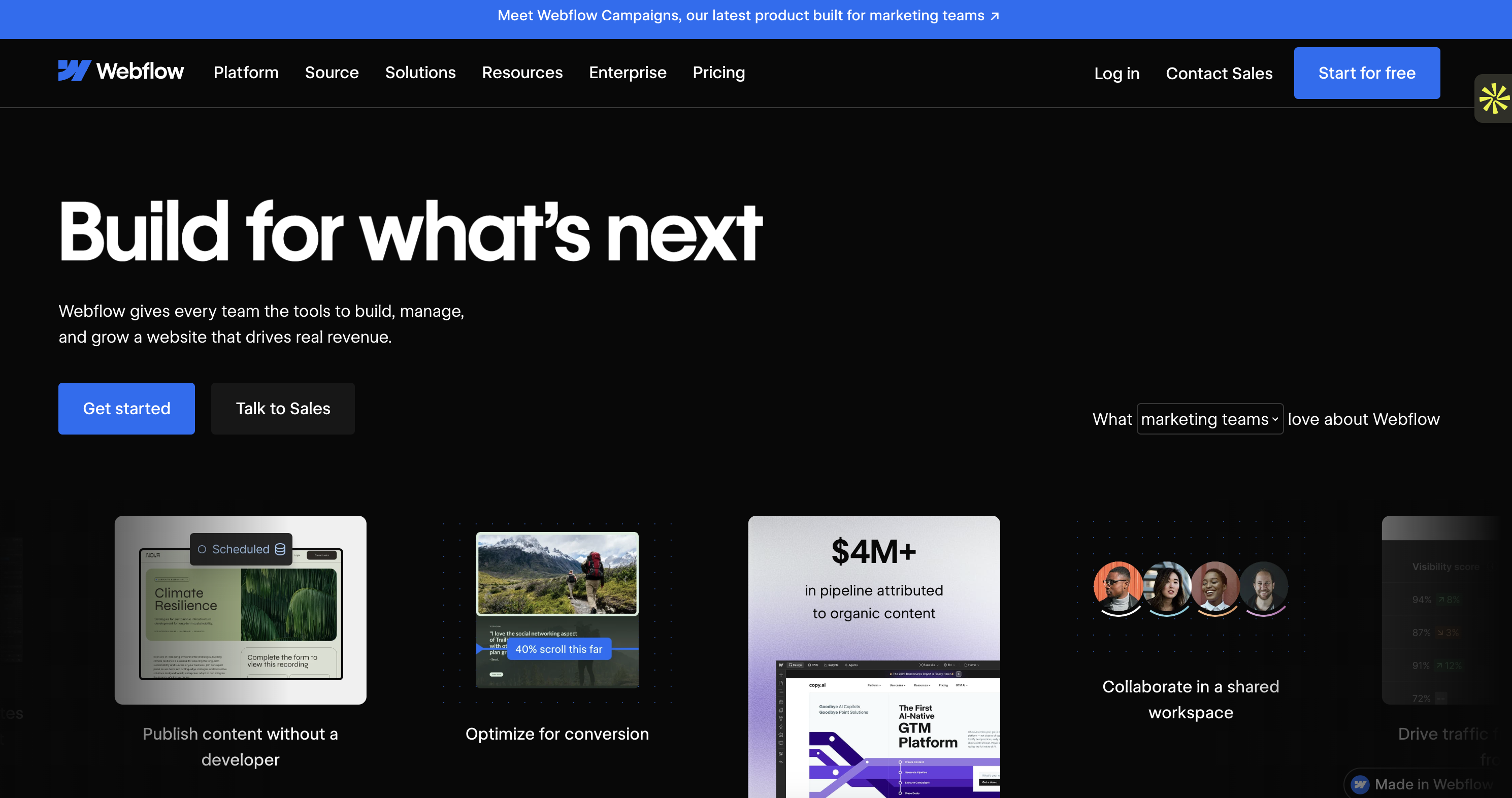
Best for: Designers, agencies, and businesses that need more control over their website's structure and appearance.
Webflow is not the simplest tool on this list, but it gives you a lot of control over how your website is built.
Its visual editor lets you work with layouts, spacing, typography, responsive breakpoints, and interactions. Webflow also includes AI features that can help generate websites, sections, and content.
This makes it interesting for people who want to speed up the initial creation process without giving up control over the details.
Key features:
AI-assisted website and section generation.
Visual design editor.
Advanced layout and responsive controls.
CMS for blogs and dynamic content.
Animations and interactions.
SEO settings and custom code options.
Hosting and custom domain support on paid plans.
Pricing:
Plan | Price (annual billing) | What's included |
Starter | $0/month | Free Webflow.io domain and limited static pages |
Basic | $15/month | Custom domain and up to 300 static pages |
CMS | $25/month | CMS collections and additional content features |
Webflow also has separate Workspace plans. See Webflow's official pricing to compare both types of plans.
Example: Let's say you're building a website for a SaaS company. You want different landing pages for each product feature, a blog, and custom animations. Webflow gives you the flexibility to structure these pages and fine-tune their design.
Why it's great:
Webflow offers much more control than many simple website builders. It's particularly useful for agencies and businesses that want a custom-looking website.
Why it might not be for you:
The learning curve is steeper. If you just want to publish a basic website quickly, you may find Webflow unnecessarily complicated.
Bottom line:
Webflow is a good option when you need advanced design control and are willing to spend time learning the platform.
8. GoDaddy Airo : Best for launching an online business
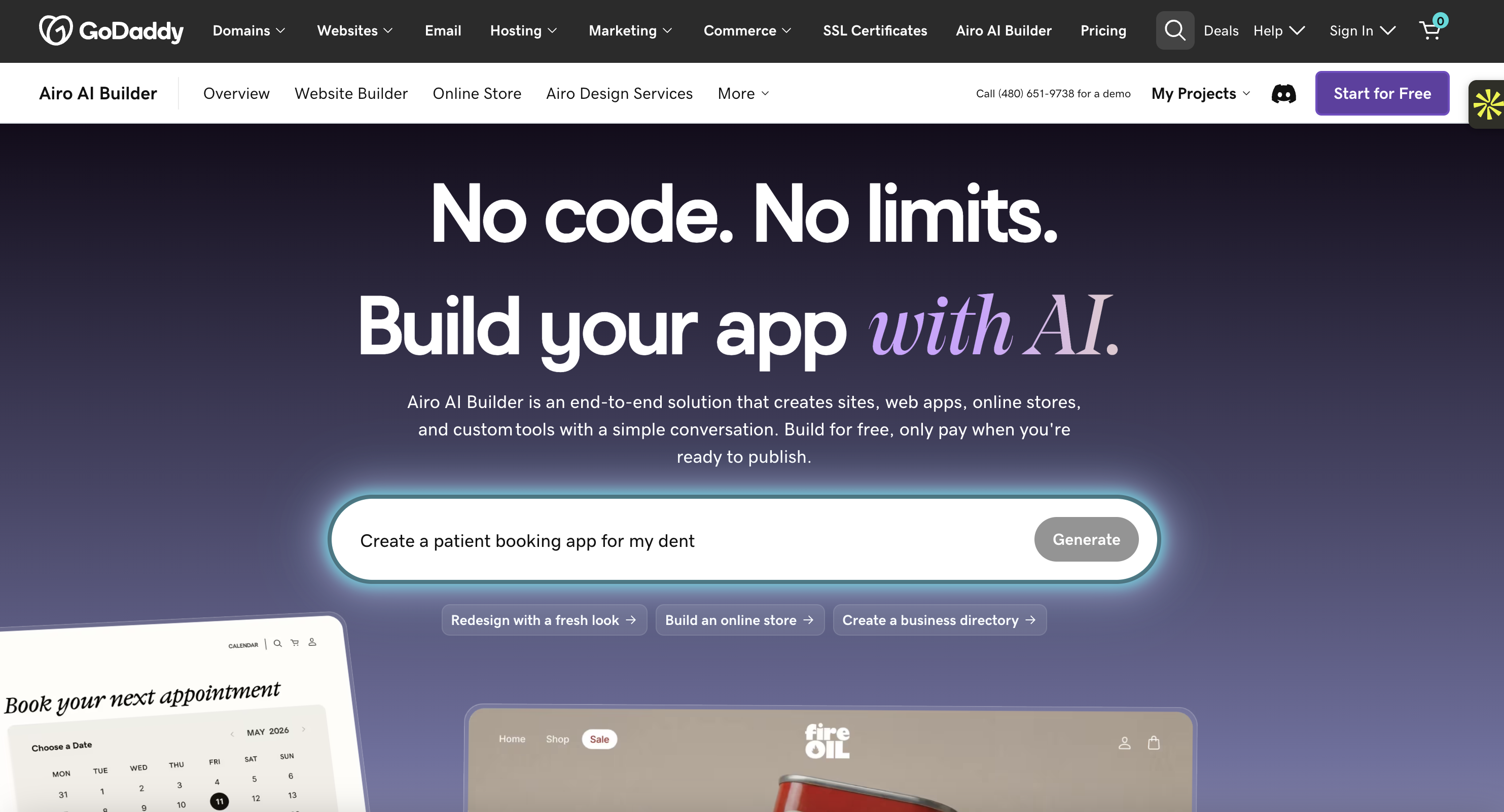
Best for: Entrepreneurs, creators, and small businesses that want to build a website and access business tools in one place.
GoDaddy Airo goes beyond generating a simple website. It can help you create websites, web apps, pages, databases, and other features through natural-language prompts.
You start by describing your idea. Airo then generates a first version that you can refine through AI or manual editing.
The advantage is that GoDaddy brings hosting, security, domains, and business-related tools together. Depending on your plan, you can also access marketing features, payments, bookings, and analytics.
Key features:
Generate websites and web apps from prompts.
Create pages, databases, and interactive features.
Built-in hosting and SSL.
Connect custom domains.
Marketing and social media tools.
Online payments and booking features on eligible plans.
AI credits for building and editing.
Pricing:
Plan | Price | What's included |
Free | $0/month | 50 AI credits per month |
Starter | $9.99/month (annual billing) | 150 AI credits per month and one published site or app |
Professional | $24.99/month | More publishing capacity and additional features |
Ultimate | $99.99/month | Higher publishing capacity and expanded features |
Check GoDaddy's official Airo page for current plan details and regional pricing.
Example: Imagine you're launching a local beauty business. You need a website where customers can discover your services, contact you, and book appointments. Airo can help generate the website and bring several of these business functions together.
Why it's great:
You can go from an idea to a working online presence without having to manage multiple providers for hosting, security, and other basic services.
Why it might not be for you:
Airo uses AI credits, so the amount of AI-powered building you can do depends on your plan. You'll also want to review the generated website carefully before publishing it.
Bottom line:
GoDaddy Airo is worth considering if you want more than a website and prefer having several business tools under one platform.
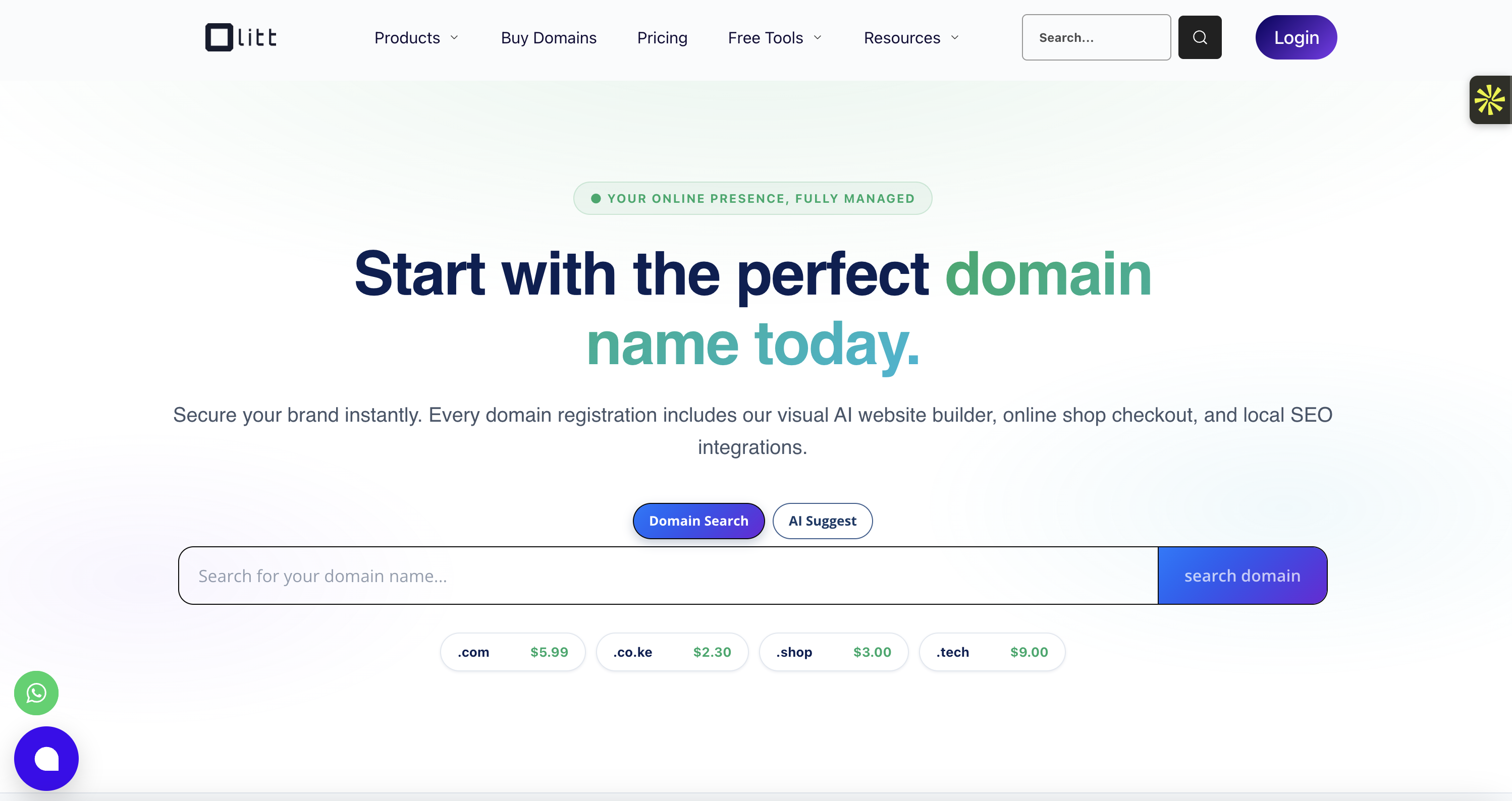
9. Olitt : Best for small businesses looking for an all-in-one solution
Best for: Small businesses and entrepreneurs who want a website alongside basic marketing tools.
Olitt combines AI website creation with tools designed to help businesses manage their online presence.
You can use AI to generate a website, then edit the result and manage it through the platform. Depending on your plan, Olitt also offers features for social media management, email marketing, forms, analytics, and business listings.
This makes it interesting if you're looking for more than just a website editor.
Key features:
AI-powered website generation.
Managed website hosting.
Custom domain support.
Website editing and customization.
Marketing forms and email tools.
Social media management features.
Analytics and business listing tools.
Pricing:
Plan | Price | What's included |
Hobby | From $10/year | Basic features for smaller projects |
Starter Websites | From $36/year | AI website creation, hosting, and additional business features |
Higher-tier plans | Varies | Additional websites and expanded marketing features |
Check Olitt's official pricing page for current plan limits and billing options.
Example: Let's say you own a small cleaning company and want to create a website where customers can discover your services and contact you. You can use Olitt to generate the website and then explore its marketing tools to help manage your online presence.
Why it's great:
Olitt brings website creation and several marketing tools together. This can be convenient if you don't want to subscribe to multiple services just to manage your business online.
Why it might not be for you:
Its range of tools may take some time to explore, and businesses that need advanced website customization may prefer a more specialized platform.
Bottom line:
Olitt is worth a look if you want a website builder that also offers basic marketing and business management features.
10. Design.com : Best for AI-generated website designs and branding
Best for: Beginners, freelancers, and small businesses that want to create a website and build a consistent brand.
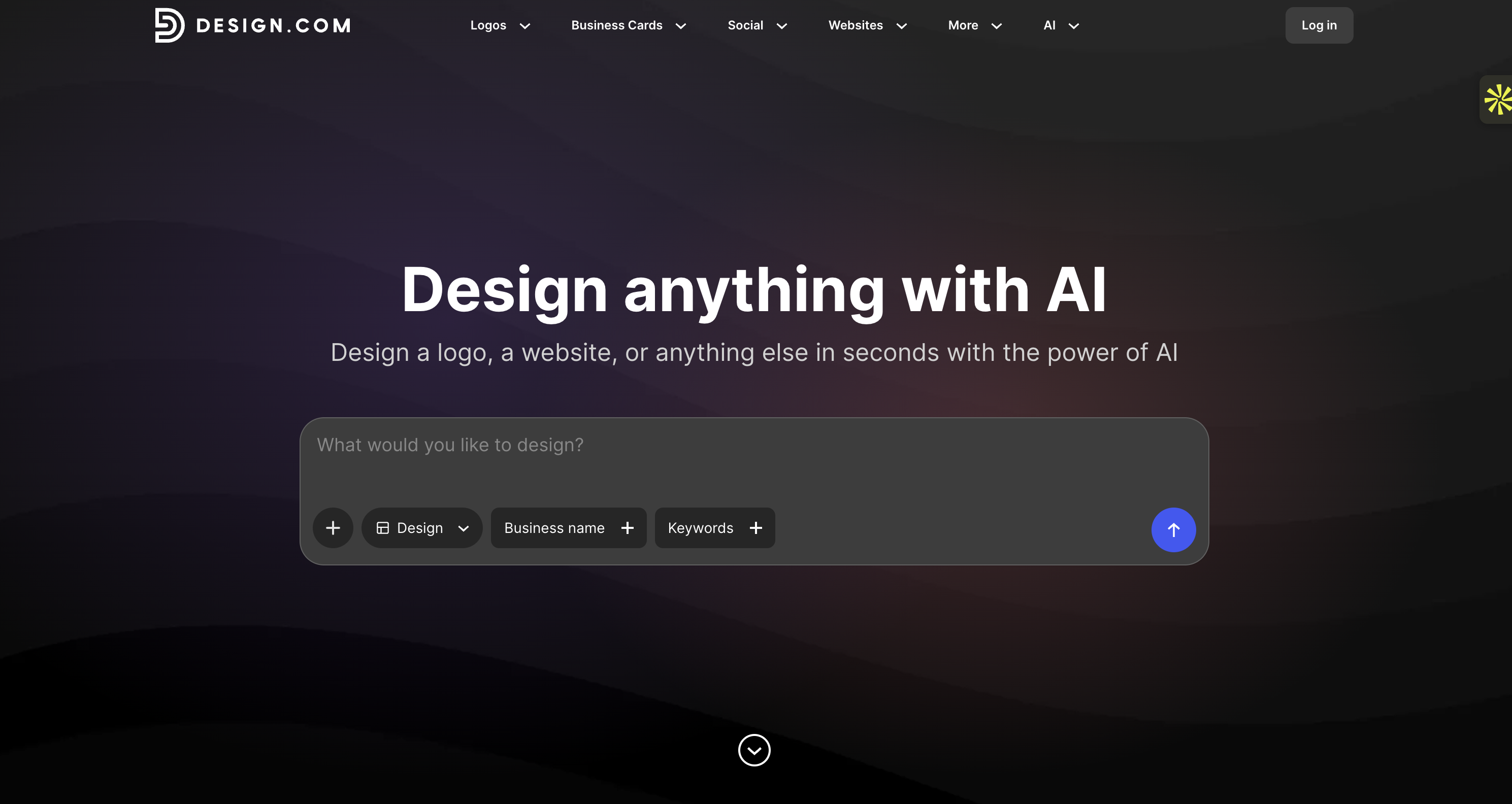
Design.com focuses on making website creation visual and straightforward.
You start by entering your business name and a few keywords describing what you do. The AI then generates website design options based on your information. Instead of being limited to one initial result, you can explore different directions and choose the design that fits your business.
Once you've found a layout you like, you can customize the colors, fonts, images, and other elements using its visual editor.
Another interesting feature is that Design.com also offers branding tools. You can create logos, business cards, social media graphics, and other materials that match your website.
Key features:
AI-generated website designs.
Multiple design options to explore.
Visual editing for fonts, colors, and layouts.
Built-in hosting and publishing.
Custom domain support on eligible plans.
AI logo creation and branding tools.
Social media and marketing design templates.
Pricing:
Plan | Price | What's included |
Free | $0/month | Basic website with up to three pages and Design.com branding |
Paid | From $6/month (annual billing) | More pages and additional website features |
Monthly option | From $9/month | Paid website features with monthly billing |
See Design.com's official website builder for current plan details.
Example: Imagine you're opening a new online consulting business but don't have a logo, website, or consistent brand identity yet. You can use Design.com to generate website concepts and then create matching visual materials for your business.
Why it's great:
You can explore several design options and create supporting brand materials without switching between different design platforms.
Why it might not be for you:
Design.com is more focused on visual website creation and branding than advanced website functionality. If you need a complex web application or a highly customized content management system, another tool may be more suitable.
Bottom line:
Design.com is a practical choice if you want to create a simple website and establish a consistent visual identity at the same time.
Quick comparison: Which AI website builder should you choose?
Each platform has a different strength. Some are better for simple business websites, while others are designed for interactive applications, advanced design, or content management.
Here's a quick overview to help you compare them.
AI Website Builder | Best for | Starting price | Main strength |
Lovable | Interactive websites and web apps | Free / $25 per month | AI-powered development |
Neopress | Professional websites and content management | $25 per month | AI chat, SEO, and analytics |
10Web | WordPress websites | $10 per month | AI-powered WordPress creation |
Hostinger | Beginners and small budgets | $2.99 per month | Affordable all-in-one setup |
Framer | Designers and creatives | Free / $10 per month | Visual design flexibility |
Squarespace | Portfolios and business websites | $19 per month | Professional templates |
Webflow | Advanced website design | Free / $15 per month | Detailed design control |
GoDaddy Airo | Small businesses and entrepreneurs | Free / $9.99 per month | Website and business tools |
Olitt | Small businesses | $10 per year | Website and marketing tools |
Website design and branding | Free / $6 per month | Multiple design options |
Prices are indicative starting prices based on the plans and billing terms described above. Promotional offers, annual commitments, taxes, and regional pricing can change the final cost.
How to choose the best AI website builder for your needs
With so many options available, it's easy to choose a platform based only on its advertised price or how quickly it generates a website.
But before subscribing, think about what you actually need your website to do.
1. Decide what type of website you want to build
Start with the basics. Are you creating a portfolio, a business website, an online store, or a web application?
For example:
Business website: Neopress, Hostinger, or Squarespace.
Portfolio or creative website: Framer or Squarespace.
WordPress website: 10Web.
Interactive website or web app: Lovable or GoDaddy Airo.
Website and branding: Design.com.
Website with marketing tools: Olitt.
Choosing a tool that matches your project will save you time later.
2. Look beyond the initial AI-generated design
Getting a website generated in a few minutes sounds great, but that's only the first step.
You should also check how easily you can edit the result. Can you add new pages? Change the layout? Update your content? Connect a form? Add a booking system or payment feature?
A good AI website builder should make it easy to improve your website after the first version is created.
3. Check the SEO features
If you want people to find your website through Google, SEO should be part of your decision.
Look for features such as:
Editable page titles and meta descriptions.
Custom URLs.
Mobile-friendly pages.
XML sitemaps.
Structured data.
Fast page loading.
Redirect management.
Some builders include more advanced SEO tools than others. If organic traffic is important to your business, compare these features before committing to a platform.
4. Understand the real pricing
Don't choose a platform just because it advertises a very low monthly price.
Some builders require you to pay for an entire year or several years upfront. Others limit the number of AI credits you can use, or charge extra for features such as e-commerce, additional websites, and advanced analytics.
Before subscribing, check:
How much you pay today.
Whether the price is promotional.
How much the plan costs when it renews.
Whether hosting is included.
Whether you need to pay separately for a domain.
How many AI credits or generations are included.
5. Think about what happens when your business grows
Your needs may change over time.
A simple website might be enough today, but later you may want to add a blog, publish content in different languages, create landing pages, or integrate more advanced features.
Choose a platform that gives you enough room to grow without forcing you to rebuild everything a few months later.
Final thoughts
AI website builders have made it much easier to turn an idea into a working website. But the best tool isn't necessarily the one that generates a website the fastest.
Think about what you want to achieve. If you're building an interactive product, Lovable may be the right choice. If you need a professional website that you can keep updating through AI chat, Neopress is worth exploring. And if design flexibility is your priority, Framer or Webflow may be a better fit.
Take advantage of free plans and trials where available, test a few platforms, and see which one gives you the right balance of design, functionality, and control.
FAQ:
1. What is the best AI website builder in 2026?
It depends on what you want to create. Lovable is a strong option for interactive websites and web applications. Neopress is worth considering for professional websites that you want to create and manage through AI chat. For WordPress, 10Web is a good choice, while Framer is particularly useful for design-focused projects.
2. Can AI build a complete website for me?
Yes. Many AI website builders can generate a website from a simple description, including its pages, layout, text, and images. Some platforms can also create interactive features, forms, and integrations.
However, you'll still need to review the result, check the information, customize the design, and make sure everything works before publishing.
3. Are AI website builders free?
Some AI website builders offer free plans or trials. However, free versions often come with limitations, such as platform branding, restricted page numbers, or no custom domain.
For example, Lovable offers a free plan, while Design.com lets you publish a basic website for free. Other platforms, such as Squarespace, offer a free trial rather than a permanent free plan.
4. Can I use an AI website builder without coding?
Yes. Most AI website builders are designed for people without coding experience. You can describe what you want, let AI generate the initial website, and then make changes using a visual editor or chat.
Some platforms, such as Lovable and Webflow, also give you access to more advanced controls if you want to customize the result further.
5. Are AI-generated websites good for SEO?
They can be. An AI-generated website can perform well in search results if it has useful content, a clear structure, good loading performance, and properly configured SEO elements.
However, simply generating a website with AI doesn't guarantee that it will rank on Google. You'll still need to work on your content, keyword targeting, internal links, and overall website quality.
6. Can I change my website after AI generates it?
Yes. Most AI website builders let you continue editing your website after the initial generation.
You can usually update text, replace images, add pages, change colors, and adjust layouts. Some platforms also let you describe the changes you want and ask AI to make them for you.
7. Can I move my website to another platform later?
It depends on the platform. Some builders let you export your website code, while others rely on their own hosting and content management systems.
Before choosing a platform, check whether you can export your code, download your content, transfer your domain, and move your database if needed. This is particularly important if you plan to build a website that will grow over time.
Newsletter
A sharper growth note, once in a while.
Get practical SEO strategies, SSR guides, and AI search insights delivered directly to your inbox.
We respect your privacy. Unsubscribe at any time.