Neopress growth journal
10 best Base44 Alternatives in 2026

Base44 makes it easy to turn an idea into a working application using AI. You simply describe what you want, and the platform generates an app for you.
But Base44 isn't necessarily the best choice for every project. Maybe you want more control over your website, better SEO tools, the ability to export your code, or more advanced features as your project grows.
The good news is that there are plenty of alternatives worth exploring in 2026.
Some focus on building websites, others on creating full-stack applications, and some give developers more control over the code.
In this guide, we'll look at 10 of the best Base44 alternatives to help you find the right tool for your needs.
1. Neopress: Best for AI-powered website creation and SEO
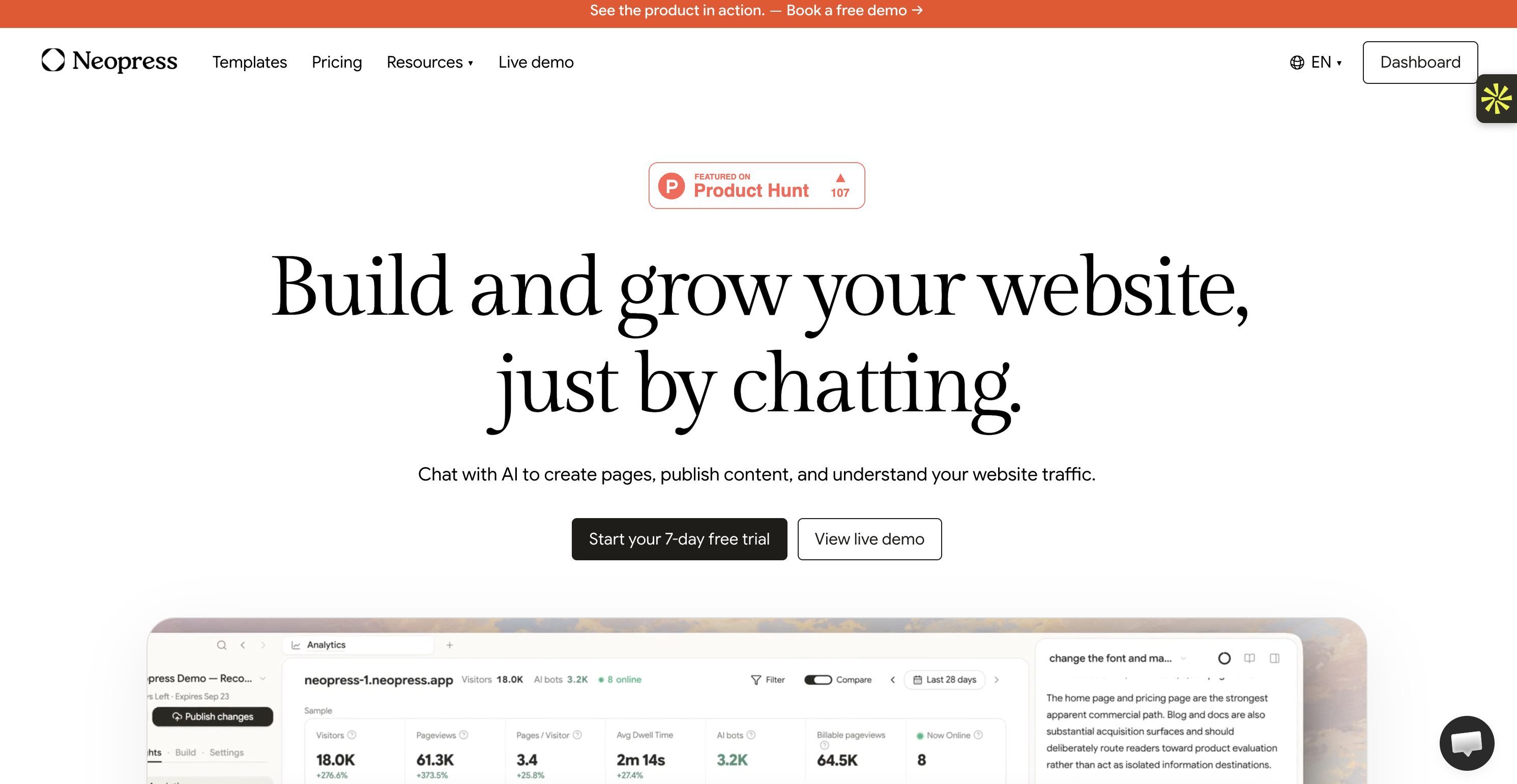
Best for: Entrepreneurs, marketers, and businesses that want to create and grow a website using AI.
Pricing: Starts at $25/month per website.
Neopress is an AI-powered website builder that lets you create, manage, and grow your website simply by chatting with AI.
Instead of spending hours designing pages or navigating complicated website editors, you can describe what you want and let AI help you build it.
You can create pages, publish content, update existing sections, and understand your website traffic, all from one platform.
Neopress also includes SEO and AEO (Answer Engine Optimization) features to help improve your website's visibility in search engines and AI-powered search experiences.
Example:
Imagine you're launching a skincare brand and need a professional website.
With Neopress, you can create your homepage, introduce your products, publish skincare articles, and update your pages by simply chatting with AI.
You can also work on your SEO settings and use website analytics to understand how visitors interact with your content.
Why it's great:
Create and edit website pages through AI chat.
Publish content without complicated workflows.
Built-in SEO and AEO features.
Website analytics and traffic insights.
Templates for different industries.
No coding required for everyday website management.
Why it might not be for you:
Primarily designed for websites rather than complex software applications.
Not a direct replacement for Base44 if you want to build a sophisticated SaaS platform.
Pricing details:
Plan | Monthly Price | Key Features |
Free Trial | $0 for 7 days | Try the platform before subscribing |
Launch | $25/month per website | AI-powered website creation, page editing, and content publishing |
Growth | $99/month per website | Advanced website growth features, SEO/AEO capabilities, and additional tools |
You can start with a 7-day free trial before choosing a paid plan.
Neopress is a particularly interesting option if you want to create a website and keep improving it without managing several different tools.
Bottom line:
Neopress is a great choice for businesses and marketers who want to build a professional website, publish content, and improve their online visibility through AI.
It's not designed to replace Base44 for complex application development, but if your priority is website creation and growth, it's definitely worth considering.
2. Zite: Best for production-ready business software
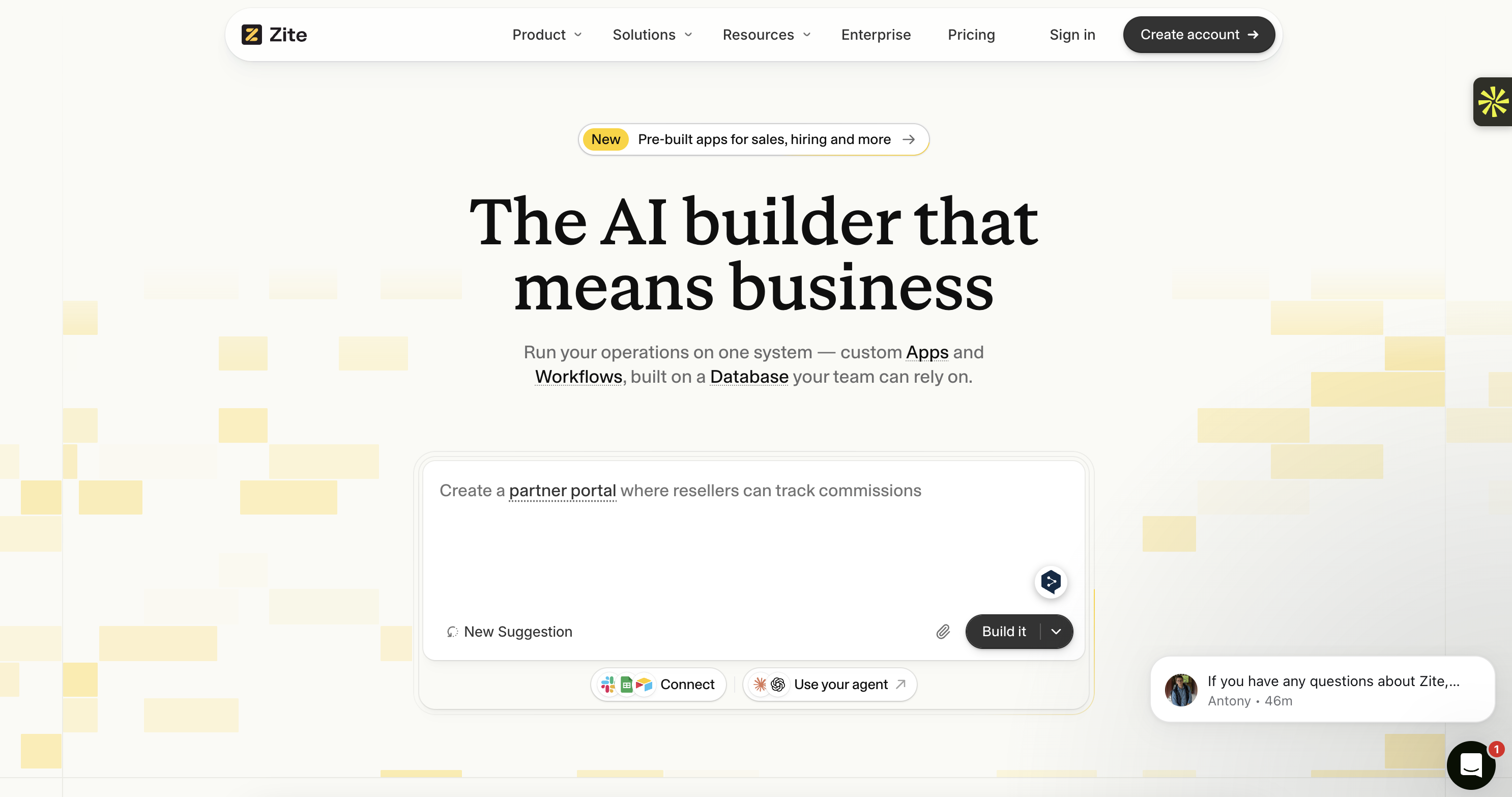
Best for: Businesses that need internal tools, customer portals, and custom business applications.
Pricing: Free plan available; paid plans start at approximately $20/month.
Zite is an AI-powered no-code platform that helps you build business software using simple text prompts.
What makes it different from many AI builders is that you can also edit your applications visually. Instead of repeatedly asking AI to change something, you can directly modify interface components, data models, and workflows.
This is particularly useful if you're not a developer but still want control over how your application works.
Example:
Imagine your company needs an employee onboarding portal.
With Zite, you can describe the application and let AI generate the interface, authentication flows, and database structure. You can then visually adjust the workflows, add document downloads, and customize the different sections.
Why it's great:
Visual workflow editing.
Direct editing of interface components.
Built-in authentication and permissions.
Supports multiple data sources.
Designed for production-ready business applications.
Security features including audit logs and SSO.
Why it might not be for you:
Less suitable for developers who want complete control over the code.
Some advanced customizations may require technical knowledge.
Not primarily designed for public-facing content websites.
Pricing details:
Plan | Monthly Price | Key Features |
Free | $0 | 50 AI credits to try the platform |
Paid Plans | From approximately $20/month | Additional AI usage and access to more platform capabilities |
Pricing and available features may vary depending on the selected plan.
Bottom line:
Zite is a strong Base44 alternative if you want to create business applications that are easier to maintain and modify visually.
3. Lovable: Best for full-stack web applications
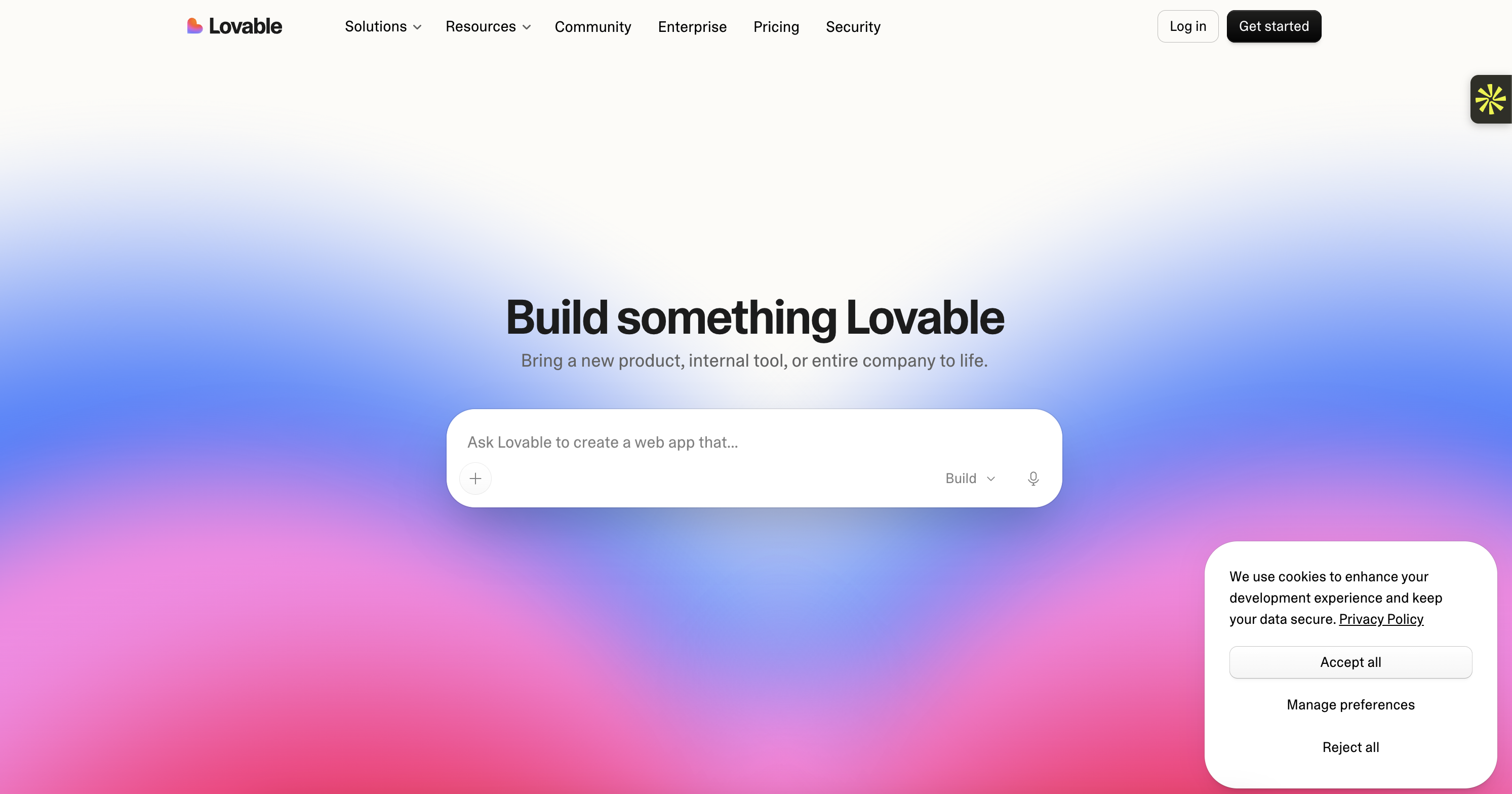
Best for: Entrepreneurs and developers who want to build full-stack web applications using AI.
Pricing: Free plan available; paid plans start at $25/month.
Lovable is an AI-powered application builder that turns written instructions into functional web applications.
You simply describe what you want to create, and Lovable generates the interface and helps build the underlying functionality.
One of its biggest advantages is its integration with GitHub and Supabase. This gives you more flexibility when managing your code, database, and application as your project grows.
Example:
Imagine you want to launch a subscription-based platform.
You can ask Lovable to create a website with user accounts, a dashboard, subscription pages, and a database. AI generates the initial application, which you can then refine through additional prompts.
Why it's great:
Generates full-stack web applications.
GitHub integration for code ownership.
Supabase integration for databases and authentication.
Easy to use through natural-language prompts.
Useful for building SaaS products and prototypes.
Why it might not be for you:
Complex applications may require manual debugging.
AI credits can run out quickly.
Advanced customizations may require coding knowledge.
Pricing details:
Plan | Monthly price | Key features |
Free | $0 | 5 daily credits, up to 30 credits per month |
Pro | $25/month | 100 monthly credits and additional features |
Business | Custom plan options | Additional collaboration and business capabilities |
Lovable's free plan is useful for testing ideas, while Pro is better if you're building applications regularly.
Bottom line:
Lovable is a great option if you want AI to build your application but still want access to your code and the flexibility to develop it further.
4. v0 by Vercel: Best for frontend design
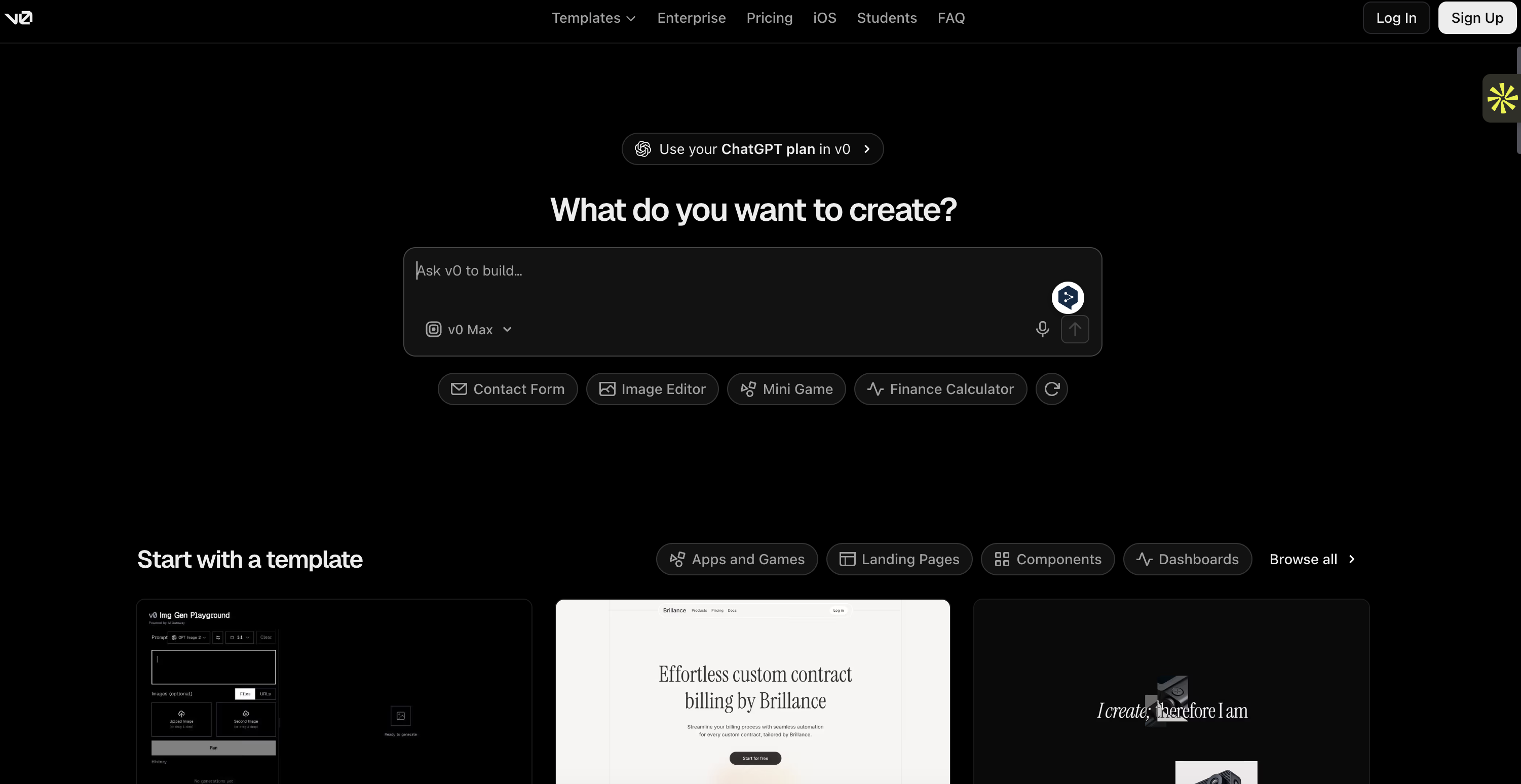
Best for: Developers and designers who want to generate modern website interfaces quickly.
Pricing: Free plan available; Premium starts at $30/month.
v0 is an AI-powered development tool from Vercel that turns text prompts into frontend interfaces.
You can describe a page, upload a design reference, or explain an idea, and v0 generates the corresponding interface using technologies such as React and Next.js.
It's particularly useful if you want a professional-looking website without spending hours writing frontend code.
Example:
Imagine you're building a SaaS dashboard and need a clean interface with analytics charts, pricing cards, a sidebar, and user settings.
You can describe the design to v0 and let it generate the initial interface. You can then refine the layout and components until they match your expectations.
Why it's great:
Generates polished frontend interfaces.
Supports React and Next.js.
Integrates with the Vercel ecosystem.
Useful for quickly testing different designs.
Can work from design references.
Why it might not be for you:
More focused on frontend development than complete backend functionality.
Advanced customizations may require coding knowledge.
Not necessarily the easiest option for beginners who want an entire application built automatically.
Pricing details:
Plan | Monthly Price | Key Features |
|---|---|---|
Free | $0/month | $5 in one-time credits for new users, Vercel deployment, Design Mode, GitHub sync, and 7 messages per day. |
Plus | $30/user/month | Access to all models, $30 in monthly credits, $2 in daily login credits, team collaboration, and centralized billing. |
Business | $100/user/month | Everything in Plus, training opt-out by default, $30 in monthly credits, $2 in daily login credits, and team collaboration. |
Enterprise | Custom pricing | Everything in Business, SAML SSO, role-based access control, no data used for training, priority access, and dedicated support SLAs. |
Bottom line:
v0 is a great choice if the visual quality of your application matters and you want to generate modern interfaces quickly.
5. Cursor: Best for maximum development control
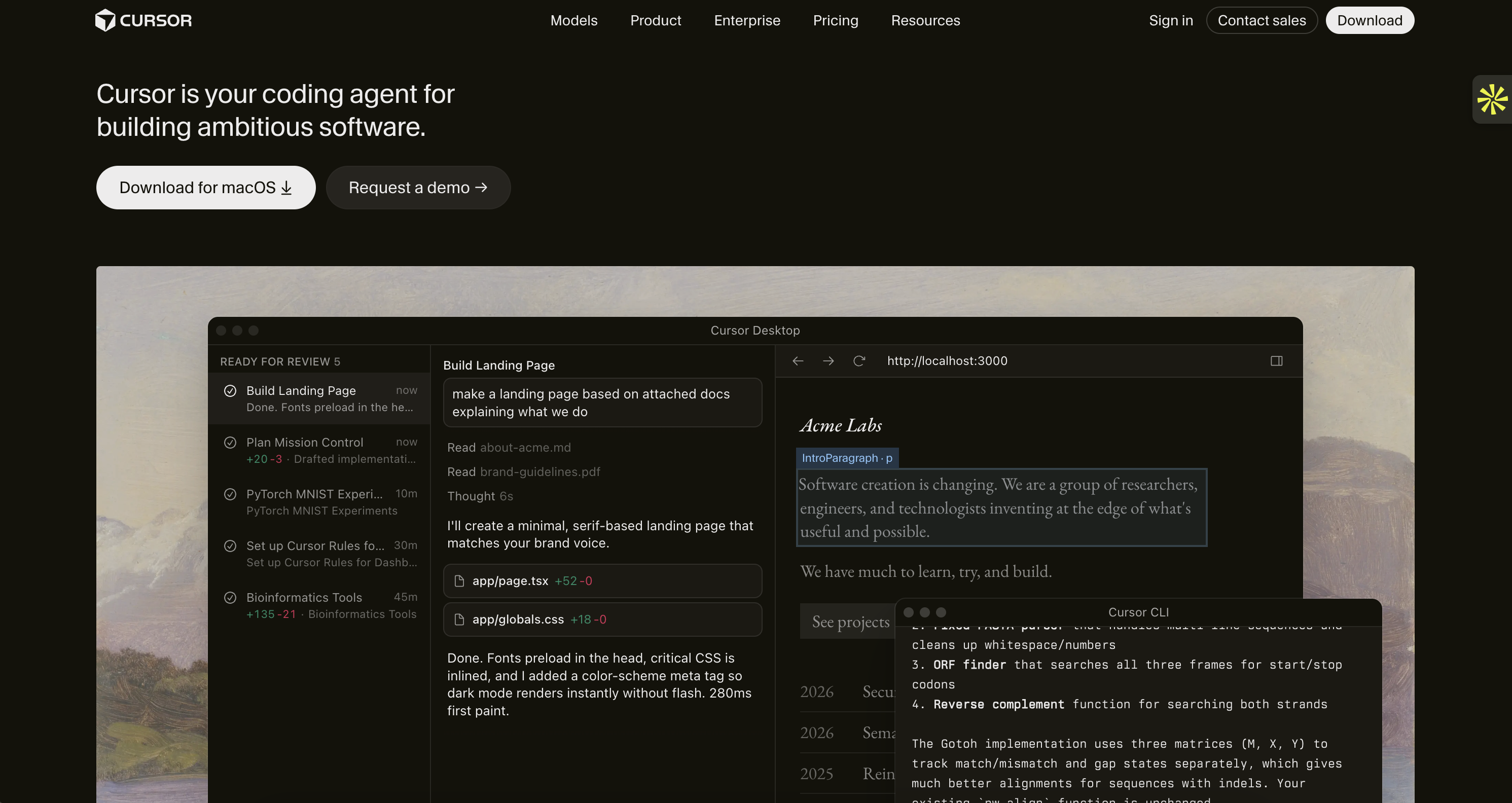
Best for: Developers who want AI assistance while keeping control of their code.
Pricing: Free plan available; paid plans available.
Cursor is an AI-powered code editor designed to make software development faster.
Unlike Base44, which focuses on building applications from prompts, Cursor works directly with your existing codebase.
You can ask it to explain code, find bugs, create new features, or modify multiple files. It understands your project structure and helps you complete more complex development tasks.
Example:
Imagine you're already building a SaaS application and want to add a payment system.
Instead of manually searching through your entire project, you can ask Cursor to identify where the payment functionality should be added and help implement it.
Why it's great:
Works with existing codebases and projects.
AI-powered code completion and editing.
Multiple AI model options.
Useful for debugging and development.
Gives developers more control over their applications.
Why it might not be for you:
Requires coding knowledge.
Not designed for people who want to build applications without touching code.
You still need to manage hosting and infrastructure.
Pricing details:
Plan | Monthly price | Key features |
Free | $0 | Limited AI usage and basic completions |
Plus | $8/month | Additional usage and AI capabilities |
Premium | $30/month | Higher usage limits and advanced features |
Super | $100/month | More capacity for intensive development |
Cursor's plans and included usage can change, so check its pricing page before subscribing.
Bottom line:
Cursor is ideal for developers who want AI assistance without giving up control. If you're comfortable writing code and managing your own projects, it's worth considering.
6. Replit: Best for building different types of applications
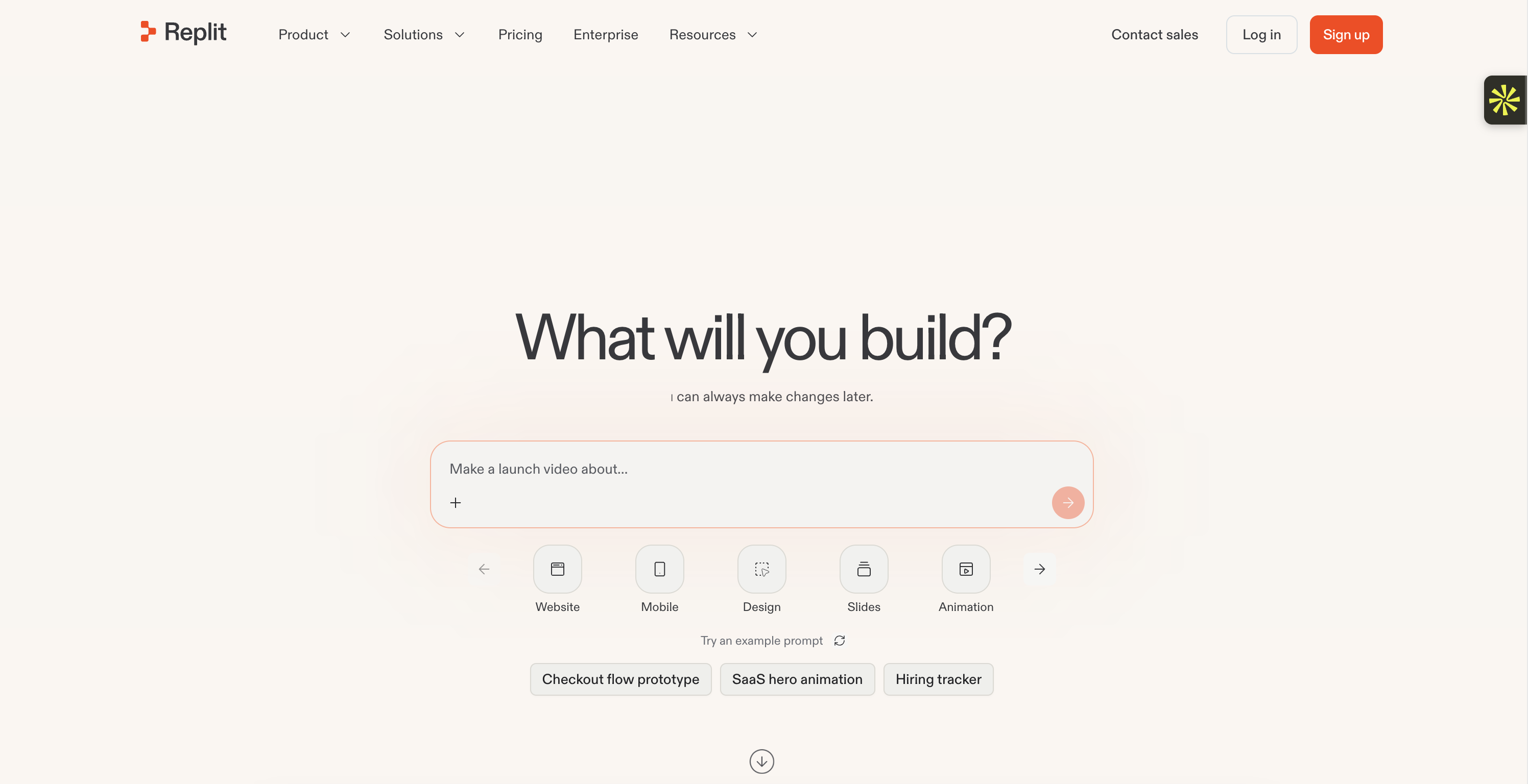
Best for: People who want to build web apps, mobile apps, games, and other software projects in one place.
Pricing: Free plan available; Core starts at $20/month.
Replit is a cloud-based development platform that combines an online coding environment with AI-powered development tools.
Its AI agent can help you create applications, write code, test features, and fix bugs.
One of Replit's biggest advantages is its versatility. While some tools focus mainly on web applications, Replit supports different types of projects, including mobile apps, websites, games, and data-processing tools.
Example:
Imagine you want to create a booking application for a local business.
You can describe the application, let Replit generate the initial version, and then use its development environment to test and improve the different features.
Why it's great:
Supports different types of software projects.
Built-in cloud development environment.
Database and terminal access.
AI agent helps with development and debugging.
Supports several programming languages.
Why it might not be for you:
Usage-based costs can be difficult to predict.
The interface may feel less polished than specialized tools.
More manual intervention may be needed for certain projects.
Pricing details:
Plan | Monthly price | Key features |
Free | $0 | Limited daily AI credits and basic development features |
Core | $20/month | $25 in AI and deployment credits, private and public apps, and full Agent access |
Pro | $100/month | Higher usage limits and additional features for more demanding projects |
Bottom line:
Replit is a good choice if you want a versatile development platform that supports more than just web applications.
7. Bubble: Best for complex no-code web applications
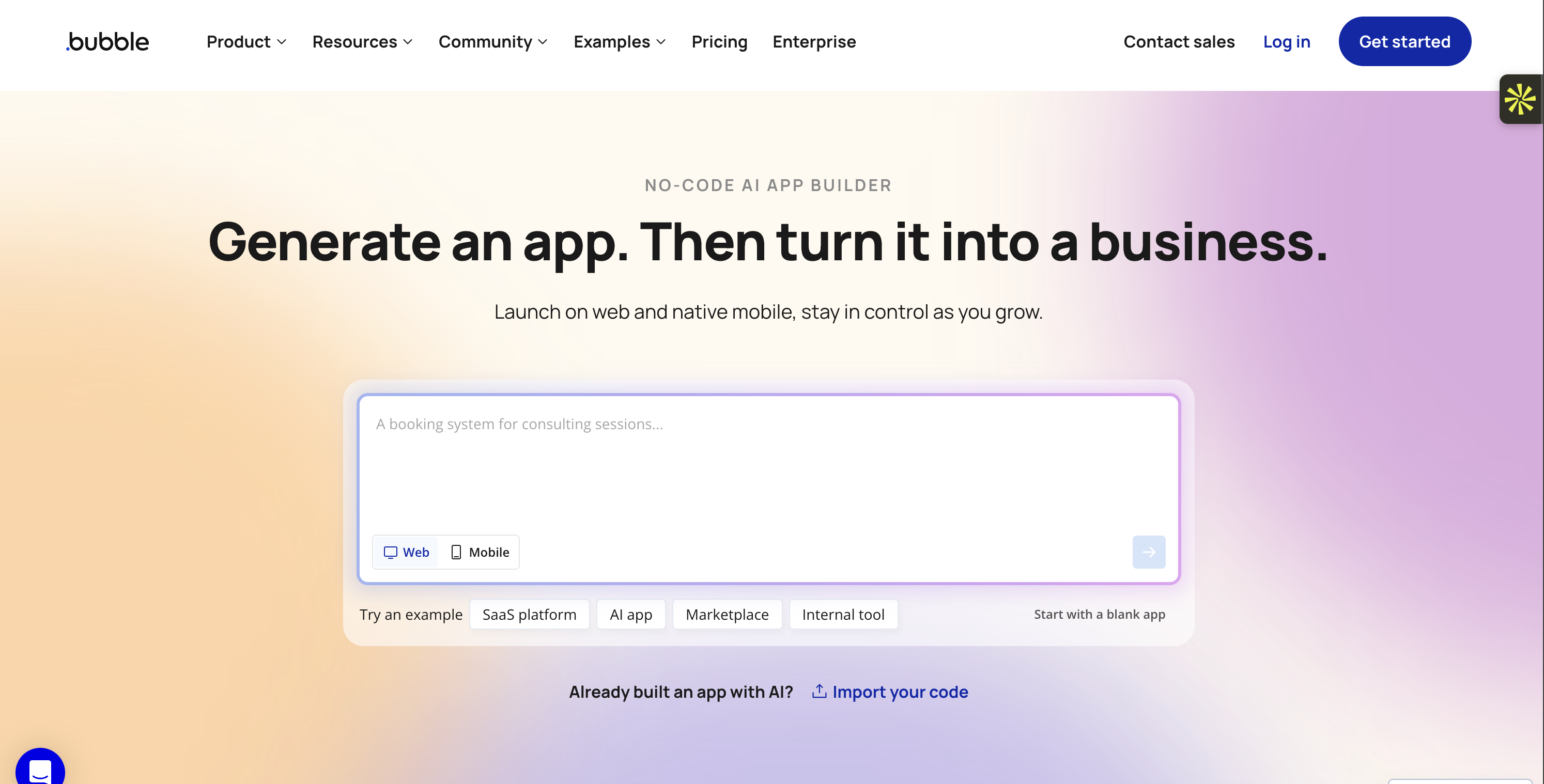
Best for: Entrepreneurs building marketplaces, SaaS platforms, and customer-facing web applications.
Pricing: Free plan available; Starter starts at $59/month.
Bubble is one of the most established no-code application builders.
Instead of relying entirely on AI prompts, Bubble gives you a visual editor where you can design interfaces, create workflows, connect databases, and manage application logic.
This makes it particularly useful for complex applications that require detailed customization.
Example:
Imagine you want to build a marketplace where users can create accounts, publish listings, send messages, and make payments.
Bubble lets you build the interface and define how each part of the application works using its visual workflow editor.
Why it's great:
Visual workflow builder.
Extensive plugin ecosystem.
Supports complex application logic.
Suitable for marketplaces and SaaS platforms.
Offers native mobile app development tools.
Why it might not be for you:
Steeper learning curve than AI-first builders.
Building applications can take longer.
Performance and workload costs may require attention as your application grows.
Pricing details:
Plan | Monthly price | Key features |
Free | $0/month | 500 AI credits/month, 50K workload units/month, API connector, web app development, mobile app testing, and unlimited OTAs. |
Starter | $69/month | 1,000 AI credits/month, 175K workload units/month, live website, custom domain, 3 live app versions, 5 mobile build submissions/month, and basic security checks. |
Growth | $249/month | 2,000 AI credits/month, 250K workload units/month, 14 days of server logs, 2 app editors, advanced security checks, and 5 live app versions. |
Team | $649/month | 4,000 AI credits/month, 500K workload units/month, 5 app editors, 25 custom branches, scheduled deployments, custom alerts, and 8 live app versions. |
Enterprise | Custom pricing | Unlimited AI credits, custom workload units, dedicated support, customizable servers, SOC 2 report, SSO, and custom hosting options. |
Additional workload units may cost extra depending on your usage.
Bottom line:
Bubble is a good choice if you want to build a complex application without writing traditional code and are willing to spend more time learning the platform.
8. Claude Code: Best for autonomous coding and development
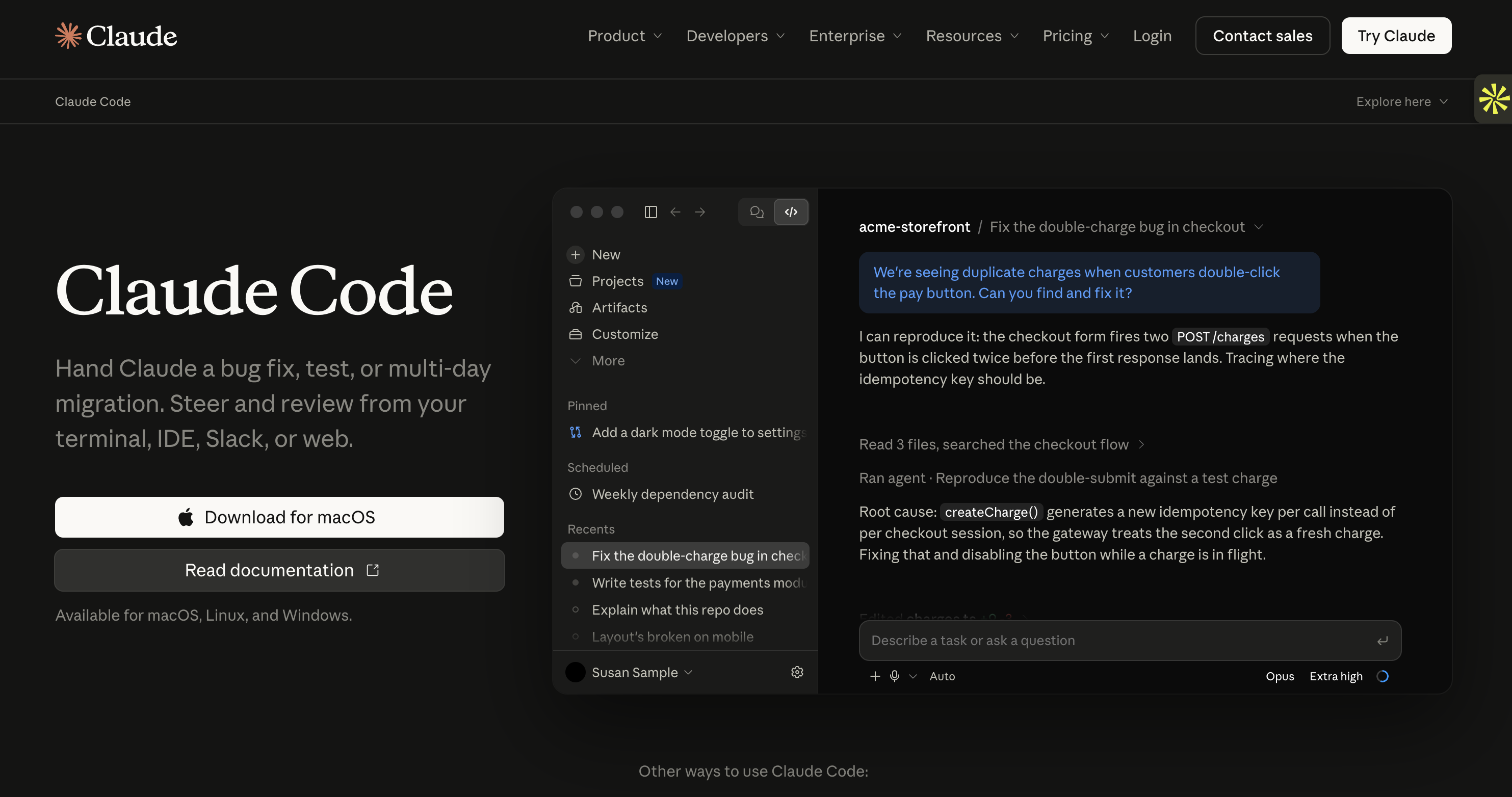
Best for: Developers who want an AI assistant that can work directly with their codebase.
Pricing: Claude Pro starts at $18/month; Max plans start at $110/month.
Claude Code is Anthropic's terminal-based AI coding assistant.
Unlike website builders, it doesn't provide a visual interface where you describe an application and receive a finished website. Instead, it works directly in your development environment.
You can ask it to analyze a project, create files, modify existing code, run tests, and fix errors.
Example:
Imagine you have an existing application with a bug in its authentication system.
You can ask Claude Code to inspect the project, identify the problem, implement a fix, and run tests to check whether everything works correctly.
Why it's great:
Handles complex multi-step coding tasks.
Works with existing codebases.
Can run tests and help fix errors.
Fits into established developer workflows.
Integrates with development tools.
Why it might not be for you:
Designed primarily for developers.
Requires familiarity with terminals and coding.
Usage costs can increase with intensive tasks.
Pricing details:
Plan | Monthly price | Key features |
Pro | $22/month ($18/month with annual billing) | Access to Claude Code, suitable for short coding sessions and small codebases. |
Max 5x | $110/month | Higher usage limits, access to Claude Code, and $100 in monthly API credits. |
Max 20x (Ultra) | $220/month | Significantly higher usage limits, more Claude Code access, and $200 in monthly API credits. |
API usage may also be billed separately depending on how you access Claude Code.
Bottom line:
Claude Code is a powerful option for developers who want an AI collaborator that can work directly inside their existing development workflow.
9. Bolt.new: Best for fast AI-powered app development
Best for: Entrepreneurs, designers, and developers who want to create web applications directly in their browser.
Pricing: Free plan available; Pro starts at $25/month.
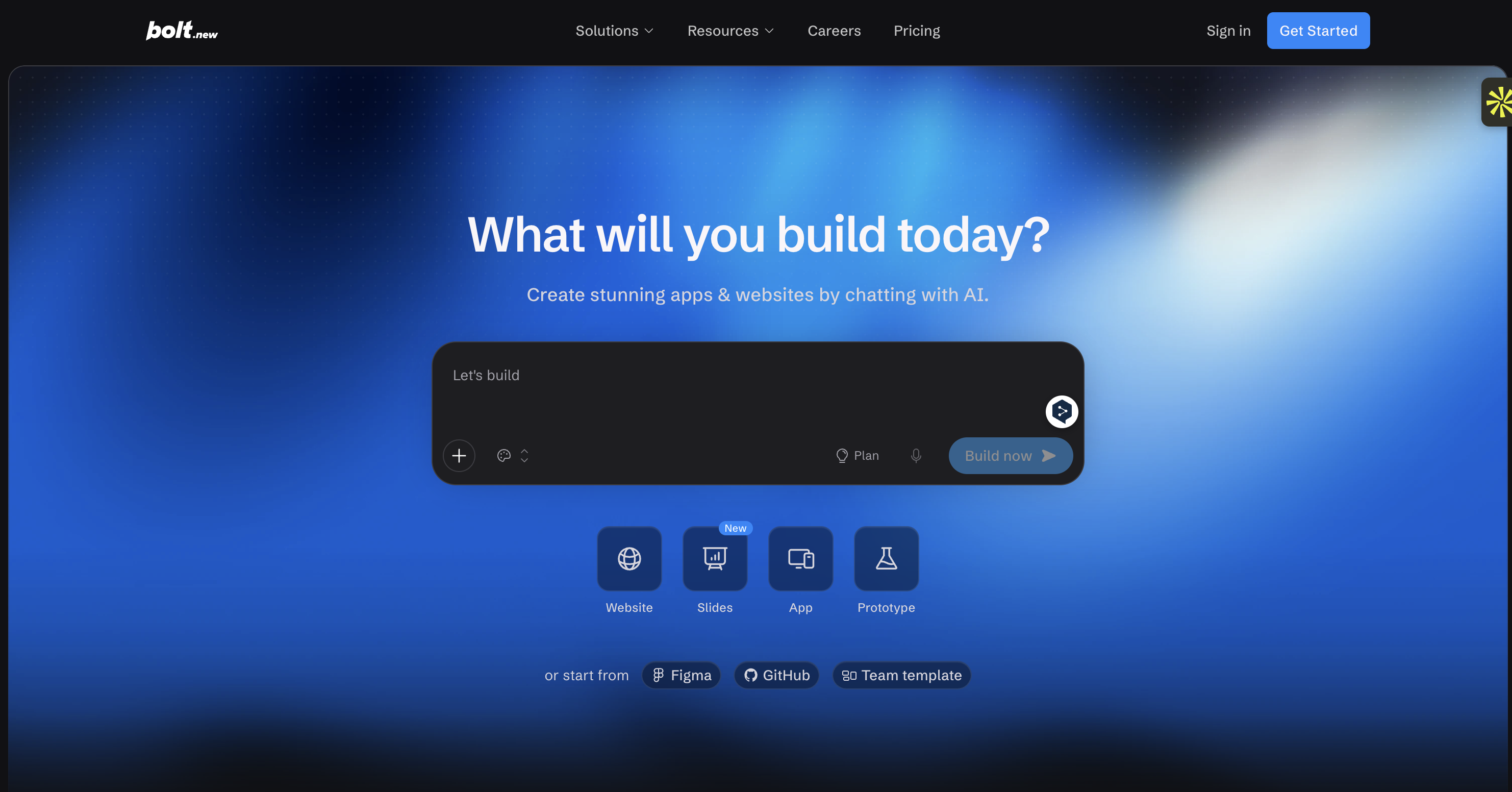
Bolt.new is an AI-powered development tool that lets you create applications by describing what you want.
You can generate a website, build an interface, install packages, modify code, and preview the result directly in your browser.
One of its biggest advantages is that you don't need to configure a traditional development environment before getting started.
Example:
Imagine you want to create a booking platform with a homepage, user dashboard, and appointment system.
You can describe the project to Bolt.new, and it will generate the initial application. You can then ask it to add features or modify the design through follow-up prompts.
Why it's great:
Browser-based development.
Generates applications from natural-language prompts.
Lets you access and edit the code.
Useful for rapid prototyping.
Supports package installation and development tools.
Why it might not be for you:
Complex applications may need manual debugging.
Token usage can increase quickly.
More advanced development may require coding knowledge.
Pricing details:
Plan | Monthly price | Key features |
Free | $0 | 300K tokens per day, 1M tokens per month, and basic hosting |
Pro | $25/month | 10M tokens per month, no daily token limit, and custom domains |
Bottom line:
Bolt.new is worth trying if you want to turn an idea into a working application quickly without configuring a development environment.
10. Softr: Best for internal tools and client portals
Best for: Small businesses and teams that want to create internal tools, dashboards, and customer portals without coding.
Pricing: Free plan available; Basic starts at approximately $19/month when billed annually.
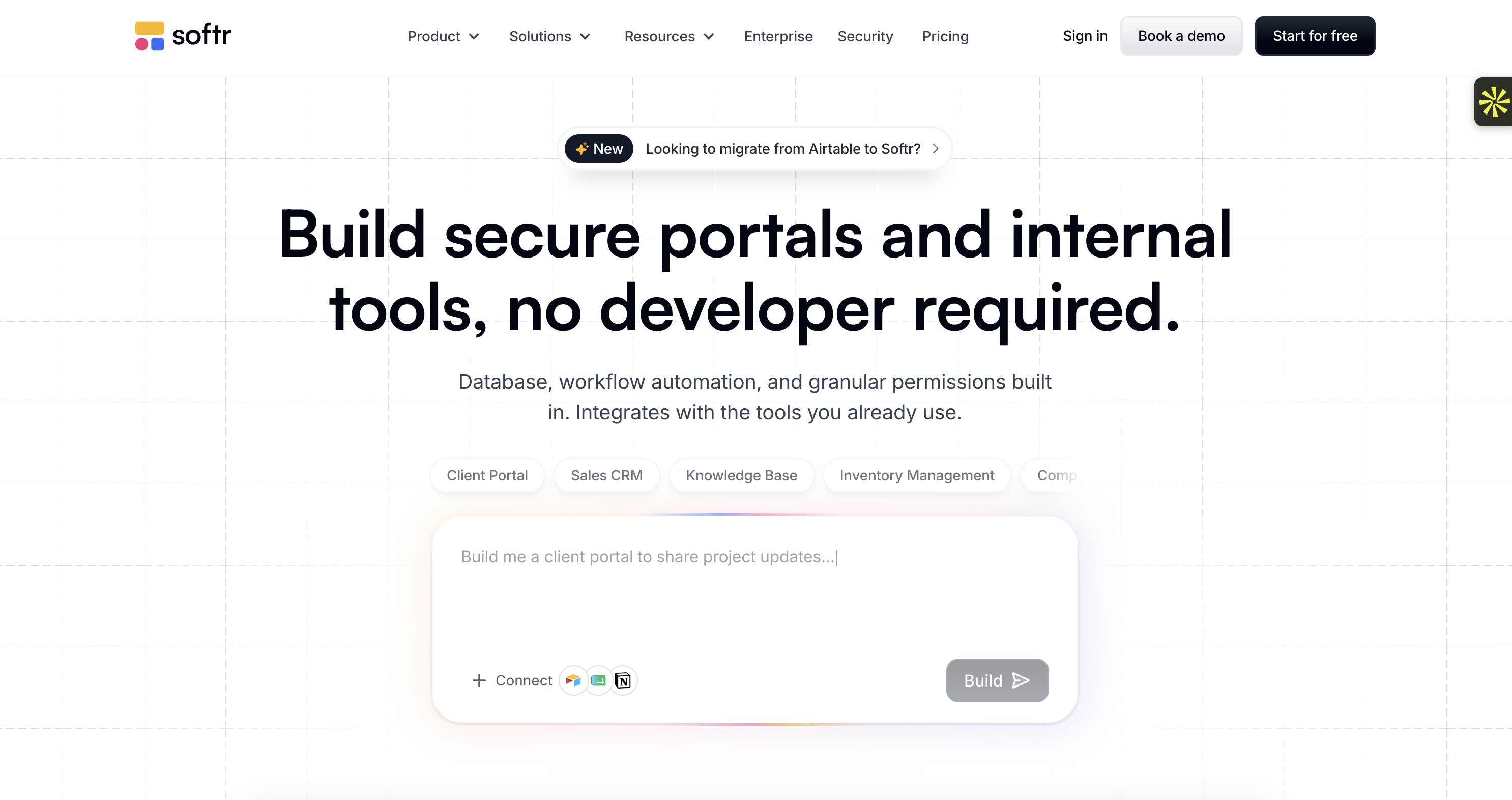
Softr is a no-code platform designed to help businesses turn their data into functional applications.
You can connect data sources, create user-facing interfaces, and build tools such as client portals, employee directories, and internal dashboards.
Unlike Base44, which generates applications through AI prompts, Softr relies heavily on visual building blocks and data integrations.
Example:
Imagine you run an agency and want to create a private portal for your clients.
With Softr, you can build a space where customers log in, access documents, check project updates, and manage their information.
Why it's great:
Business-focused templates.
Connects to supported data sources.
User authentication and permissions.
Visual editing without coding.
Useful for internal tools and client portals.
Why it might not be for you:
Less flexible than custom-coded applications.
Some advanced features require higher-tier plans.
Not ideal for highly customized software products.
Pricing details:
Plan | Monthly price | Key features |
Free | $0 | Basic application building and limited users |
Basic | From $19/month (annual billing) | More users, features, and customization |
Higher-tier plans | Varies | Additional capacity, permissions, and business features |
Bottom line:
Softr is a practical option if you want to build internal business tools or customer portals without hiring a developer.
How to pick the right Base44 alternative
Choosing an AI builder can feel overwhelming, especially when so many tools offer similar features.
Here's how to narrow down your options.
1. What do you actually want to build?
Start by identifying your project.
Websites and content: Neopress is worth considering if you want to create pages, publish articles, and improve SEO.
Business applications: Zite and Softr are useful for internal tools and customer portals.
SaaS platforms: Lovable and Bubble are worth exploring.
Frontend interfaces: v0 is a strong option.
Custom development: Cursor and Claude Code give developers more control.
2. Do you want to code or avoid coding?
Some tools are designed for people without technical skills, while others assume you already know how to work with code.
If you want to avoid coding, consider Neopress, Softr, or Bubble.
If you're comfortable developing applications, Cursor, Claude Code, and Replit offer more technical flexibility.
3. What is your budget?
Free plans are useful for testing an idea, but they often come with limitations.
Before subscribing, check:
Monthly AI credits or token limits.
Hosting costs.
Custom domain availability.
Database and storage limits.
Additional usage charges.
A platform that looks cheaper at first may become more expensive as your application grows.
4. Do you need to own your code?
If you plan to work with developers later or move your application to another hosting provider, code ownership matters.
Lovable and Bolt offer access to generated code, while Cursor and Claude Code work directly with your codebase.
5. Will the platform grow with your project?
A tool that works perfectly for a small prototype may become limiting when you add more users, features, and integrations.
Think about your long-term needs before committing to a platform.
Summary: Which Base44 alternative should you choose?
Platform | Best for | Pricing | Why use It? | Cons |
AI website creation and SEO | From $25/month | AI chat, content publishing, SEO/AEO | Not for complex SaaS apps | |
Business applications | From $20/month | Visual workflows, business tools | Less code flexibility | |
Full-stack web apps | Free / From $25/month | GitHub and Supabase integration | Credit limits | |
Frontend design | Free / From $30/month | Modern React interfaces | Backend limitations | |
Developers | Free / From $8/month | AI coding and code control | Requires coding skills | |
Multiple app types | Free / From $20/month | Cloud development and AI agents | Usage-based costs | |
Complex no-code apps | Free / From $59/month | Visual workflows and plugins | Learning curve | |
Autonomous coding | From $18/month | Works directly with codebases | Developer-focused | |
Browser-based app development | Free / From $25/month | Fast AI development | Token limits | |
Internal tools and portals | Free / From $19/month | Easy visual app building | Limited advanced customization |
In the end, the best Base44 alternative depends on what you're trying to build.
If you want to create and grow a website using AI, Neopress is worth a look. If you need production-ready business software, consider Zite. For full-stack applications, Lovable is a strong option, while developers may prefer Cursor or Claude Code.
You don't necessarily need the most powerful tool. You need the one that makes your project easier to build and maintain.
Frequently asked questions:
1. What is the best Base44 alternative in 2026?
It depends on your needs. Neopress is a strong option for AI-powered website creation and SEO, Zite is useful for business applications, and Lovable is a good choice for full-stack web development.
2. Is there a free alternative to Base44?
Yes. Several tools offer free plans, including Zite, Lovable, v0, Cursor, Replit, Bubble, Bolt.new, and Softr. Most free plans have usage limits.
3. Which Base44 alternative is best for beginners?
Neopress is beginner-friendly for website creation and management. Softr is also a good choice for internal tools and client portals, while Lovable and Bolt.new are useful for building applications with AI.
4. Which Base44 alternative is the cheapest?
Blogger-style free alternatives aren't the focus here, but several tools in this list offer free plans. If you need a paid option, compare the features and usage limits rather than looking only at the starting price.
5. Is Lovable better than Base44?
Lovable may be a better choice if you want GitHub integration, code ownership, and more flexibility when developing a full-stack application. Base44 may be easier for quickly generating simple prototypes.
6. Can I build a SaaS with these Base44 alternatives?
Yes. Tools such as Lovable, Bubble, Zite, and Replit can be used to build SaaS applications. However, you'll need to consider authentication, payments, database management, security, and scalability before launching.
7. Is Bolt.new better than Base44?
Bolt.new is a good option if you want browser-based development and direct access to your code. Base44 may be more straightforward if you want a simpler AI-driven application-building experience.
8. Which Base44 alternative is best for developers?
Cursor and Claude Code are particularly useful for developers because they work directly with existing codebases. Lovable and Bolt.new are also worth considering if you want AI to generate an initial application that you can customize.
9. Can I migrate my Base44 application to another platform?
Yes, but migrating a Base44 application to another platform isn't always a simple one-click process. Base44 allows you to export your frontend code or sync your project with GitHub. However, your database, authentication system, and backend services may still depend on Base44.
To move your application completely, you may need to migrate your data, replace Base44's backend services, reconnect integrations, and adapt parts of your code to the new platform. The complexity depends on how your application is built and which Base44 features it uses.
If you plan to move your project in the future, check the platform's code export, data portability, and hosting options before choosing it.
Newsletter
A sharper growth note, once in a while.
Get practical SEO strategies, SSR guides, and AI search insights delivered directly to your inbox.
We respect your privacy. Unsubscribe at any time.