Neopress growth journal
What is an AI website generator? How it works, examples and benefits

Have you ever wanted to create a website for your business, portfolio, or personal project but had no idea where to begin?
You might have a clear idea of what you want your website to look like, but turning that idea into a working website can take time. You need to organize your pages, write the content, choose images, and make sure everything works properly. And if you don't know how to code, the process can feel even more complicated.
That's where an AI website generator can help.
Instead of building every page yourself, you describe the website you want in everyday language, and the AI helps create an initial version. Depending on the tool, it can generate your layout, write content, suggest images, and organize the different sections of your site.
But how does an AI website generator actually work? Can you use one without technical skills? And how do you know whether the website it creates is good enough to publish?
Let's explore what these tools can do, look at real examples, and explain what you should consider before choosing one.
What is an AI website generator?
An AI website generator is a tool that uses artificial intelligence to help you create a website from written instructions.
You describe your project, explain what you want your website to include, and let the tool generate a first version. Depending on the platform, this version may contain several pages, written content, images, navigation menus, and interactive elements.
For example, imagine you're opening a small coffee shop. You need a website that introduces your café, displays your menu, shares your opening hours, and helps customers find your location.
You could ask an AI website generator to create a website with all these elements instead of designing each page from scratch.
The tool would give you a starting point that you could review, customize, and eventually publish.
You don't necessarily need coding or design skills to get started. However, you'll still need to check the result and make sure it represents your business accurately.
It's also worth understanding the difference between an AI chatbot and an AI website generator. A chatbot can help you write website content or generate code, but a dedicated website generator is designed to help turn your instructions into a structured website.
Some platforms combine AI generation with a traditional visual editor, while others let you make changes by describing what you want in new prompts.
The main idea is simple: you describe your website, the AI helps build it, and you decide how to improve the result.
If you are wondering how much AI can build from a blank prompt, read Can AI create a website for me from scratch?
How does an AI website generator work?
You don't need to understand the technology behind these tools to use them. However, knowing the basic process can help you get better results.
1. You describe your project
First, you explain what kind of website you want to create.
You might include details about your business, your target audience, the purpose of the website, and the features you need.
For example, if you're a freelance photographer, you could request a portfolio website with a gallery, an introduction, information about your services, and a contact form.
The more useful information you provide, the easier it is for the AI to generate something relevant to your needs.
2. The AI creates a structure
Once it understands your request, the tool generates a possible structure for your website.
This could include a homepage, an about section, service descriptions, testimonials, and contact information.
The exact structure depends on your instructions and the platform's capabilities.
A good structure is important because visitors shouldn't have to guess where to find information. They should quickly understand what you offer and know what to do next.
3. It generates the design and content
The AI then helps create the visual layout and fill the different sections with content.
Depending on the tool, this may include text, images, buttons, forms, and other website elements.
Some platforms also provide AI-powered image generation or additional design options. Others rely on existing image libraries or let you upload your own visuals.
This step can save you time, particularly if you're starting with no existing website content.
However, AI-generated content is not automatically accurate or ready to publish. You should check the wording, replace anything that doesn't fit your brand, and verify all important information.
4. You customize and publish the website
Once the first version is ready, you can improve it.
Some platforms let you edit the website manually using a visual editor. Others allow you to request changes through prompts, while some offer both approaches.
For example, you might ask the AI to rewrite your homepage headline, add a section about your prices, or make your contact button easier to find.
When you're satisfied with the result, you can publish your website. Depending on the platform, you may be able to start with a free subdomain and connect a custom domain through a paid plan.
Before publishing, check that your links work, your contact forms function correctly, and your website displays properly on mobile devices.
Remember that generating a website is only the first step. You'll probably need to refine it before it's ready for your visitors.
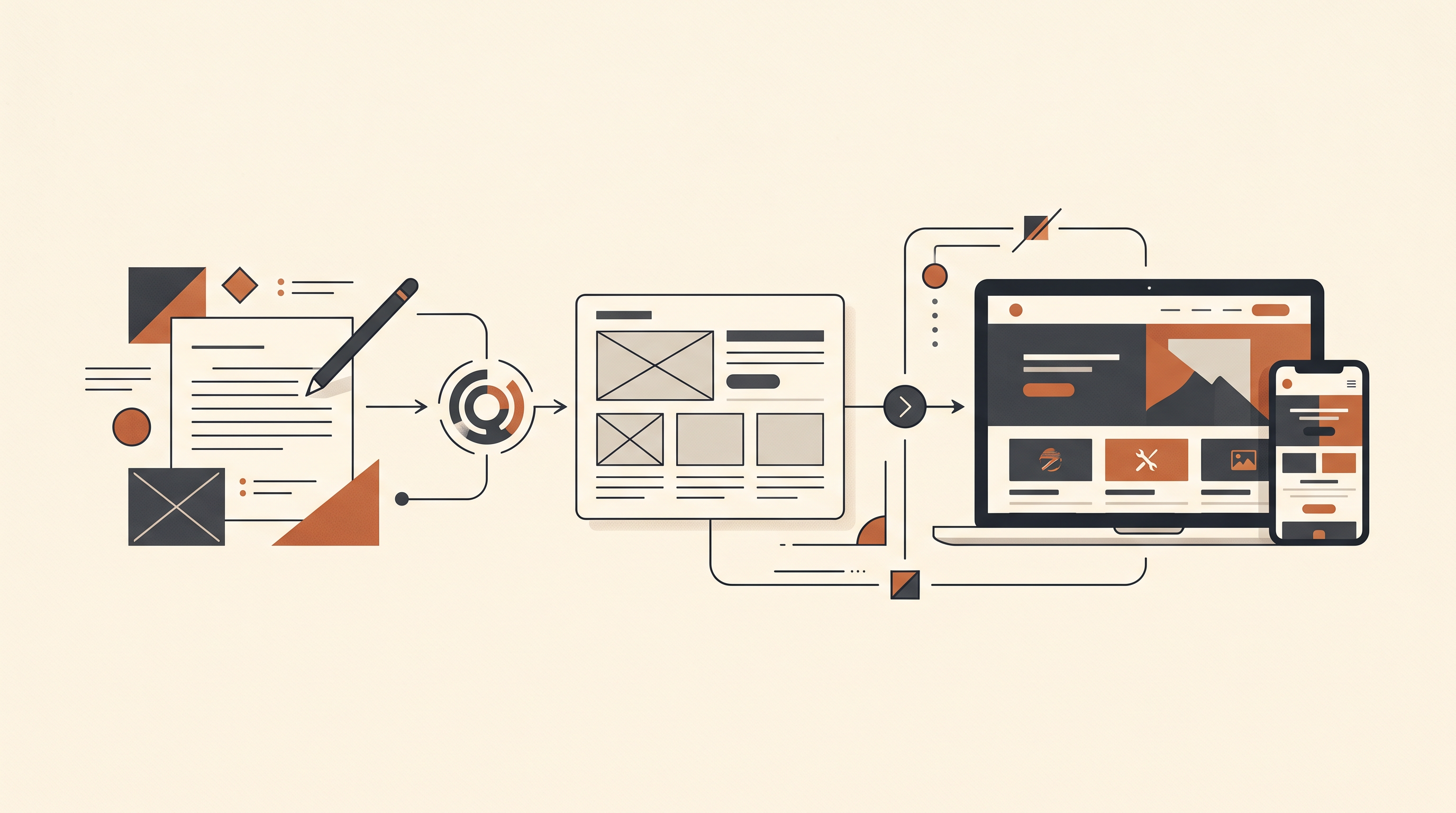
A practical example: Creating a website with AI
Let's say you're launching a small handmade jewelry business and want to create your first website.
You don't have a designer, you don't know how to code, and your budget is limited. You mainly need a homepage, a presentation of your products, information about your brand, and a way for customers to contact you.
Here's how you could approach the project.
Step 1: Write your prompt
Rather than asking the AI to create a generic jewelry website, give it more context.
You could use a prompt like this:
Create a modern, elegant website for a small handmade jewelry brand. My target audience is adults looking for minimalist, everyday jewelry and thoughtful gifts. Include a homepage, a brand story, a product gallery, a section highlighting the materials used, and a contact page. Use a clean layout, warm neutral colors, and clear navigation. Make the website easy to use on mobile devices.
This prompt tells the AI what the business sells, who the website is for, which sections are needed, and what visual style to aim for.
Step 2: Review the first version
Once the website has been generated, don't publish it immediately.
Check whether the design matches your brand. Are the colors appropriate? Is the homepage easy to understand? Can visitors quickly find your products?
You should also check the content. If the AI invents information about your materials, production process, or shipping policy, replace it with verified details.
Step 3: Improve specific sections
Suppose the homepage looks good, but the introduction is too generic.
Instead of starting again, ask the AI to improve that section:
Rewrite the homepage introduction to sound more personal and natural. Focus on the minimalist design of the jewelry and explain why it works well for everyday wear. Keep the text short and avoid exaggerated claims.
You can repeat this process for other sections until the website feels more relevant to your business.
Step 4: Check what you need before launching
Finally, make sure the website includes everything your business requires.
If you want to sell jewelry directly, you'll need more than a product gallery. You may also need product pages, a shopping cart, payment processing, shipping settings, and order management.
If your chosen AI website generator doesn't support these features, you'll need another platform or an integration that does.
This example illustrates an important point: AI can help you create the initial website, but your instructions and your review determine how useful the final result will be.
What can you build with an AI website generator?
AI website generators can be useful for several types of projects. Here are some common examples.
Business websites
If you run a café, salon, consulting business, or local service, you can use AI to create a website that explains what you do and helps customers contact you.
Depending on your needs, you might include your services, opening hours, location, testimonials, and a contact form.
Portfolio websites
If you're a photographer, designer, freelancer, or creator, an AI website generator can help you organize your work into a portfolio.
You can use it to create an introduction, display selected projects, explain your services, and make it easier for potential clients to contact you.
Landing pages
Do you want to promote a product, announce an event, or collect email addresses for a new project?
A landing page gives visitors a focused introduction to your offer and encourages them to take a specific action.
AI can help you draft the headline, organize the benefits, and create a layout around your main objective.
Personal websites and blogs
You can also use AI to create a website for a personal project, a blog, or an online portfolio.
Before choosing a tool, check whether it supports the features you'll need later, such as publishing articles, organizing categories, collecting newsletter subscriptions, or adding new pages.
Online stores
Some AI website builders support e-commerce features, but not every AI website generator is designed for online selling.
If you want to sell products, check whether the platform supports product management, checkout, payment processing, shipping, and inventory management.
For a large store or a business with complex requirements, a dedicated e-commerce platform may be more suitable.
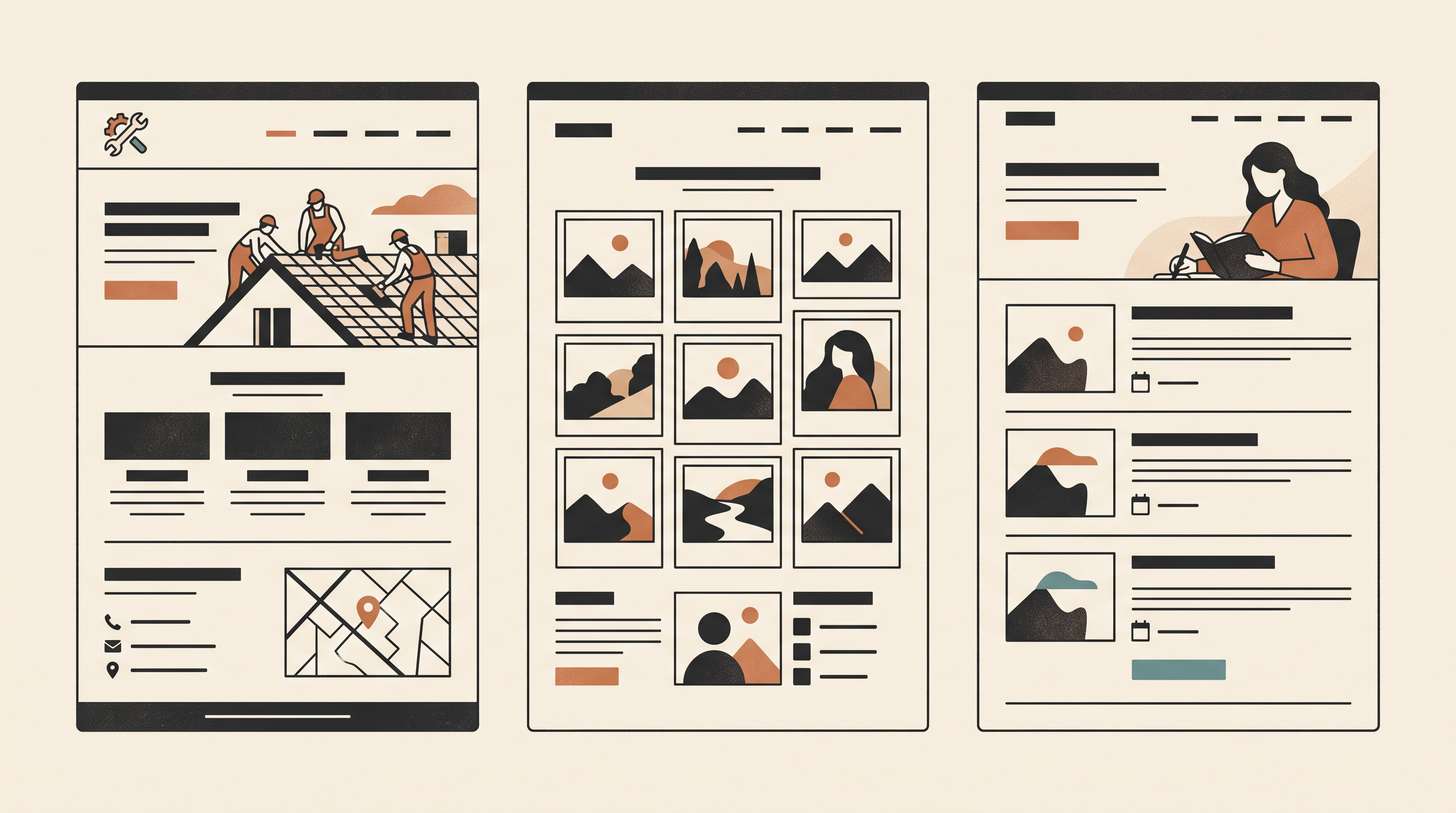
The 6 best AI website generators
Choosing the right AI website generator depends on what you want to build, your budget, and how much control you need over your website. Some tools focus on generating professional designs, while others help you manage content, improve SEO, or build a website using WordPress.
Here is a comparison of six AI website generators and what each one does best.
AI website generator | Best for | Key features |
Best overall | AI website creation, visual editing, ecommerce, booking tools, and business features | |
Best for AI-powered website management and SEO | Create and edit pages through conversation, publish content, manage your website, and monitor traffic and search visibility | |
Best for budget-conscious users | AI-generated websites, customizable layouts, hosting, and website management tools | |
Best for modern website design | AI-generated layouts, visual editing, animations, and landing pages | |
Best for stylish business websites | Guided website creation, design templates, AI-assisted content, and ecommerce features | |
Best for WordPress websites | AI-assisted website generation, WordPress integration, customization, and WooCommerce support |
1. Wix AI website builder : Best overall
Wix helps users create professional websites by describing their needs in everyday language. Its AI generates an initial website that can be customized using a visual editor. The platform also offers tools for online stores, bookings, blogs, and other business needs.
Best for: Beginners and businesses looking for an all-in-one website platform.
2. Neopress : Best for AI-powered website management and SEO
Neopress lets users build and manage websites through conversation with AI. Beyond creating pages, it helps users publish content, edit their websites, and understand website traffic. Its SEO and GEO capabilities are designed to help improve how content is understood and discovered through search engines and AI-powered search experiences.
For example, a business owner could create a website, publish articles targeting relevant keywords, update existing pages, and use traffic insights to identify opportunities for improvement.
Best for: Entrepreneurs, marketers, and businesses that want to create, manage, and grow their websites through AI.
3. Hostinger AI website builder : Best for budget-conscious users
Hostinger combines AI-assisted website creation with hosting and website management tools. Users can generate an initial website from a description and then customize its content and appearance.
Best for: Freelancers and small businesses looking for a straightforward website-building solution.
4. Framer AI : Best for modern website design
Framer focuses on visual design and helps users generate website layouts that can be refined through its editor. It is particularly useful for landing pages, portfolios, and startup websites where presentation matters.
Best for: Designers, creative professionals, and startups.
5. Squarespace : Best for stylish business websites
Squarespace offers guided website creation, professionally designed templates, and AI-assisted tools for building and editing website content. It can support portfolios, service businesses, blogs, and online stores.
Best for: Creatives and businesses that want a polished visual identity.
6. 10Web AI website builder : Best for WordPress websites
10Web uses AI to help users generate and customize websites built on WordPress. Its approach is useful for people who want AI-assisted creation while retaining access to the WordPress ecosystem and compatible plugins.
Best for: Businesses and website owners who want to build with WordPress.
Which AI website generator should you choose?
There is no single best AI website generator for every project. Wix offers a broad range of website and business tools, Neopress focuses on conversational website management and content growth, Hostinger is worth considering for budget-conscious projects, Framer emphasizes design, Squarespace offers polished templates, and 10Web caters to WordPress users.
Before choosing a platform, compare its current pricing, publishing options, customization features, and SEO capabilities. Most importantly, review the content and functionality of your AI-generated website before publishing it.
Note: Features, pricing, and plan limits can change, so consult each provider's official website before choosing.
What are the benefits of using an AI website generator?
The main benefit is that you can get started without having to build every part of your website yourself.
Here are some of the advantages.
You don't need to know how to code. Many AI website generators let you create a basic website through written instructions rather than programming.
You can save time. Generating an initial layout and drafting the content can reduce the amount of manual work involved in getting started.
You can start with a smaller budget. Some platforms offer free plans or relatively affordable subscriptions, which can be useful if you're testing a business idea. The available features and limitations vary.
You get help organizing your ideas. If you're unsure what your homepage should include, AI can suggest a starting structure that you can adapt.
You can experiment with different approaches. Depending on the tool, you can try different layouts, rewrite sections, or adjust the tone of your content without rebuilding everything from scratch.
These benefits can make website creation more accessible, especially if you're a beginner or running a small business.
However, saving time on the initial build doesn't mean you should skip the review process. The final website still needs to meet your goals and provide a good experience for visitors.
What are the limitations of AI website generators?
AI website generators can be useful, but they aren't the right solution for every project.
Understanding their limitations will help you choose a tool with realistic expectations.
The result may look generic
AI-generated websites can sometimes use familiar layouts, predictable text, or images that don't make your brand stand out.
To improve the result, give the tool more information about your business and audience. Use your own photographs where possible, explain what makes your offer different, and revise any wording that sounds too generic.
You must verify the content
AI can generate inaccurate information or make assumptions about your business.
For example, it might invent a service you don't offer or write a product description that includes claims you cannot verify.
Review important details before publishing, including prices, contact information, opening hours, service descriptions, and customer-facing policies.
Customization depends on the platform
Some tools provide extensive visual editing options. Others focus on generating a website and making changes through prompts.
If you want precise control over every element, custom code, or advanced functionality, make sure the platform supports those requirements.
A tool that feels easy to use today may become restrictive if your project becomes more complex.
Free plans may have restrictions
A free plan may limit the number of websites you can create, the number of AI actions you can use, or the features available to you.
You may also need a paid subscription to connect a custom domain, remove platform branding, or access e-commerce features.
Read the pricing details carefully so you know what you'll need to pay for before launching your website.
AI doesn't guarantee SEO results
A website can look great and still receive very little traffic from search engines.
Some AI website generators help with basic SEO settings, but using one doesn't automatically improve your Google rankings.
Your website still needs useful content, a clear structure, relevant information, and a good experience for visitors.
Google's guidance on using generative AI content emphasizes accuracy, quality, and relevance. It also warns against generating large amounts of content without adding value for users.
How to write a better prompt for an AI website generator
Your prompt has a major influence on the initial result. You don't need technical language, but you do need to give the AI enough context.
Try to include these five elements:
Business: What do you offer?
Audience: Who do you want to reach?
Goal: What should visitors do?
Structure: Which pages or sections do you need?
Style: What look and tone do you prefer?
For example, instead of writing:
Create a website for a cleaning business.
You could write:
Create a professional, friendly website for a residential cleaning business serving families and busy professionals in Lyon. Include a homepage, a list of services, an explanation of how bookings work, customer testimonials, and a contact form. Use a clean design, simple language, and a layout that works well on mobile. The main goal is to help visitors request a quote.
This gives the AI more useful information to work with.
Once the first version is ready, improve it through specific requests. You might ask for a clearer headline, a shorter introduction, or a more visible quote request button.
You don't have to get everything right on the first attempt. Treat the process as a series of improvements rather than expecting the AI to produce the perfect website immediately.
AI website generator vs traditional website builder
You may have seen the terms AI website generator and website builder used interchangeably. They are related, but the experience can be different.
A traditional website builder generally gives you templates and editing tools that you use to assemble or customize your pages.
An AI website generator automates more of the initial process. You describe what you want, and the tool generates a first version for you.
Many modern platforms combine both approaches, allowing you to generate a website with AI and then refine it manually.
For a closer look at tools that let you build without code, read what a no-code website builder is and how it works.
Feature | Traditional website builder | AI website generator |
Getting started | Choose a template or layout | Describe your project |
Initial design | Assemble or customize elements | AI generates a first version |
Content creation | Write or provide the content | AI can draft content |
Editing | Often through a visual editor | Prompts, visual tools, or both |
Main advantage | Direct control over the design | Faster initial creation |
Neither approach is automatically better.
If you enjoy designing pages and want control over every detail, a traditional builder may suit you. If you'd rather describe your idea and get help with the initial setup, an AI website generator may be a better starting point.
Can an AI website generator help with SEO?
Yes, but it's important to understand what it can and cannot do.
Some AI website generators can help you create page titles, meta descriptions, headings, and website content. Depending on the platform, they may also provide mobile-friendly layouts and other technical features.
These tools can make it easier to get started with SEO, but they cannot guarantee that your website will rank well on Google.
You still need to understand what your audience is searching for and create content that answers their questions. Your pages should be easy to navigate, your information should be accurate, and your website should work well on mobile devices.
You should also review AI-generated content before publishing it. Generic text that could describe any business is unlikely to explain what makes your offer valuable. For practical editing advice, see our guide to humanizing AI-generated text for your blog.
Google's SEO Starter Guide recommends creating useful, original content that is easy for people to read and navigate.
The key is to focus on the quality and usefulness of what you publish, rather than generating content simply to attract search traffic.
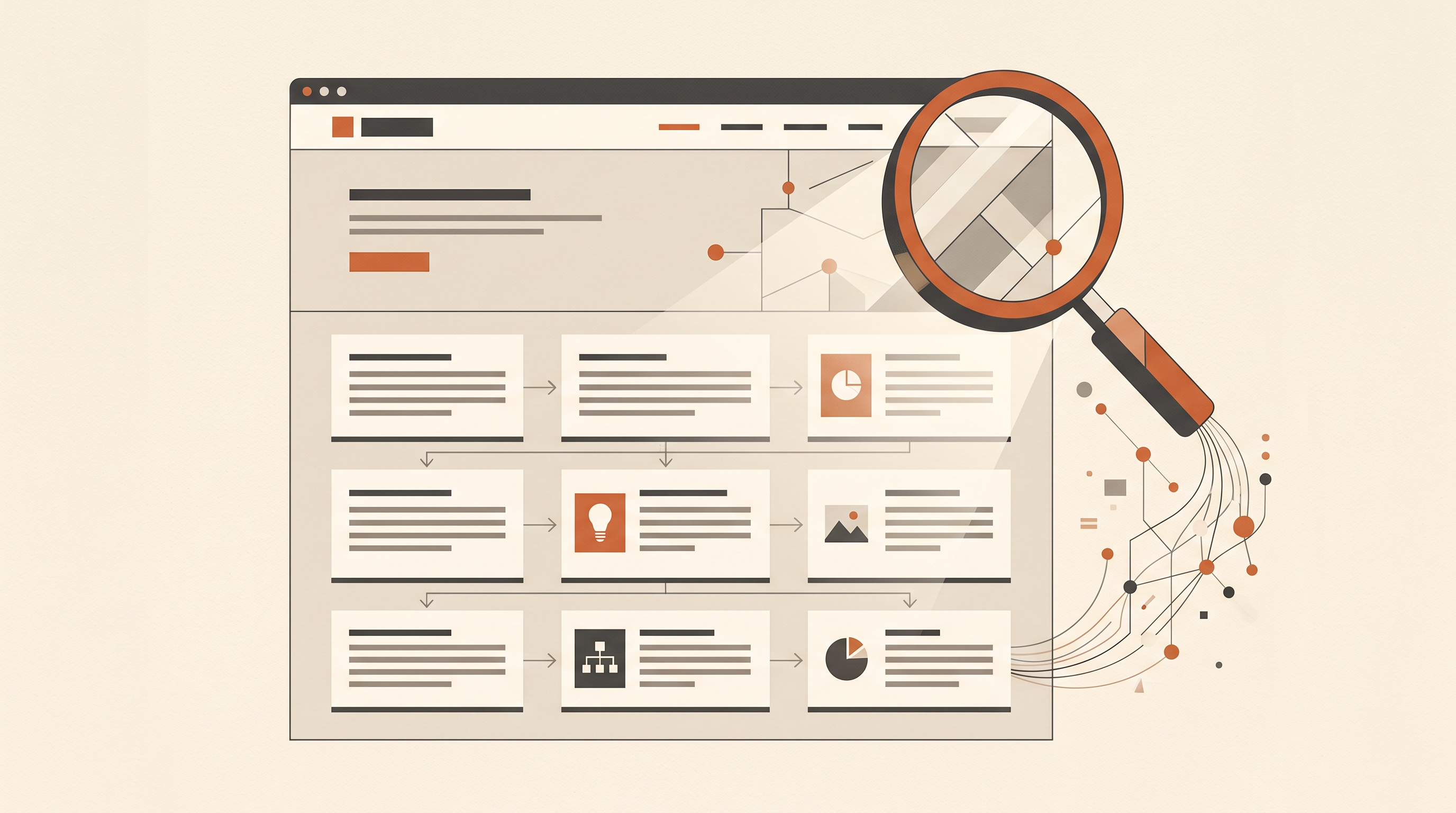
Is an AI website generator right for you?
An AI website generator may be a good choice if you want to launch a straightforward website, don't have coding skills, or want to reduce the time spent on the initial setup.
It can be particularly useful when you're starting a business, testing an idea, or creating a portfolio on a limited budget.
However, if your project requires complex functionality, extensive integrations, or a highly customized design, you may need a more flexible platform or professional development support.
Before choosing a tool, try creating a small version of your actual project. Check the quality of the result, how easily you can make changes, and whether the platform supports the features you'll need after launch.
That practical test will tell you more than a polished demo alone.
Final thoughts
An AI website generator can make creating a website less intimidating. Instead of starting with a blank page, you can describe your idea and let AI help you build the first version.
But the real value isn't simply how quickly the website appears. It's whether you can turn that initial draft into a useful, accurate, and well-designed website for your audience.
Think about your goals, compare the editing options, check the features and pricing, and review the website carefully before publishing.
You don't need to be a web developer to get started. With a clear idea and the right tool, you can take the first step toward building your own website.
FAQ:
What is an AI website generator in simple terms?
An AI website generator is a tool that creates a website from written instructions. It can generate the initial layout, content, and sections, helping you build a website without starting from scratch.
Can I create a website with AI for free?
Yes, some AI website generators offer free plans. However, you may need to pay to connect a custom domain, remove platform branding, or access advanced features. Check the plan details before choosing a tool.
Do I need coding skills to use an AI website generator?
No. Most AI website generators are designed for people without coding experience. You can describe the website you want in everyday language, although advanced customization may require additional technical knowledge.
How long does it take to create a website with AI?
You may get an initial draft in a few minutes. The total time depends on the complexity of your website and how much editing, fact-checking, and customization you need before publishing.
Can I edit my website after it has been generated?
Yes, but the available options depend on the platform. Some tools offer a visual editor, while others let you request changes through prompts. Check the editing options before choosing a generator.
Can an AI-generated website rank on Google?
Yes, an AI-generated website can appear in Google search results. However, rankings depend on the quality and relevance of your content, technical accessibility, and the experience you provide to visitors. Using AI doesn't guarantee visibility.
Can an AI website generator create an online store?
Some platforms support e-commerce features, including product pages and checkout systems. Others focus on informational websites and landing pages. Check the available features before choosing a tool for your store.
Is an AI website generator better than hiring a web designer?
It depends on your needs and budget. An AI website generator may be sufficient for a straightforward website, while a designer or developer may be more suitable for complex functionality, extensive customization, or a distinctive brand experience.
Newsletter
A sharper growth note, once in a while.
Get practical SEO strategies, SSR guides, and AI search insights delivered directly to your inbox.
We respect your privacy. Unsubscribe at any time.