Neopress growth journal
15 best AI marketing tools in 2026 to improve your marketing strategy

Marketing a business means juggling a lot of different tasks. You need to attract visitors, create content, manage social media, run campaigns, understand customer behavior and turn leads into sales.
AI tools can make some of this work easier. They can help you research keywords, draft content, create product visuals, edit videos, and automate repetitive tasks. But not every tool solves the same problem, and adding more software to your workflow doesn't automatically lead to better results.
So, which AI marketing tools are actually worth trying?
In this guide, we'll look at 15 options for different marketing needs, from building an SEO-friendly website to managing email campaigns and creating social media content. You'll also see what each tool does well, who should consider using it, and where it may not be the right fit.
If you're new to using AI in your marketing activities, take a look at our beginner's guide on how to use AI in marketingto discover practical ways to bring AI into your everyday workflow
1. Neopress: Build and grow your website with AI
Your website is often where your marketing efforts come together. Social media posts, search traffic, paid ads, and email campaigns can all bring people to it. But if your website is difficult to update or doesn't appear in search results, those efforts may not deliver the results you expect.
That's where Neopress can help.
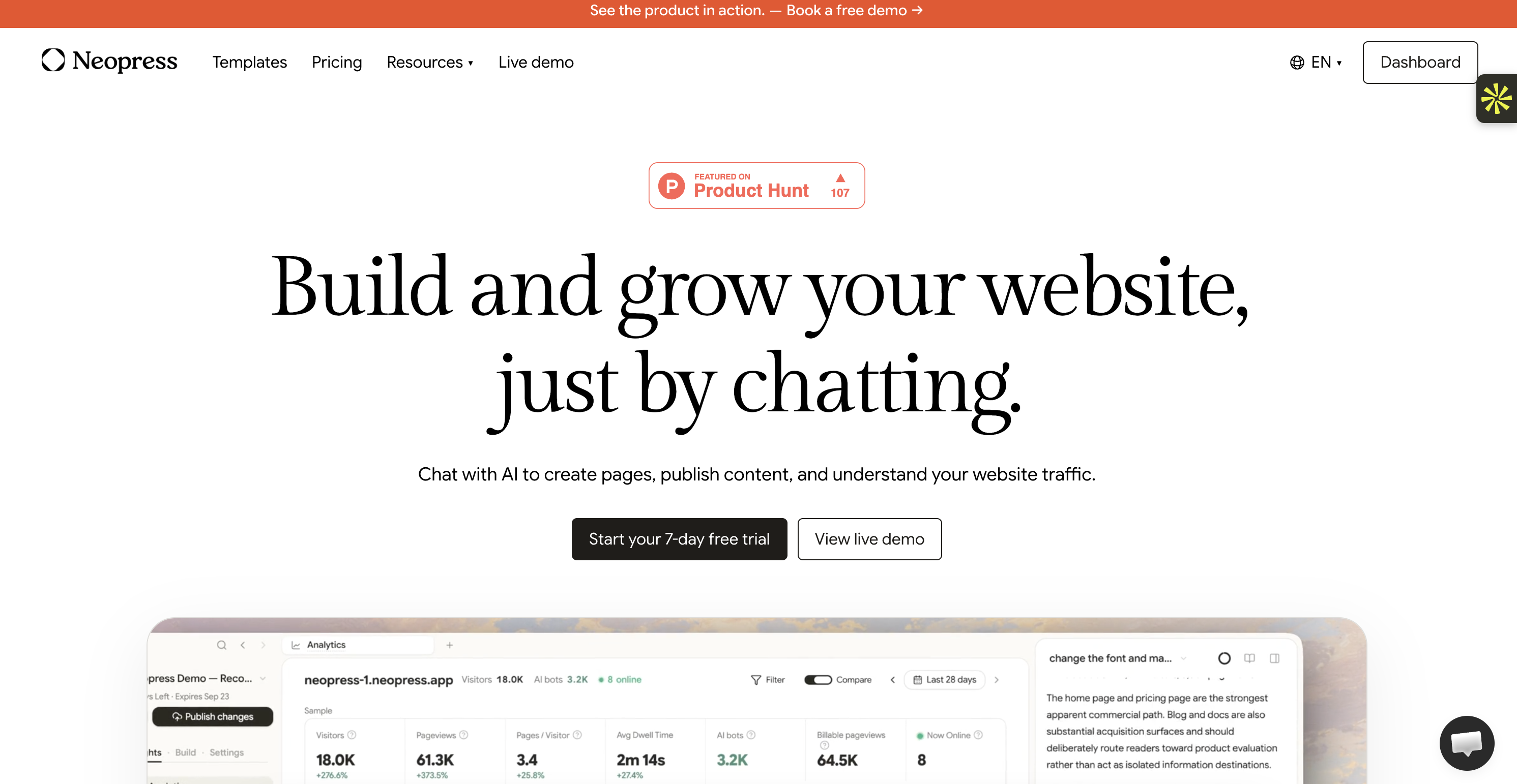
Neopress is an AI website builder that lets you create and manage a website through a conversation. Instead of manually editing every page, you can describe what you want to change and use AI to help create pages, publish content, and manage your site's development.
What makes it useful for marketing?
A website isn't just an online business card. It needs to attract visitors and help them find the information they're looking for.
Neopress brings several website and marketing-related features together:
SEO and AEO: Help structure your website so search engines and AI-powered search experiences can understand its content. AEO (Answer Engine Optimization) means making content easier for AI-powered answer tools to discover and reference.
Content management: Create and publish pages without having to manage every technical detail yourself.
Analytics: Understand how people interact with your website and monitor its performance.
Search integrations: Connect Google Analytics and Google Search Console to get more insight into your traffic and search performance.
Technical SEO controls: Manage elements such as sitemaps, redirects, robots.txt, and structured data.
For example, imagine you're launching a small consulting business. You can use Neopress to create your website, publish service pages, improve their SEO structure, and monitor how visitors find your content.
It's particularly useful if you want to manage your website and its content without relying on several separate tools.
You can also explore why AI-driven websites are becoming important for online businesses and how they can simplify website management.
One thing to keep in mind: Neopress is designed for website creation and growth. It's not a replacement for a dedicated CRM, email marketing platform, or advanced advertising management tool.
Pricing: The Launch plan starts at $25/month per website, while the Growth plan costs $99/month. Both offer different usage limits and features, and a 7-day free trial is available.
2. ChatGPT: Your assistant for marketing research and content ideas
Sometimes the hardest part of marketing isn't creating something. It's knowing what to create in the first place.
You might have a product to promote but no clear campaign angle. Or perhaps you need to write a blog post, prepare an email sequence, or understand what your audience is looking for.
ChatGPT can help you work through these tasks.
Rather than treating it as a tool that simply writes text, think of it as a brainstorming and research assistant. You can give it information about your business, audience, product, and goals, then use the conversation to develop ideas.
Here are a few practical ways to use it:
Understand your audience: Ask it to organize customer feedback into recurring problems, questions, and objections.
Develop campaign ideas: Give it a product description and ask for different angles to test in your advertising.
Create content briefs: Turn a topic into an outline with suggested sections and questions to answer.
Improve existing content: Ask it to identify unclear explanations, repetitive sections, or missing information.
Adapt your message: Rewrite a campaign for different audiences or platforms without starting from scratch.
For example, if you're promoting a skincare product, you could provide customer reviews and ask ChatGPT to identify the three most common reasons people buy it. Those insights can help you develop more relevant ad messages.
The important part is the information you provide. If you only ask, "Write me a marketing campaign," you'll probably get something generic. Give it real customer feedback, product details, and a clear objective, and the output becomes much more useful.
If you use AI to write blog posts, remember that the final text should still sound natural and reflect your brand. Our guide on how to humanize AI-generated text shares practical ways to improve AI-written content.
One thing to keep in mind: ChatGPT can make mistakes and generate claims that sound convincing but aren't accurate. Check facts, statistics, and product claims before publishing anything.
Pricing: ChatGPT offers a free plan. ChatGPT Plus costs $20/month.
3. Semrush: Find SEO opportunities and understand your competitors
Publishing content is only one part of content marketing. You also need to know whether people are searching for your topics, which websites already rank for them, and where your own site could improve.
Semrush helps you investigate these questions.
It's an SEO and digital marketing platform with tools for keyword research, competitor analysis, website audits, content optimization, and search visibility monitoring.
How can it help your marketing?
Imagine you run a company that sells project management software. You want to attract people searching for ways to organize their work.
With Semrush, you can:
Find keywords related to project management and discover how competitive they are.
Analyze competitors to see which pages attract organic traffic.
Identify technical SEO issues that may affect your website.
Track keyword positions over time.
Research content opportunities based on what your audience searches for.
Semrush has also expanded its AI search visibility features. These help businesses monitor how their brands appear in AI-powered search experiences, including platforms such as ChatGPT and other AI assistants.
This matters because people don't only discover businesses through traditional search engine results anymore. They may also ask an AI tool to recommend products, services, or companies.
One thing to keep in mind: Semrush provides data and recommendations, but it doesn't automatically create a successful SEO strategy for you. You still need to decide which opportunities are relevant to your business and create genuinely useful content.
Pricing: The SEO plan starts at $139/month when billed monthly, or $117.33/month with annual billing. Other plans include additional SEO and AI visibility features.
4. HubSpot: Bring your customer data and marketing activities together
When someone visits your website, downloads a guide, fills out a form, or contacts your business, you gain information about that person.
The challenge is keeping track of those interactions and using them to build relevant follow-up campaigns.
HubSpot combines a CRM (Customer Relationship Management system, used to organize customer and prospect information) with marketing, sales, and customer service tools.
Its AI features, grouped under the Breeze brand, can help with tasks such as creating content, supporting customer interactions, and improving marketing workflows.
What can you do with it?
Organize contacts and track their interactions with your business.
Create email campaigns and landing pages.
Build automated workflows based on customer actions.
Segment your audience according to its interests or behavior.
Use AI assistance to create marketing content and support campaign planning.
For example, imagine someone downloads a free guide from your website but doesn't purchase your service. You could create an automated email sequence that sends useful information over the following days and invites that person to book a consultation.
Instead of manually following up with every contact, HubSpot helps you organize and automate the process.
One thing to keep in mind: HubSpot offers a lot of features, so it may be more than you need if you're running a very small business with only a few contacts. Some advanced automation and reporting capabilities require paid plans.
Pricing: HubSpot offers free CRM and basic marketing tools. Paid Marketing Hub plans vary depending on the features, number of users, and marketing contacts you need.
5. Mailchimp: Create and automate email marketing campaigns
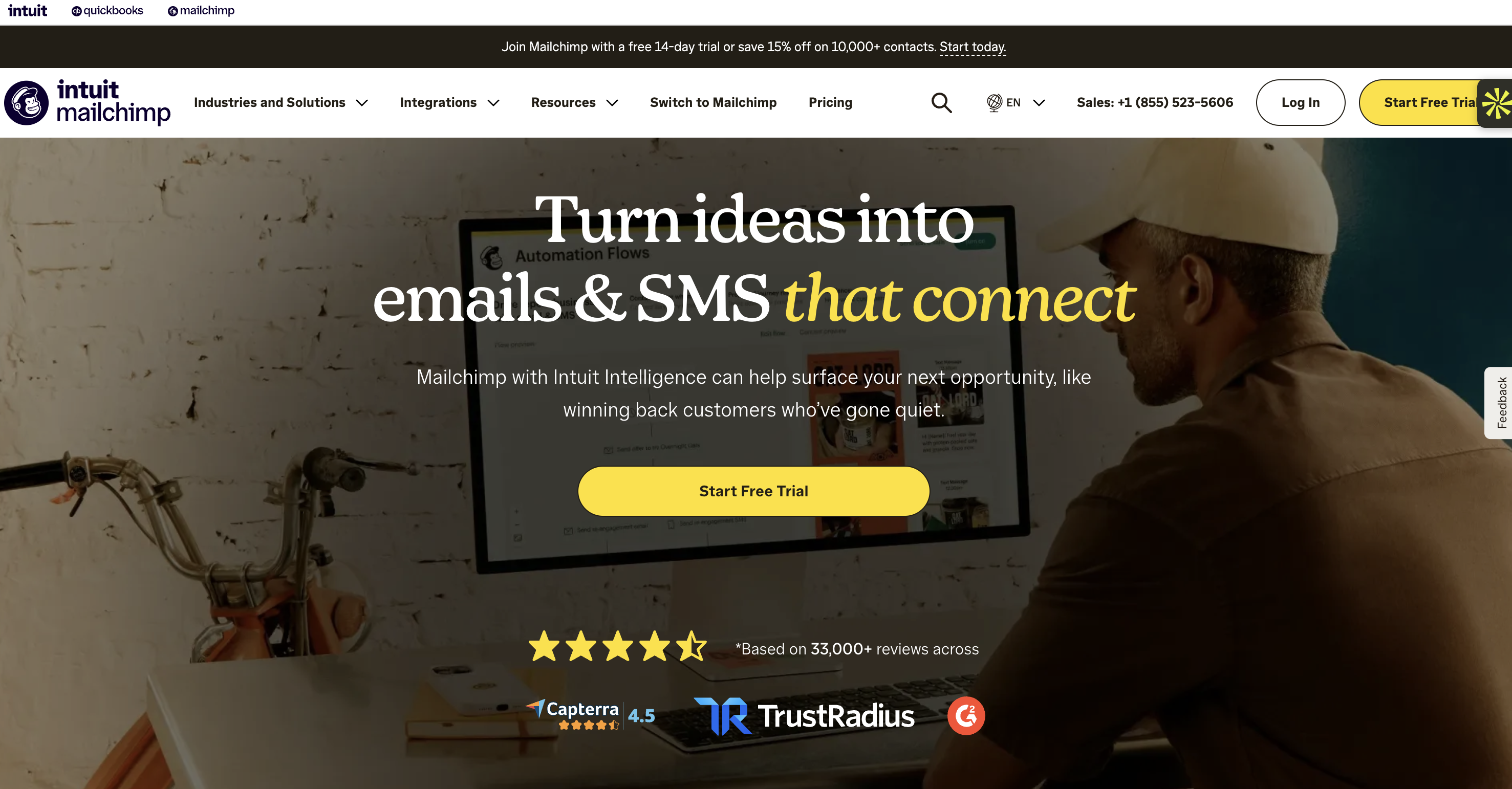
Social media can help people discover your business, but you don't control who sees every post. Email gives you another way to communicate with people who have chosen to hear from you.
Mailchimp helps businesses create email campaigns, manage subscriber lists, and automate messages based on customer behavior.
Its AI features can also help you create marketing content and build campaigns more efficiently.
Here's where it can be useful:
Welcome emails: Automatically send a message when someone joins your mailing list.
Promotional campaigns: Announce a new product, discount, or seasonal offer.
Audience segmentation: Organize subscribers based on their interests or interactions.
Automated customer journeys: Send different messages depending on what someone does.
Campaign reporting: Track metrics such as opens, clicks, and conversions.
Let's say you run an online store. A visitor subscribes to receive a discount but doesn't place an order immediately. You can use Mailchimp to send a welcome email, follow up with product recommendations, and later share a promotional offer.
That way, your communication doesn't stop after someone leaves your website.
One thing to keep in mind: Email marketing depends heavily on the quality of your contact list and the relevance of your messages. Sending more emails doesn't necessarily mean generating more sales.
Pricing: Mailchimp offers a free plan for up to 250 contacts. Paid plans start at $13/month for Essentials and $20/month for Standard, based on the entry-level contact limit. Pricing increases as your audience grows, and may vary depending on your billing currency.
6. Canva: Create marketing visuals without starting from scratch

A good marketing message needs a visual presentation that catches people's attention. But creating professional-looking graphics for every campaign can take a lot of time, especially if you don't have a designer on your team.
Canva makes this process easier with ready-made templates, editing tools, and AI-powered features.
Its Magic Studio tools can help you generate images, write text, adapt designs, and create visual content for different formats.
What can you create?
Social media posts and carousel graphics.
Promotional banners and advertising visuals.
Presentations and infographics.
Posters, flyers, and marketing documents.
Visual variations for different platforms.
For example, imagine you're preparing a campaign for a new product. You can start with a template, use AI to generate a visual concept, adjust the text, and resize the design for Instagram, Facebook, or LinkedIn.
You don't need to create every format separately.
However, generating visuals quickly doesn't always mean creating good design. Learn how to recognize and avoid AI slop design when creating content for your brand.
One thing to keep in mind: AI-generated designs may still need editing. Check that the text is accurate, the layout is readable, and the visuals match your brand before publishing.
Pricing: Canva offers a free plan. Canva Pro costs $18/month or $144/year ($12/month when billed annually) for one person in the US. Prices may vary by country.
7. Flick: Plan social media content more efficiently
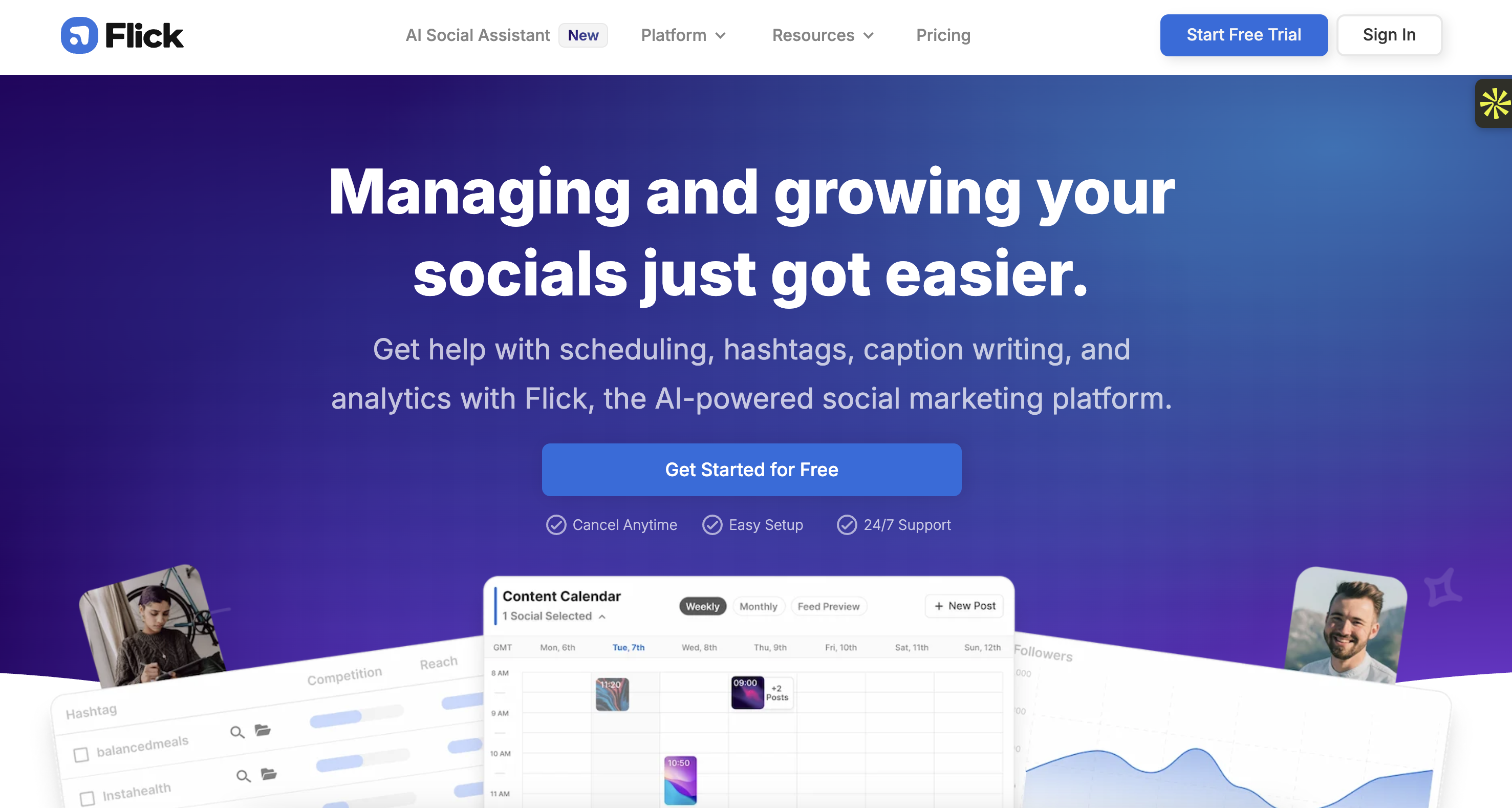
Managing social media means doing more than publishing a post every now and then. You need to find content ideas, maintain a consistent schedule, and adapt your message to each platform.
Flick focuses on social media planning and content creation. Its AI assistant, Iris, can help you brainstorm ideas, write captions, and repurpose existing content.
A useful feature is content repurposing.
Repurposing means taking something you've already created and adapting it into a different format.
For example, if you've published a blog post about email marketing, you could use Flick to develop several social media post ideas based on its main points. You can then refine the captions and prepare them for your content calendar.
Flick can help you:
Brainstorm social media content ideas.
Write and refine captions.
Organize posts in a content calendar.
Repurpose longer content into shorter social posts.
Plan and schedule content.
This is particularly useful if you manage your own social media accounts or create content for several clients.
One thing to keep in mind: Flick is focused on social media content. It won't replace a full SEO platform, CRM, or advertising analytics solution.
Pricing: Flick offers three plans: Solo (£14/month), Pro (£30/month), and Agency (£68/month), with a 20% discount available when billed annually. A 7-day free trial is also available.
8. Hootsuite: Manage several social media accounts in one place
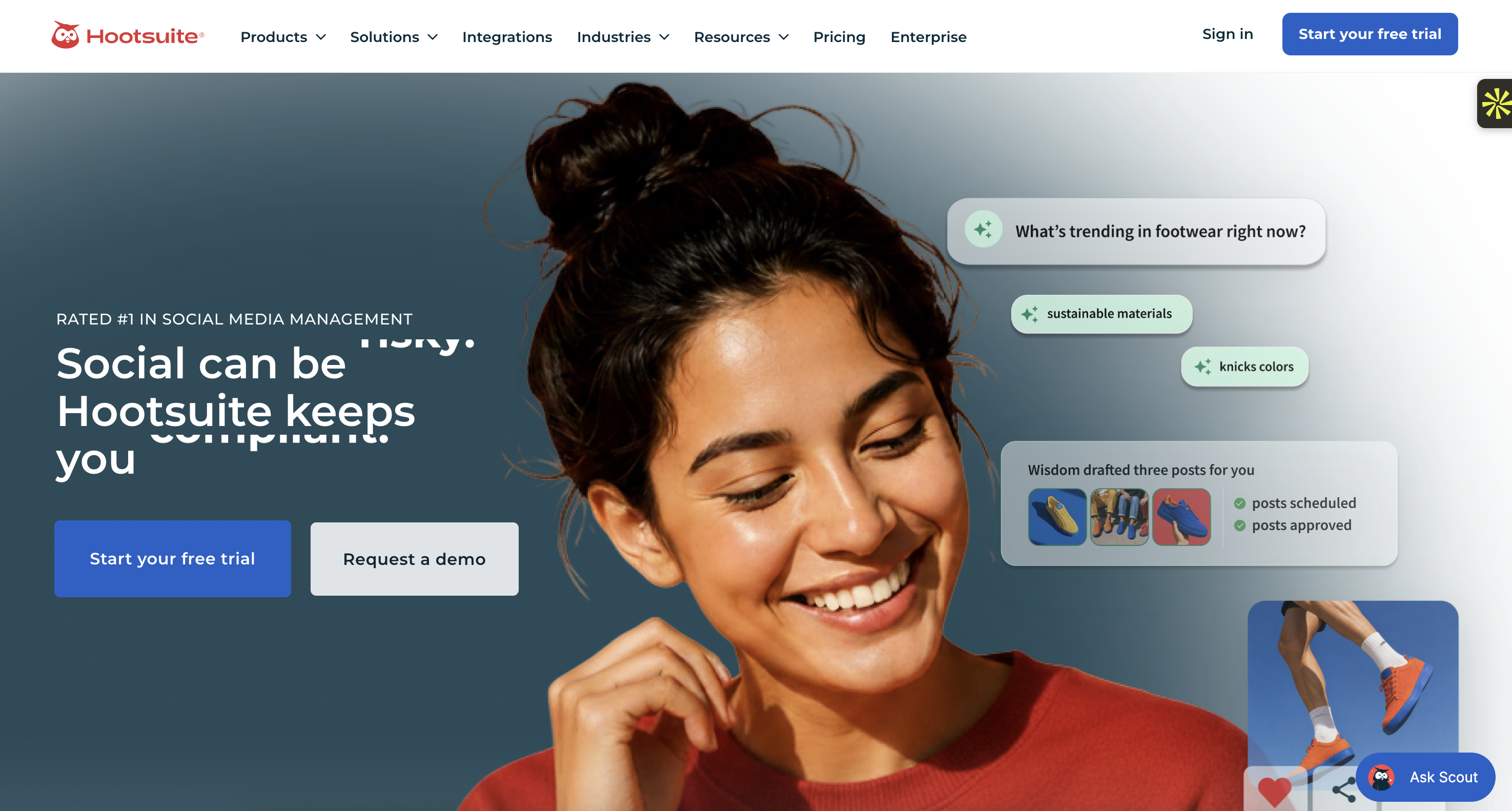
If you're managing multiple social media accounts, switching between platforms to publish posts, check comments, and monitor performance can become time-consuming.
Hootsuite brings several social media management tasks into one platform.
Its AI features, including OwlyWriter AI, can help generate post ideas and captions. You can also schedule content, monitor activity, and review social media performance.
For example, imagine you manage the social media accounts of a small restaurant.
You could prepare a week's worth of posts, schedule them across different platforms, and use the analytics to understand which content receives the most engagement.
Hootsuite can help you:
Schedule posts across multiple social networks.
Draft captions and content ideas with AI.
Monitor conversations and mentions.
Track engagement and account performance.
Manage social media activities with a team.
One thing to keep in mind: Hootsuite is more useful when you actively manage several accounts or need reporting and collaboration features. If you only publish a few posts per week, a simpler tool may be enough.
Pricing: Hootsuite offers three paid plans: Standard ($99/month), Professional ($199/month), and Advanced ($399/month), all billed annually per user. Enterprise pricing is available upon request. Prices exclude applicable taxes.
9. AdCreative.ai: Generate advertising visuals and copy faster
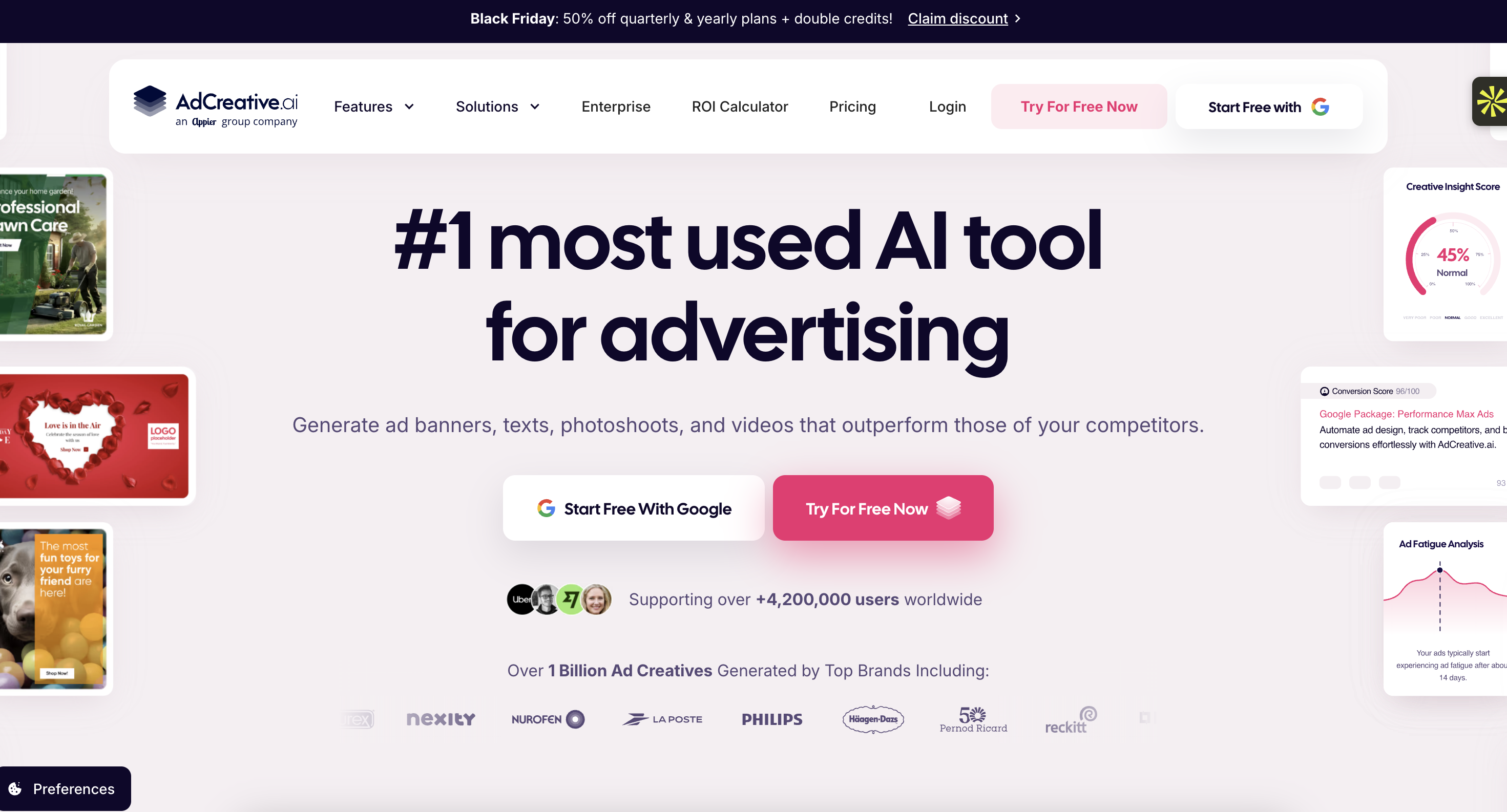
Creating paid ads often involves testing several versions of the same idea. You might need different images, headlines, descriptions, and calls to action to find the combination that works best.
AdCreative.ai helps generate advertising creatives (the visual and text elements used in an ad) with AI.
You can provide information about your brand, select the type of advertising material you need, and generate different creative variations.
How could you use it?
Imagine you're promoting a new product on Meta Ads. Instead of designing every variation manually, you can use AdCreative.ai to generate several concepts with different visuals and copy.
You can then review them, edit the strongest versions, and test them in your campaigns.
The platform is designed to help with:
Generating advertising images and layouts.
Creating headlines and ad copy.
Producing multiple creative variations.
Adapting creatives to different advertising formats.
Organizing creative production for campaigns.
One thing to keep in mind: A score or prediction generated by an AI tool doesn't guarantee that an ad will convert. Real campaign results depend on your audience, offer, targeting, landing page, and budget. Always test the creatives with actual campaign data.
Pricing: AdCreative.ai offers three main plans: Starter ($39/month), Professional ($249/month), and Ultimate ($999/month). The plans are designed for different business sizes, from small businesses to agencies, with different monthly credit allowances.
10. Synthesia: Create marketing videos without filming
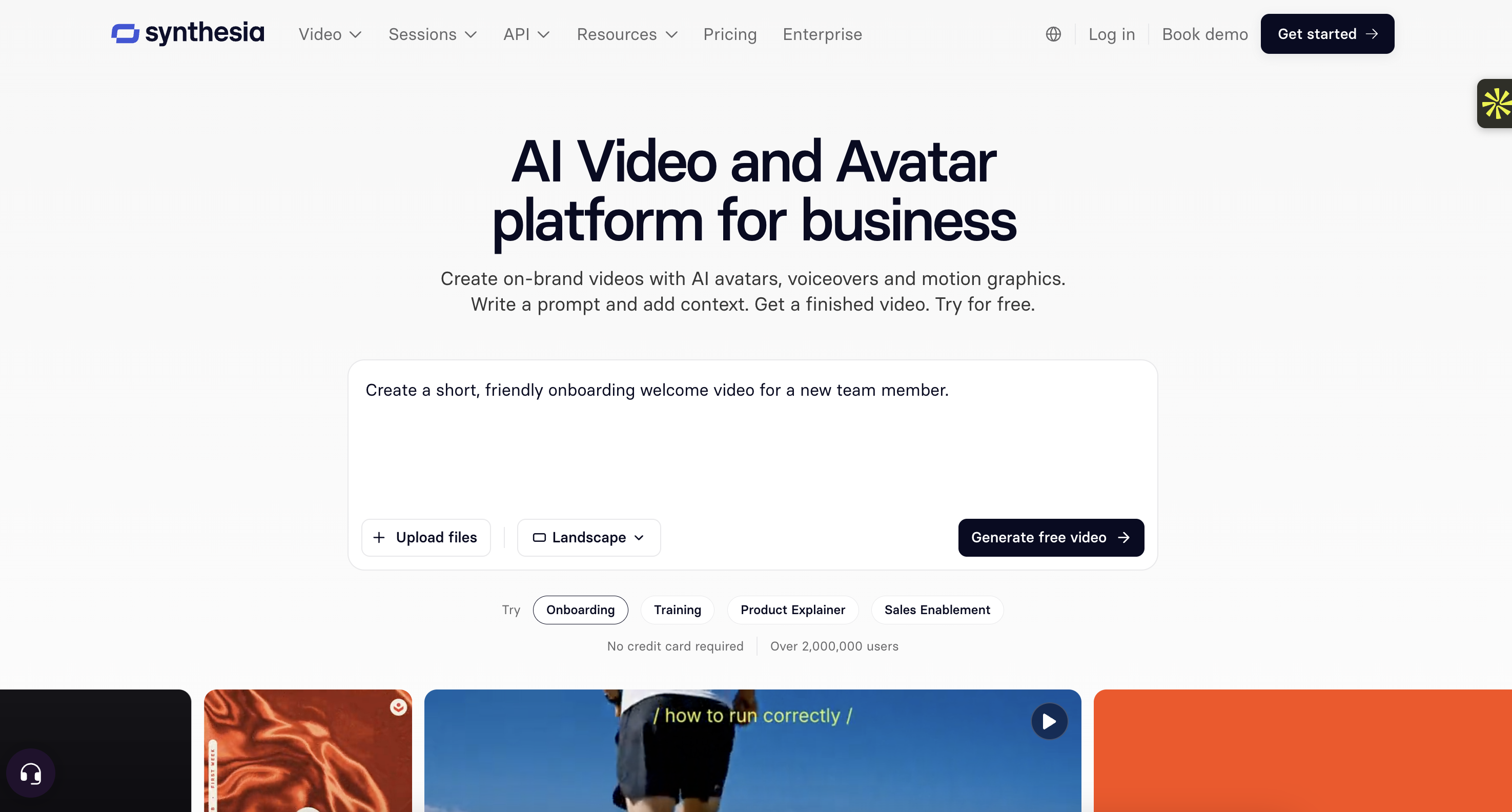
Video is useful for explaining a product, introducing a service, or presenting an idea. But recording and editing videos can require equipment, time, and people who are comfortable in front of a camera.
Synthesia lets you create videos using AI avatars (digital presenters that appear on screen and deliver a script).
You provide the text, choose an avatar and a visual layout, and generate a video without having to film yourself.
Where can marketers use it?
Product explanations and demonstrations.
Short educational videos.
Customer onboarding content.
Internal training materials.
Localized videos for different markets.
For example, if your business sells software, you could create a short video explaining how a specific feature works. You can then adapt the script into different languages to reach customers in other markets.
One thing to keep in mind: AI avatars may not feel as natural as a real presenter in every situation. For emotional storytelling, customer testimonials, or personal brand content, filming a real person may still be more effective.
Pricing: Synthesia offers a free Basic plan with limited video creation. Its Starter plan costs $29/month with monthly billing, or $18/month when billed annually ($216 per year).
11. Descript: Edit marketing videos and podcasts by editing text
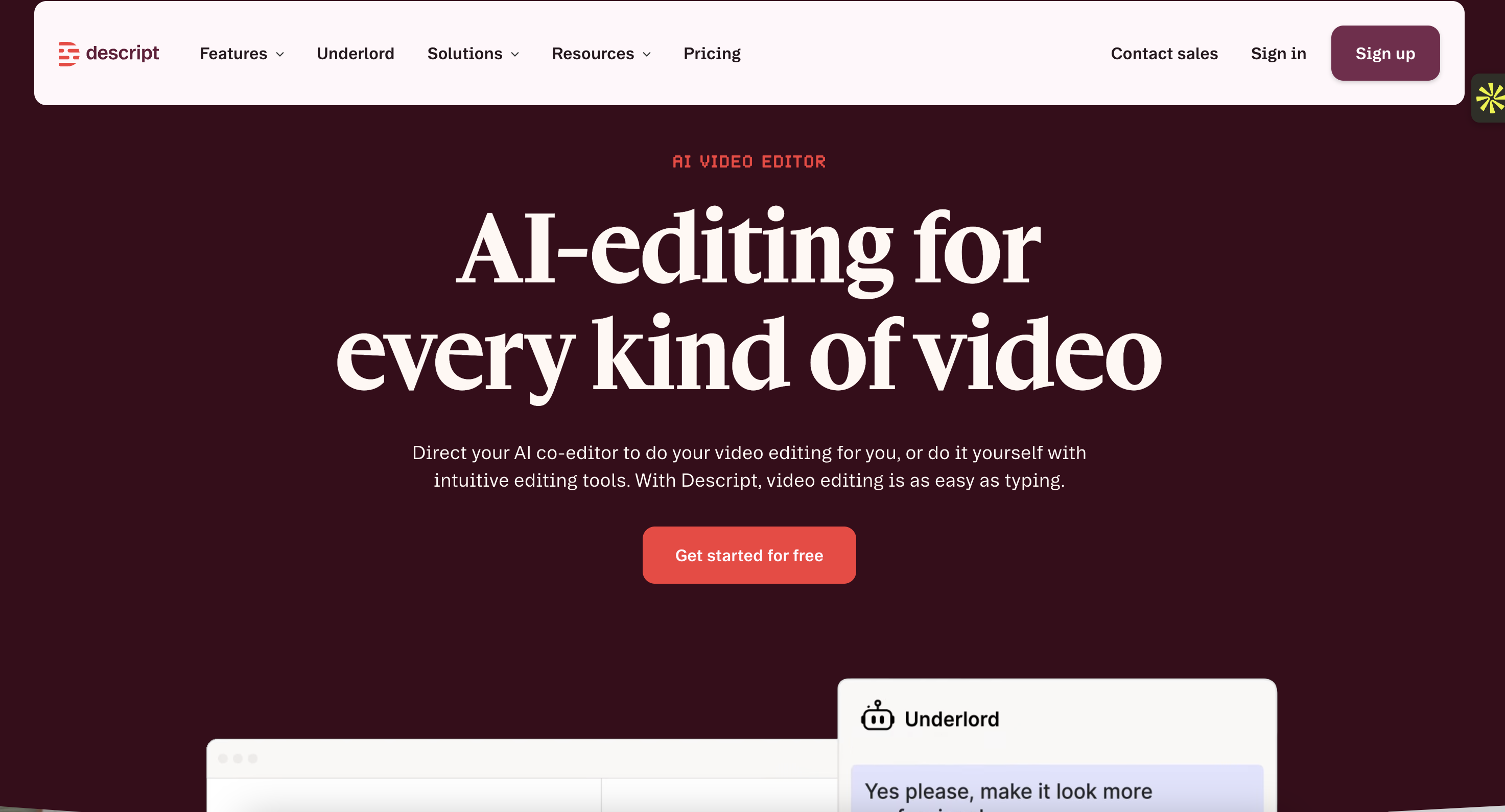
Editing a video can be frustrating when you need to find a specific sentence, remove mistakes, or cut several sections from a long recording.
Descript takes a different approach: it transcribes your recording and lets you edit the video or audio by editing the transcript.
In simple terms, if you delete a sentence from the transcript, Descript can remove the corresponding section from the recording.
Its AI features can also help remove filler words, improve audio quality, and create shorter clips.
For marketers, this can be useful when:
Turning webinars into shorter videos.
Editing podcast episodes.
Creating clips from interviews.
Removing mistakes and unnecessary pauses.
Preparing video content for social media.
For example, you could record a 30-minute interview with a customer and use Descript to remove pauses, clean up the audio, and create shorter sections for LinkedIn or YouTube.
One thing to keep in mind: Descript helps with editing, but you still need to review the final video. Automatic cuts can sometimes remove context or make a conversation feel unnatural.
Pricing: Descript offers a free plan. Its Hobbyist plan costs $24/month with monthly billing, or $16/month when billed annually ($192 per year).
12. Klap: Turn long videos into short social media clips
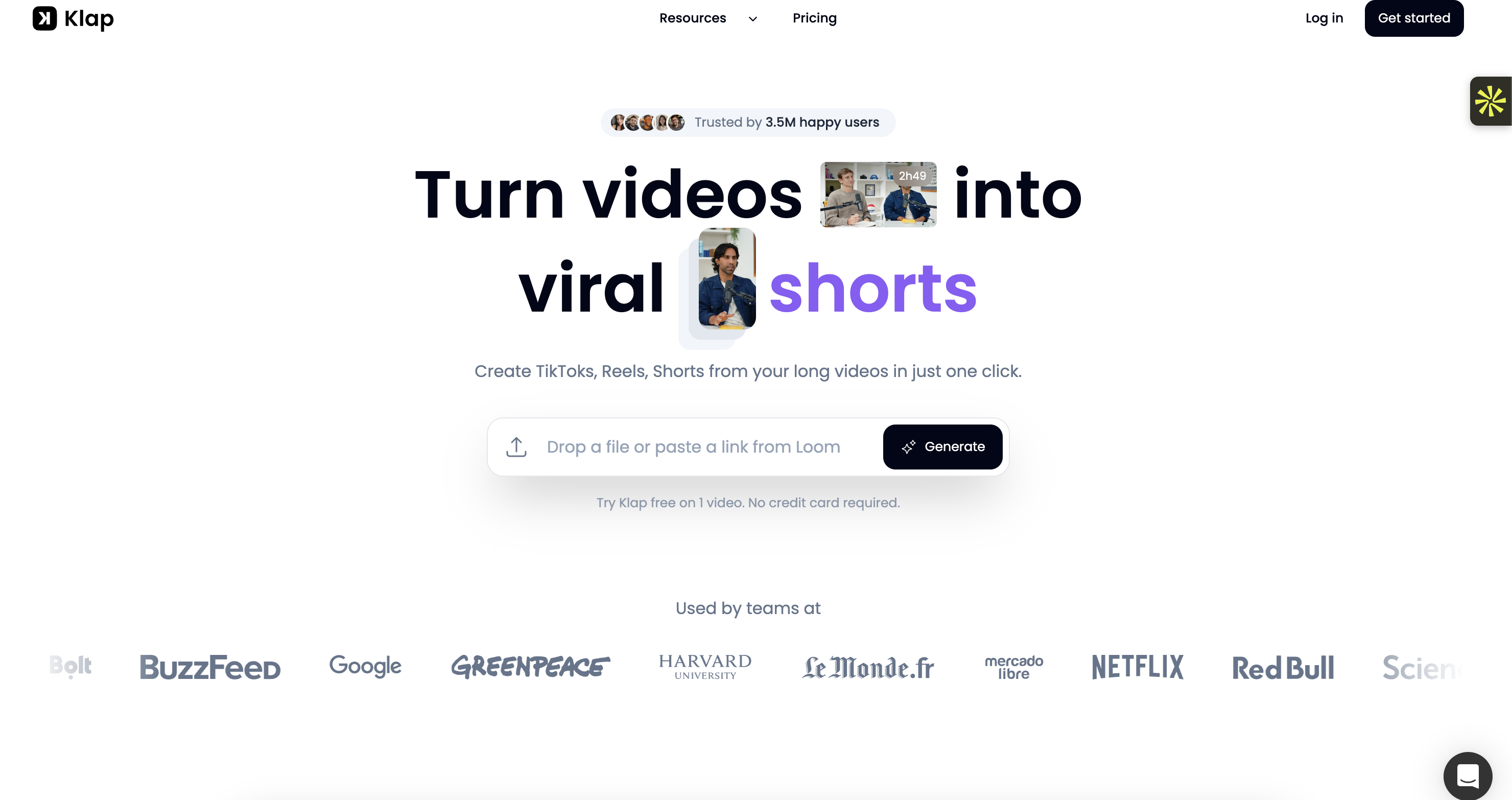
You don't always need to create new videos to stay active on social media. If you already publish webinars, podcasts, interviews, or YouTube videos, you may have plenty of content that can be reused.
Klap uses AI to identify interesting moments in longer videos and turn them into shorter vertical clips.
It can also add animated subtitles, reframe the video around the speaker, and prepare clips for platforms such as TikTok, Instagram Reels, and YouTube Shorts.
Here's a practical example.
Imagine you've recorded a 45-minute podcast about entrepreneurship. Instead of watching the entire recording again to find short sections, you can upload it to Klap and let the tool suggest moments that could work as standalone clips.
You can then review the suggestions, edit the captions, and select the clips worth publishing.
One thing to keep in mind: A tool may identify a moment as potentially engaging, but that doesn't mean it will go viral. Review each clip to make sure it makes sense without the full conversation.
Pricing: Klap offers a free trial on one video, with no credit card required. Its Basic plan costs $29/month with monthly billing, or $14.50/month when billed annually ($174 per year).
13. Photoroom: Create professional product images with AI
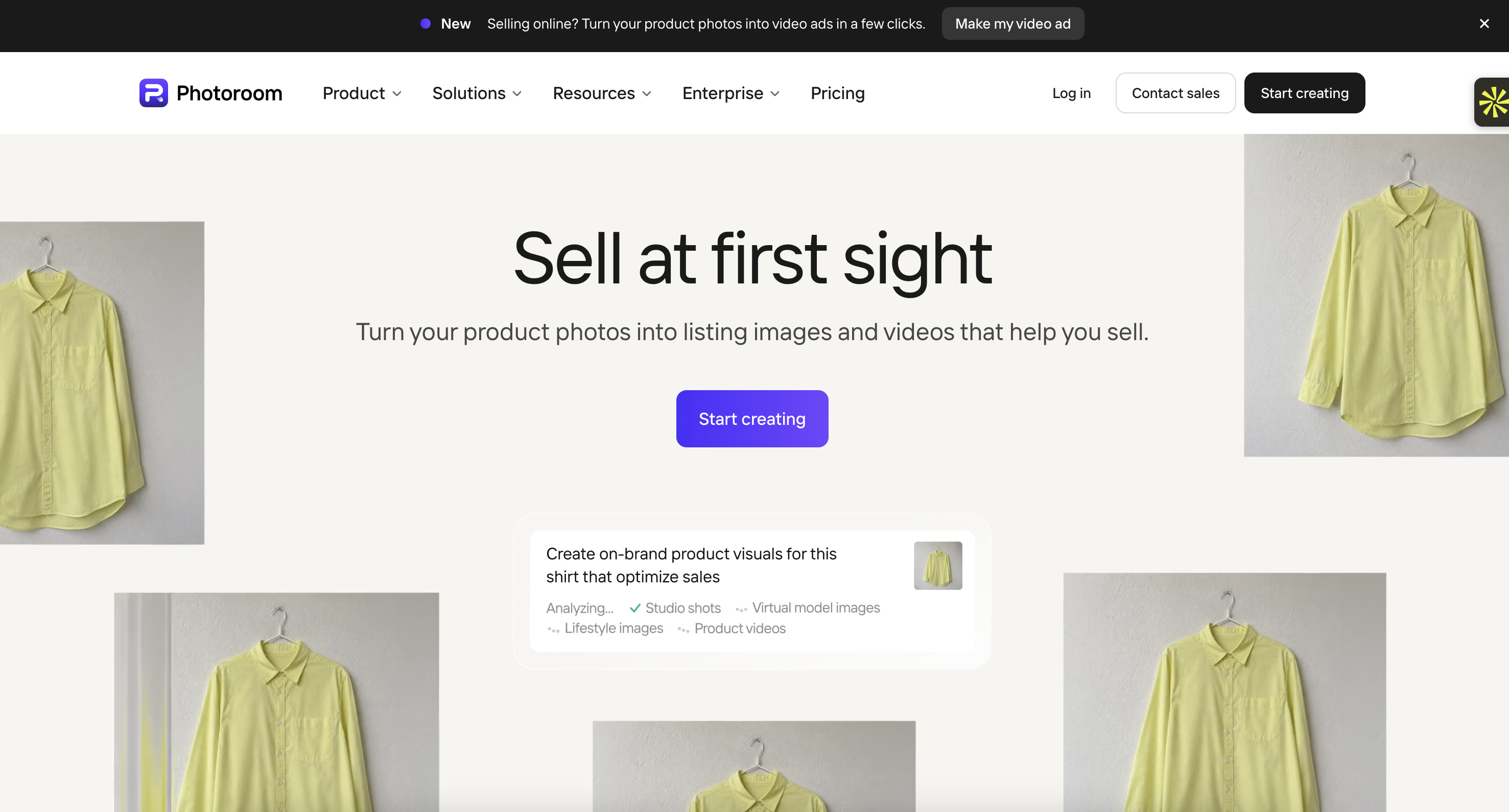
Product images can make a real difference in e-commerce. If a photo has a distracting background, poor lighting, or an inconsistent style, it may not present your product in the best way.
Photoroom is an AI-powered image editing tool designed to help create cleaner product visuals.
You can remove backgrounds, generate new scenes, retouch images, and prepare product photos for online stores and advertising campaigns.
For example, imagine you sell handmade candles.
You could take a simple photo of a candle, remove the original background, and generate a more polished setting that fits your brand's visual identity.
Photoroom can help you:
Remove or replace image backgrounds.
Create AI-generated product scenes.
Improve and retouch product photos.
Prepare consistent visuals for product listings.
Create images for advertising and social media.
One thing to keep in mind: Be careful when generating product scenes. AI should not change the actual appearance of the item you're selling. Customers need to see an accurate representation of the product.
Pricing: Photoroom offers a free plan. Its Pro plan starts at $7.50/month when billed annually ($90 per year), including 8,000 AI credits and 1,000 monthly exports.
14. Zapier: Connect your marketing tools and automate repetitive tasks
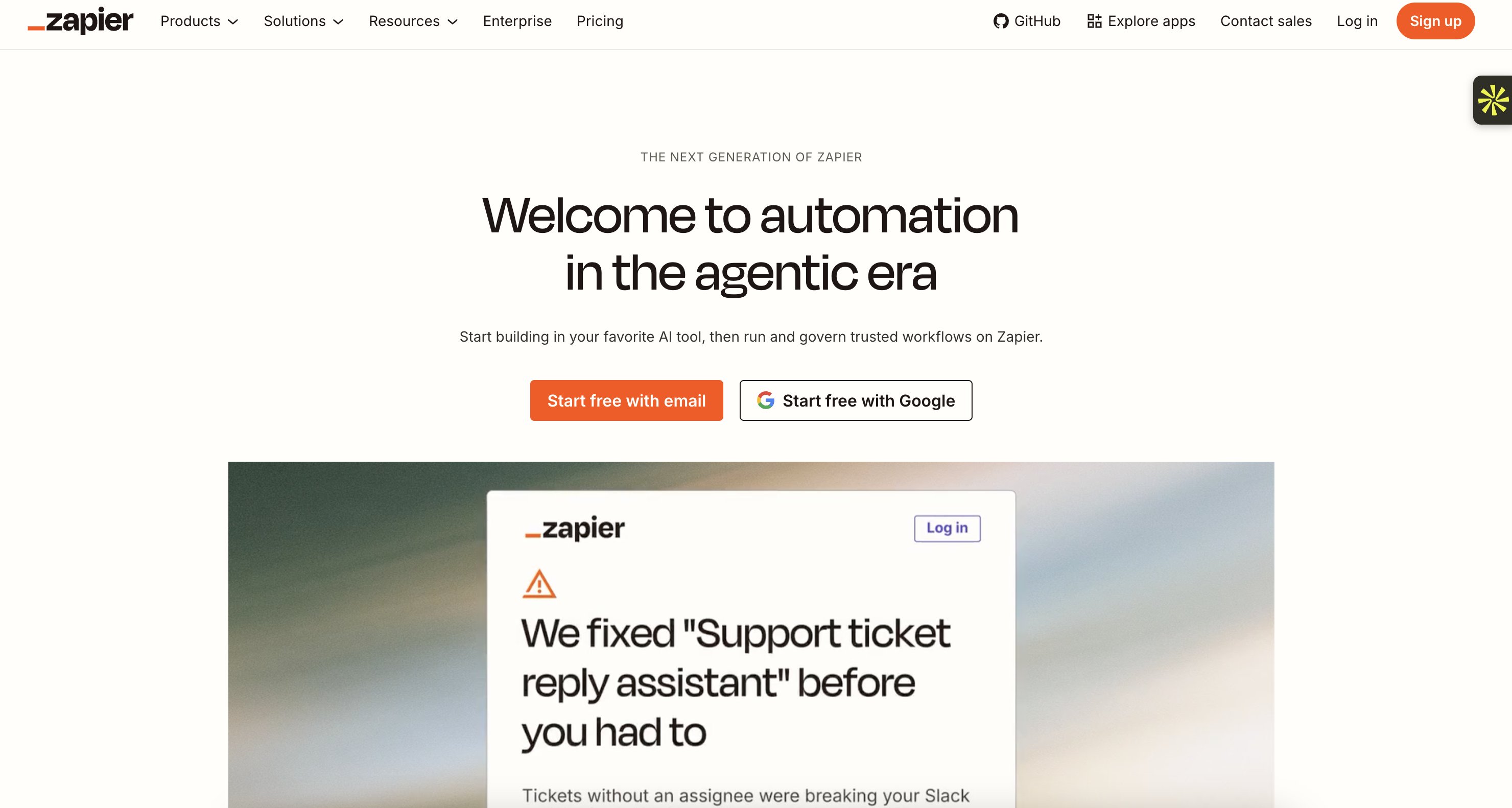
Marketing teams often use several platforms at once: a website builder, email software, a CRM, spreadsheets, and social media tools.
The problem is that information doesn't always move automatically between them.
Zapier connects different applications and lets you create automated workflows without having to write code.
A workflow is simply a sequence of actions triggered by an event.
Here's an example.
Someone fills out a contact form on your website. You want their information to be added to your CRM and your sales team to receive a notification.
With Zapier, you can connect the relevant applications and automate those steps.
You can use it to:
Send new leads from forms to your CRM.
Add customer information to spreadsheets.
Trigger notifications when someone submits a form.
Connect AI tools to other applications.
Automate repetitive marketing workflows.
Zapier also offers AI-related automation features that can help summarize information, process data, and build more advanced workflows.
One thing to keep in mind: Automation is only as reliable as the workflow you create. Test each step carefully, especially when handling customer information or sending messages automatically.
Pricing: Zapier offers a free plan with 100 tasks per month. Its Professional plan starts at $19.99/month when billed annually, with pricing depending on your task usage and automation needs. Team and Enterprise plans are also available.
15. Julius AI: Turn marketing data into useful insights
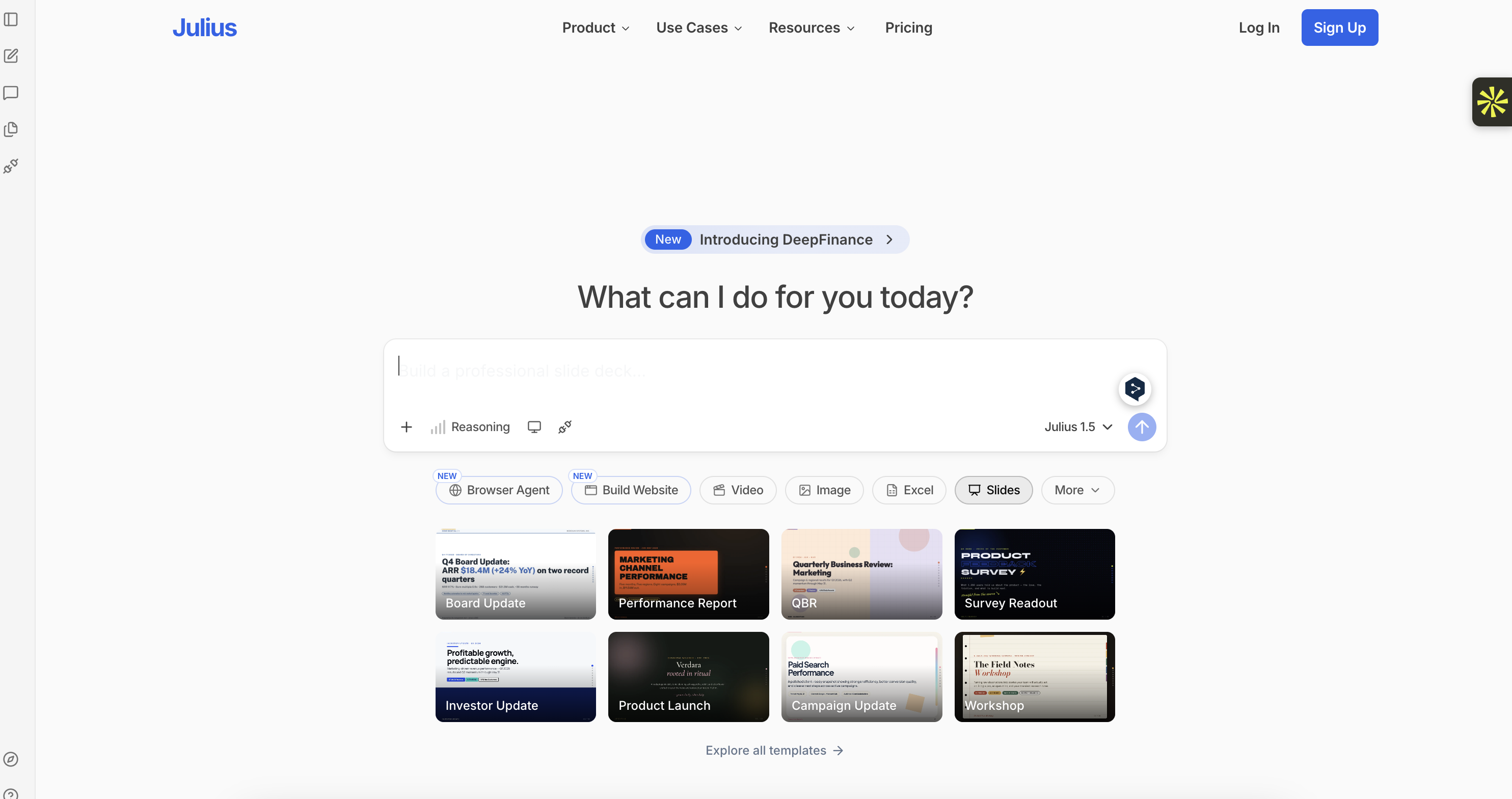
Marketing generates a lot of data: website visits, advertising costs, conversions, customer behavior, and campaign performance.
But collecting numbers isn't the same as understanding what they mean.
Julius AI helps you analyze datasets by asking questions in natural language. You can upload a spreadsheet or connect data, then ask the tool to explore patterns, create charts, and explain findings.
For example, imagine you have a spreadsheet containing three months of advertising results.
You could ask Julius AI to:
Compare the performance of different campaigns.
Identify which channels generate the most conversions.
Visualize changes in your advertising costs.
Find unusual patterns in your data.
Create charts that make results easier to present.
This can be particularly helpful if you work with spreadsheets but don't have much experience with data analysis.
One thing to keep in mind: Julius AI can help interpret the data you provide, but it cannot automatically know whether your tracking is correct. Check the source data and verify important conclusions before making budget decisions.
Pricing: Julius AI offers a free plan with limited daily credits. Its Plus plan costs $20/month with monthly billing, or $16/month when billed annually ($192 per year).
The 15 best AI marketing tools at a glance
Tool | Best for | Starting price |
Building and growing an SEO-friendly website | From $25/month | |
Marketing ideas, research, and content creation | Free; Plus $20/month | |
SEO research and AI search visibility | From $139/month; $117.33/month billed annually | |
CRM and marketing automation | Free tools; Marketing Hub Starter from $20/month per seat | |
Email campaigns and customer journeys | Free plan; paid plans from $13/month | |
Creating marketing visuals and branded content | Free; Pro from $12/month, billed annually ($144/year) | |
Social media content planning and scheduling | From £11/month, billed annually | |
Managing multiple social media accounts | From $99/month per user, billed annually | |
Creating advertising visuals and copy | From $39/month; promotional offers may vary | |
Creating videos with AI avatars | Free; Starter from $18/month, billed annually | |
Editing videos and podcasts | Free; Hobbyist from $16/month, billed annually | |
Turning long videos into short clips | Free trial; Basic from $14.50/month, billed annually | |
Editing product photos and creating product visuals | Free; Pro from $7.50/month, billed annually | |
Connecting apps and automating marketing tasks | Free; Professional from $19.99/month, billed annually | |
Analyzing marketing data and generating insights | Free; Plus from $16/month, billed annually |
Prices are indicative starting prices in USD, unless otherwise stated. Flick pricing is shown in GBP. Annual billing, promotional offers, usage limits, contact volumes, and the number of users may affect the final cost. Always check each provider's official pricing page for the latest details.
How to choose the right AI marketing tool for your business
You don't need all 15 tools to build an effective marketing strategy. In fact, subscribing to too many platforms can make your workflow harder to manage.
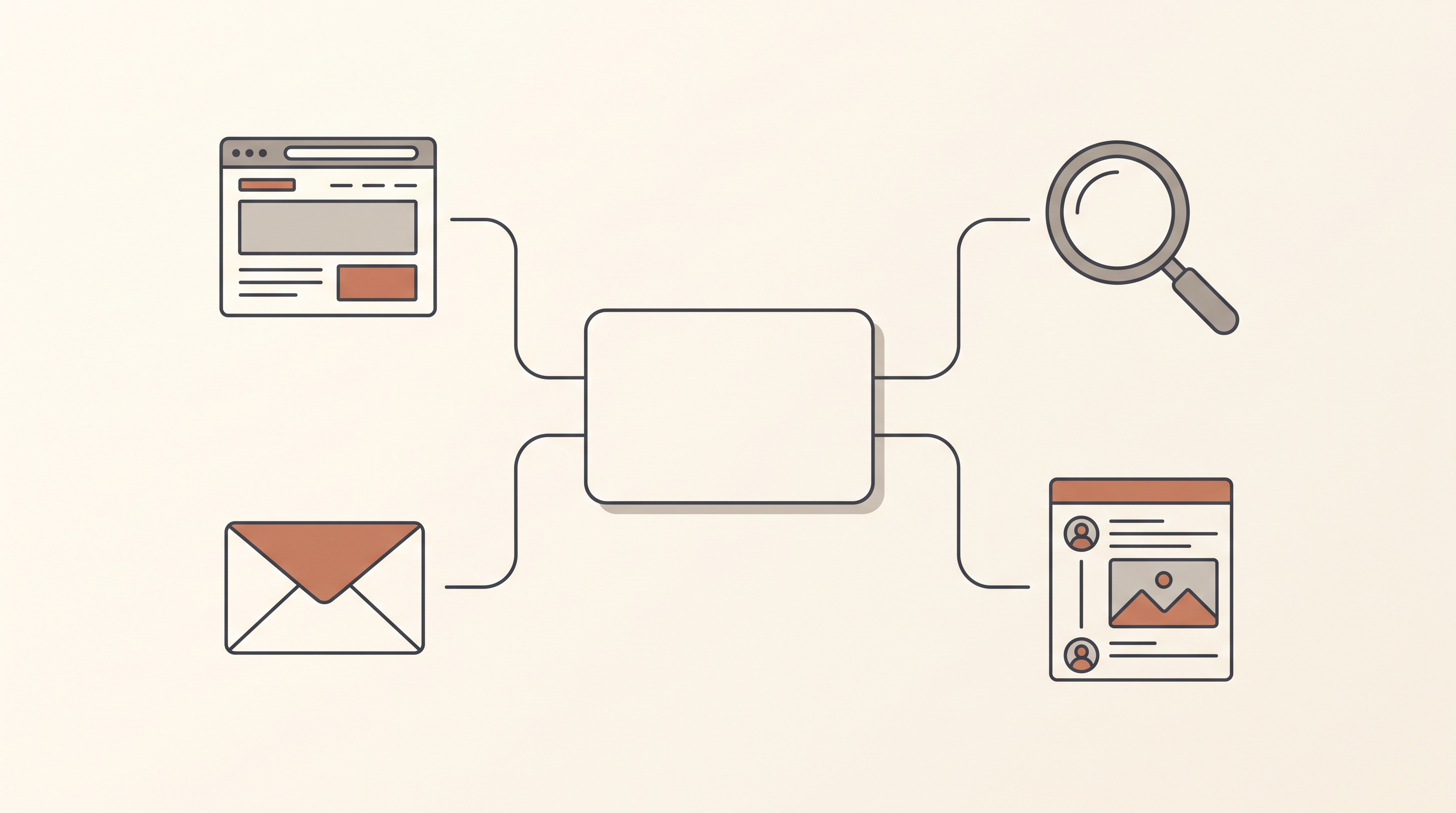
A better approach is to start with the task that takes up the most time or creates the biggest problem for your business.
Here's a simple way to narrow down your options:
Your main marketing goal | Tools worth considering |
Build a website and improve its visibility | Neopress |
Research keywords and competitors | Semrush |
Generate ideas and draft content | ChatGPT |
Manage leads and automate customer journeys | HubSpot |
Send email campaigns | Mailchimp |
Create social media graphics | Canva |
Plan and write social media posts | Flick |
Manage several social accounts | Hootsuite |
Produce advertising creatives | |
Create videos without filming | Synthesia |
Edit podcasts and marketing videos | Descript |
Repurpose long videos into short clips | Klap |
Improve product photography | Photoroom |
Connect apps and automate workflows | Zapier |
Analyze campaign data | Julius AI |
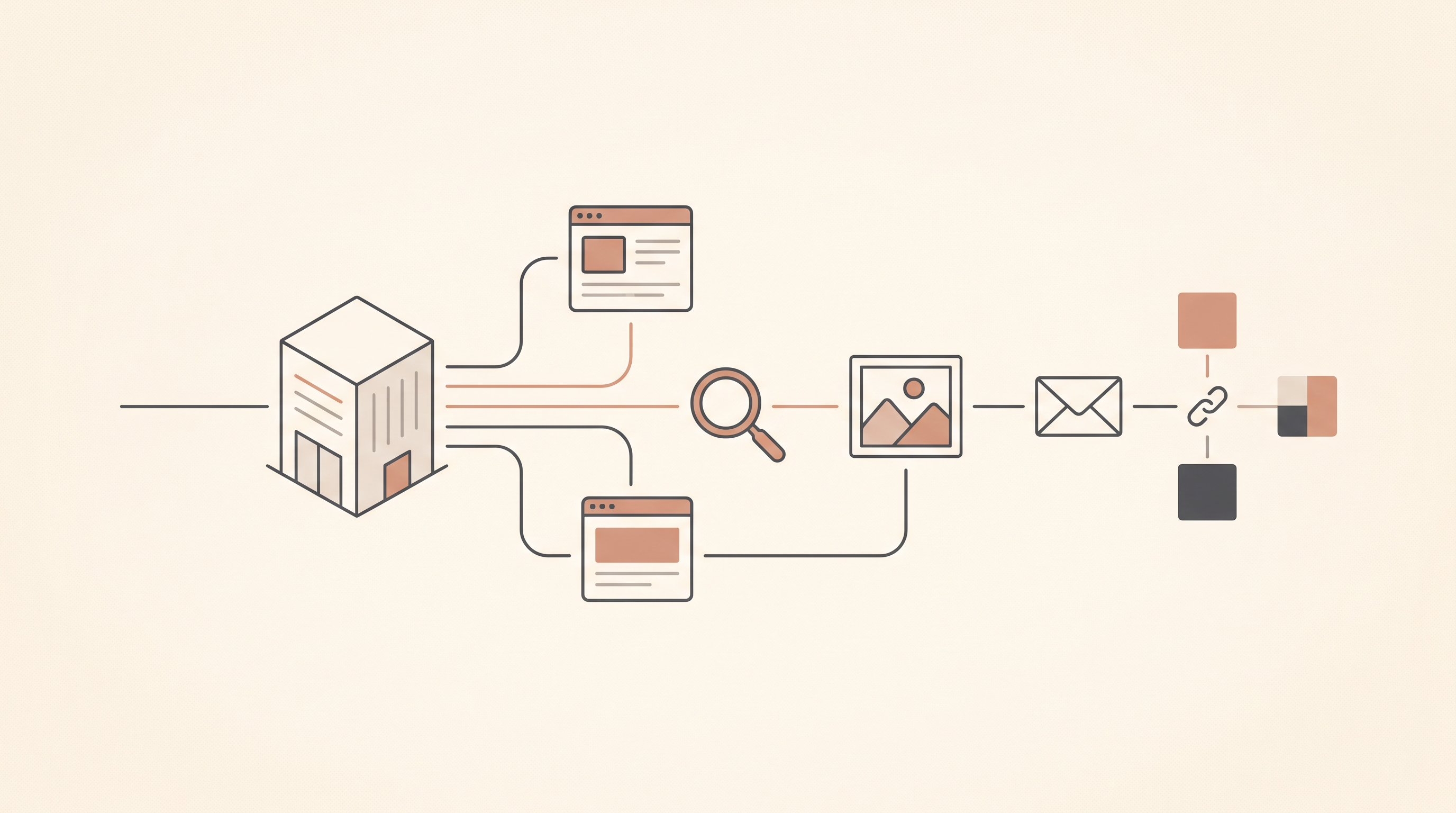
A simple AI marketing stack for a small business
If you're just getting started, you can build a useful setup without paying for every tool.
For example:
Website: Use Neopress to create your website and manage its content.
Research and planning: Use ChatGPT to brainstorm ideas and Semrush to investigate search opportunities.
Visual content: Use Canva to prepare social media graphics.
Customer communication: Use Mailchimp or HubSpot, depending on whether you mainly need email campaigns or a broader CRM.
Automation: Add Zapier when you find repetitive tasks that could be connected.
You can introduce more specialized tools later, once you know what your business actually needs.
Are AI marketing tools worth it?
They can be, but the real value isn't simply producing more content or automating as many tasks as possible.
It's about making better use of your time.
For example, an AI tool that helps you turn one webinar into several useful social media clips may save hours of editing. A keyword research platform can help you avoid spending weeks creating content that nobody searches for. An automation tool can reduce the time spent transferring information between applications.
But none of these tools can replace a clear marketing strategy, a good understanding of your customers, or the judgment needed to decide what should be published.
The best approach is to start small: choose one or two tools that solve a real problem, test them with your existing workflow, and measure whether they actually improve your results.
That's how you build a marketing setup that works for your business, rather than simply collecting AI subscriptions.
FAQ:
What are AI marketing tools?
AI marketing tools are software applications that use artificial intelligence to help businesses with marketing activities. Depending on the platform, they can assist with content creation, SEO research, advertising, social media management, email campaigns, customer data analysis, and workflow automation.
What is the best AI tool for marketing?
There isn't one tool that is best for every marketing task. ChatGPT is useful for brainstorming and content drafts, Semrush is designed for SEO research, HubSpot helps manage customer relationships and marketing automation, and Canva is useful for visual content. The right choice depends on what you want to improve.
Can AI marketing tools replace a marketing team?
No. AI can help automate repetitive tasks and speed up parts of the creative process, but businesses still need people to define their strategy, understand customers, review content, and make decisions based on real results.
Are there free AI marketing tools?
Yes. Several platforms offer free plans or limited free access. Examples include ChatGPT, Canva, HubSpot, Mailchimp, Synthesia, Descript, Zapier, and Julius AI. Keep in mind that free plans often have limits on usage, features, contacts, or exports.
How many AI marketing tools should a business use?
Start with one or two tools that solve your biggest problems. For example, a business focused on organic traffic might begin with an SEO platform and an AI writing assistant. An e-commerce store might get more value from product image editing and email automation. Add more tools only when you have a clear reason to do so.
Newsletter
A sharper growth note, once in a while.
Get practical SEO strategies, SSR guides, and AI search insights delivered directly to your inbox.
We respect your privacy. Unsubscribe at any time.